
Novation SN II Editor and Librarian
$ 49.95
Sale Ends 01 / Apr / 2026
Novation SN II Editor & Librarian is designed to control Novation Nova II or Novation Supernova II hardware synthesizers right from your DAW.
AAX, AudioUnit, VST2, VST3 and Standalone Applications available. Download the DEMO today, read the setup guide and give it a go, it will be worth it!
with Plug-in Format compatible host
All prices exclude VAT/Tax. Global customers are exempt.
For EU customers, VAT will be added at checkout or enter a valid VAT number via FastSpring checkout if you have one. All sales are final.
Novation SN II Editor Intro
Novation SN II Editor & Librarian is designed to control your Novation Nova II / SN II right from your DAW. With our Editor, you can work with your Novation Nova II / Supernova II Rack or Supernova II Keyboard by the same way you use your virtual instrument plug-ins. Our Editor will recall your patch settings when you open your project and the data will be sent to your Nova II / Supernova II automatically once you open your project. Your synthesizer is always synchronized with your session! The only thing you need to worry, is that you power-up your synthesizer.
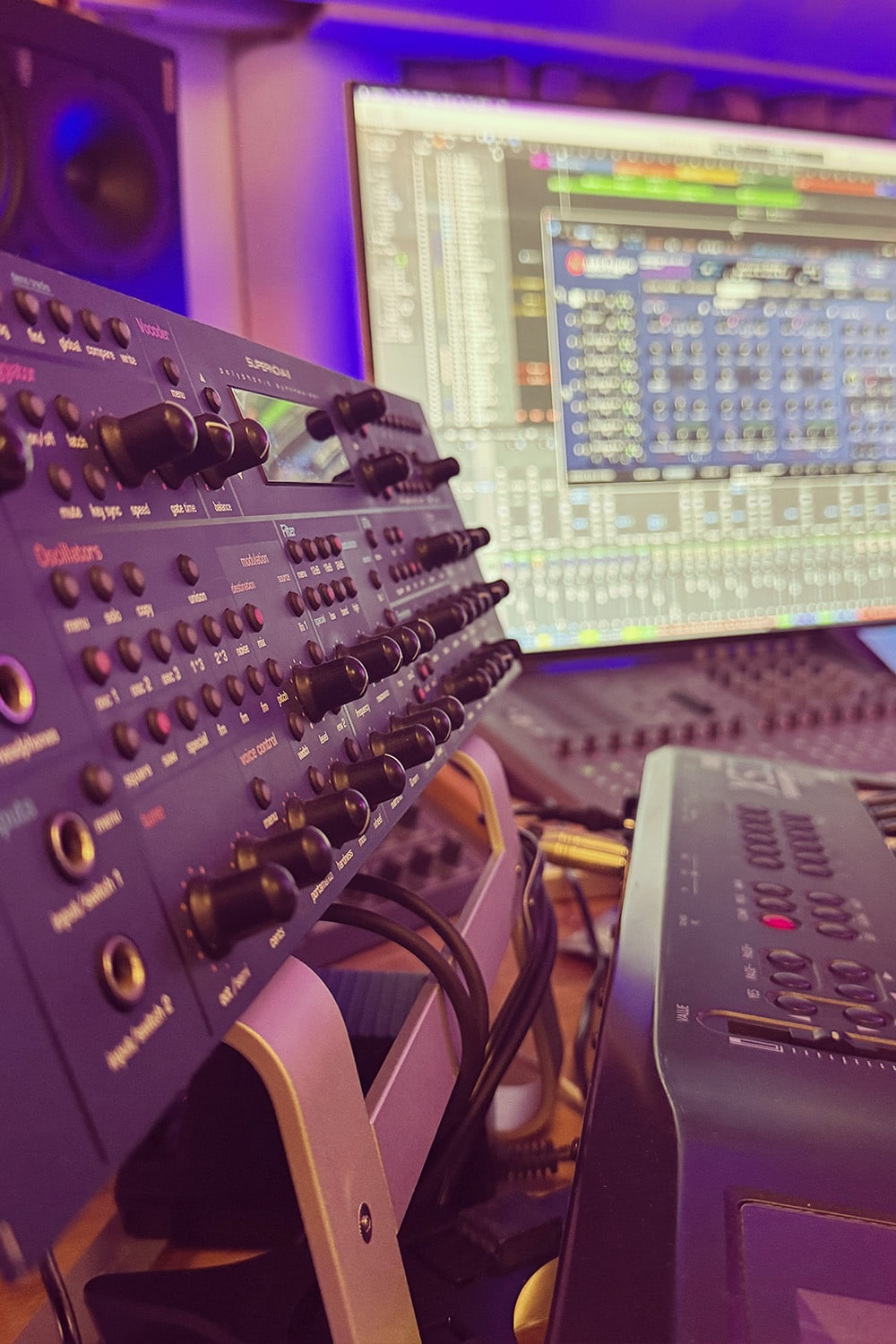
Faster workflow
Novation SN II Editor brings hardware integration to modern Digital Audio Workstation environments. Novation SN II Editor & Librarian plug-in works seamlessly with all Novation Nova II Keyboard / Novation Supernova II synthesizers.
It is now much faster to scroll thru sounds and make tweaks within your DAW. Automate parameters with real hardware control names. The best part is, our Editor saves all the data within the project and when you reopen the project, all of the used data gets sent to your hardware, automatically! No more waiting with loading or transferring hardware data. Save time – welcome Total Recall.
- Control Novation Nova II / Supernova II synthesizer directly from your DAW.
- Automate almost every parameter directly from your DAW.
- No need to remember CC’s for each knobs / per synthesizer. Goodbye sticky notes!
- Load, Edit and Store patches into hardware memory or in your HDD personal library.
- Store any Novation Nova II / Supernova II / Nova / Supernova compatible soundset in your HDD library folder and browse it from our plugin.
- Send banks or individual patches from librarian to hardware.
- Request banks or individual patches from hardware to librarian.
- Total Recall: When you reopen your project, all of the data used in it, will be sent to the hardware, automatically!
Check Specifications tab for more info about the Editor capabilities.
Realistic Bi-directional Graphical User Interface
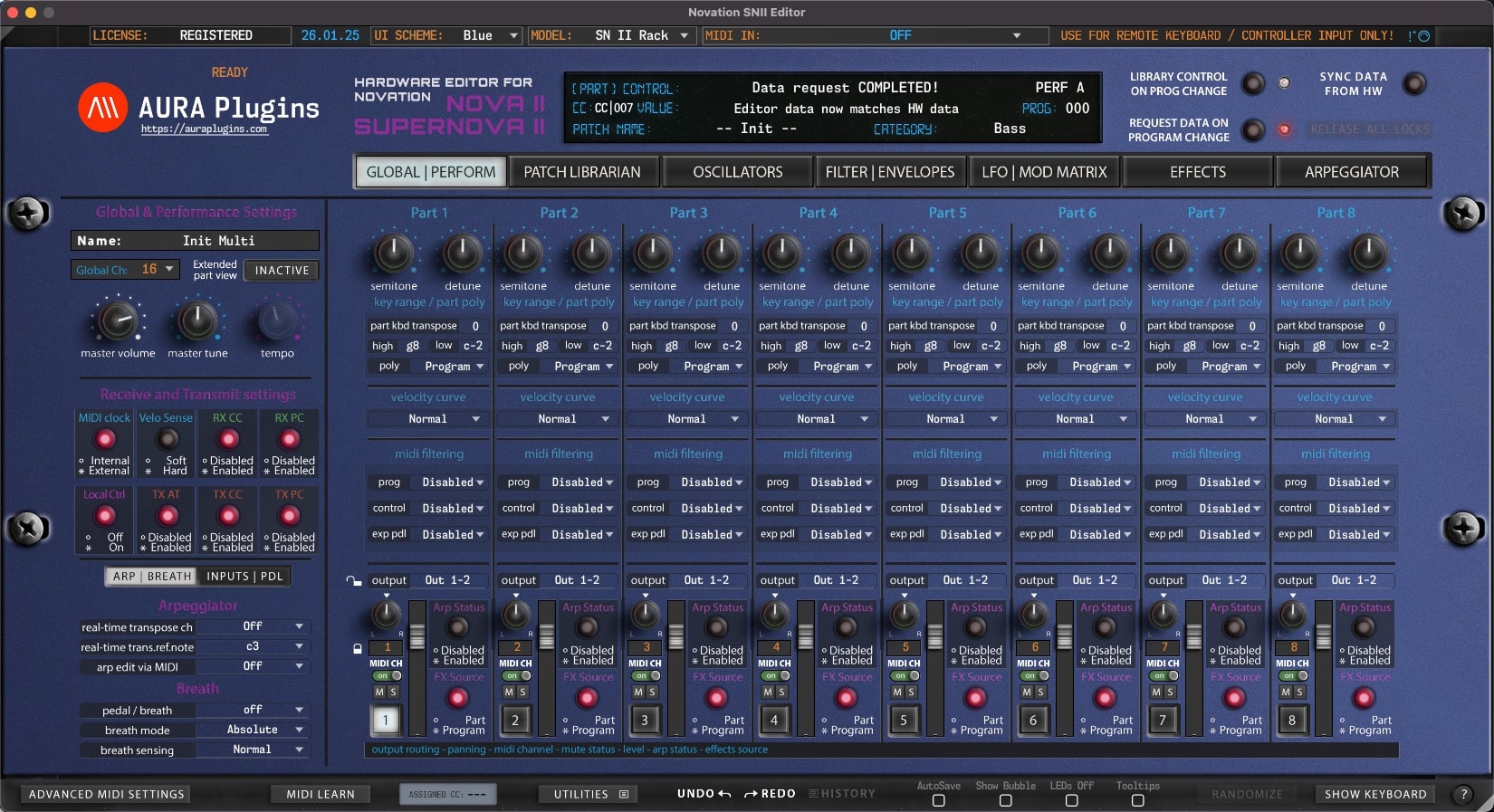
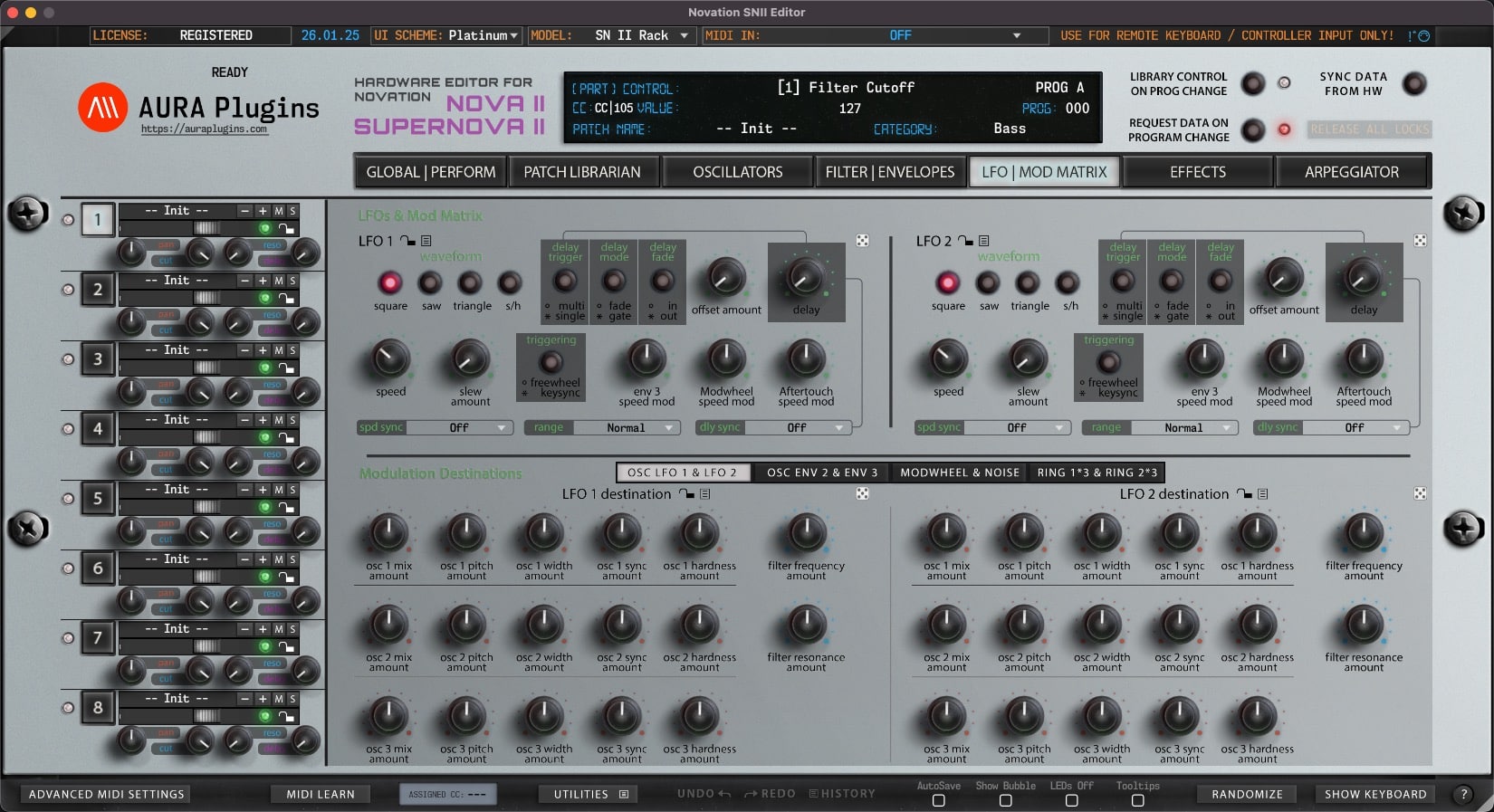
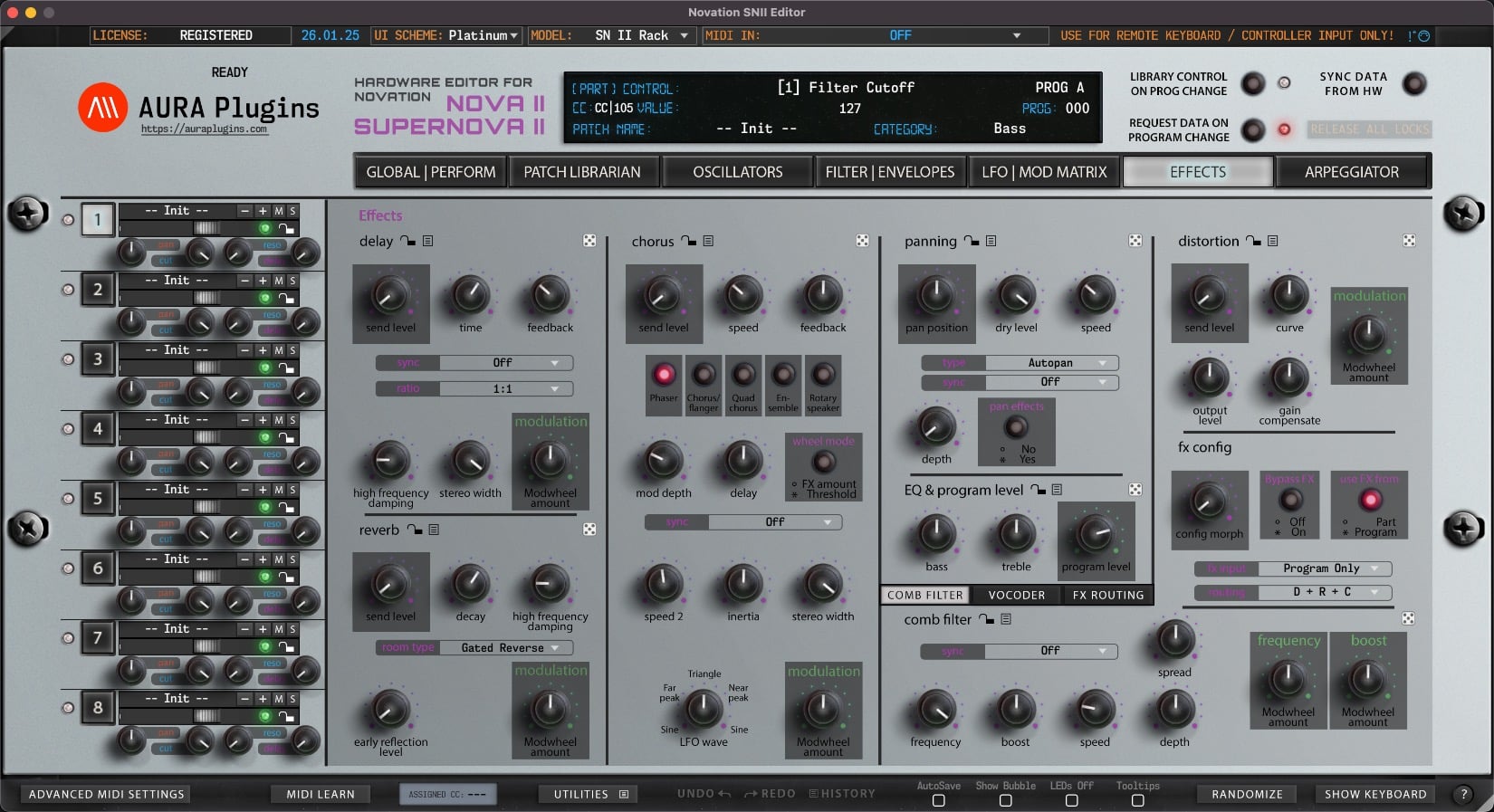
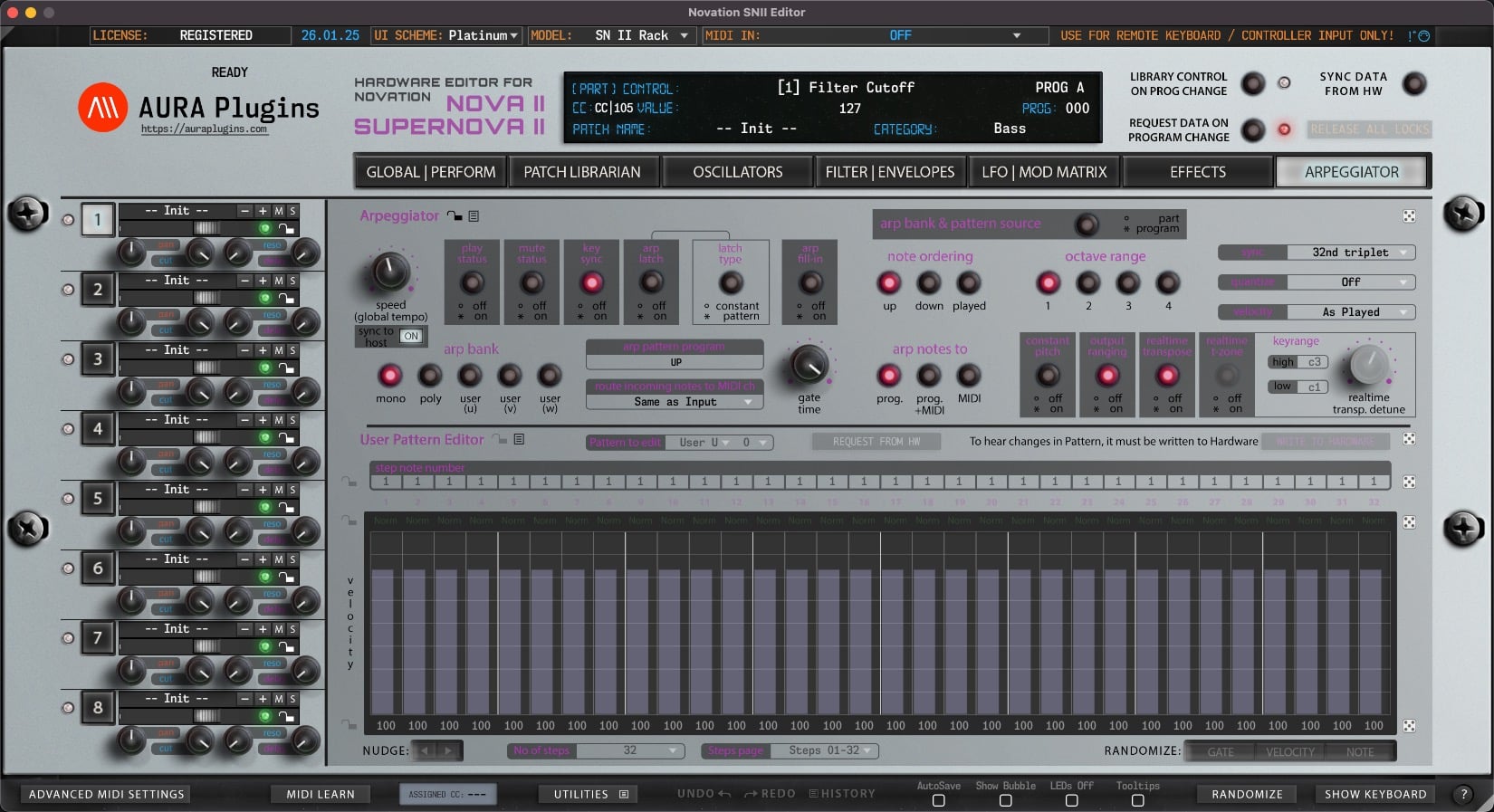
Our graphical user interface design has been made to make everything from sound design to patch editing as smooth as possible. When you move a slider, push a button or twist a knob in your hardware, software will respond at appropriate part.
Use sections locks with Randomizer function to create complex sounds while keeping the best settings untouched.
Save time, as all the edits are stored within the project, so once the project is opened up again, Total Recall will send the data to hardware automatically.
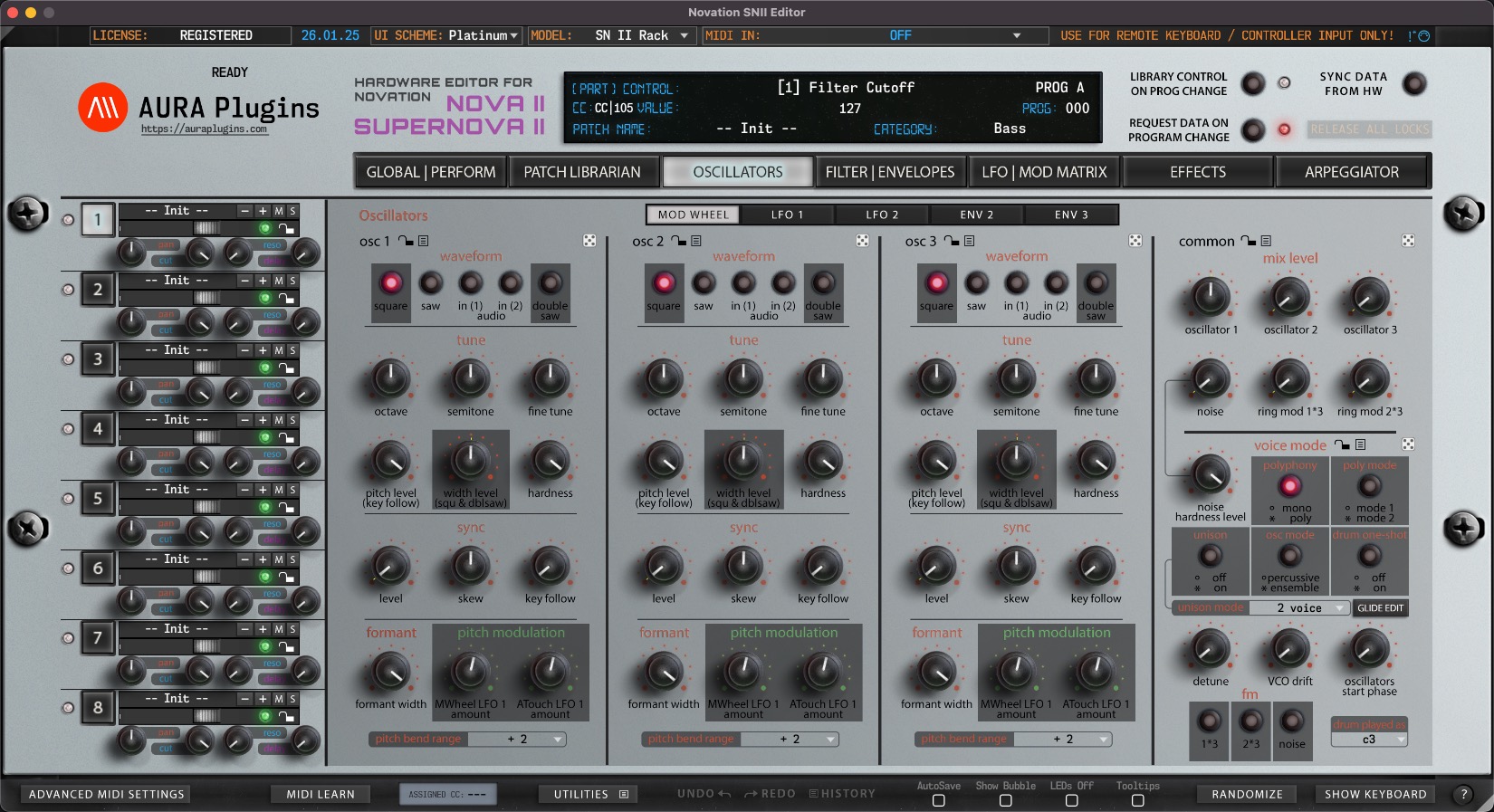
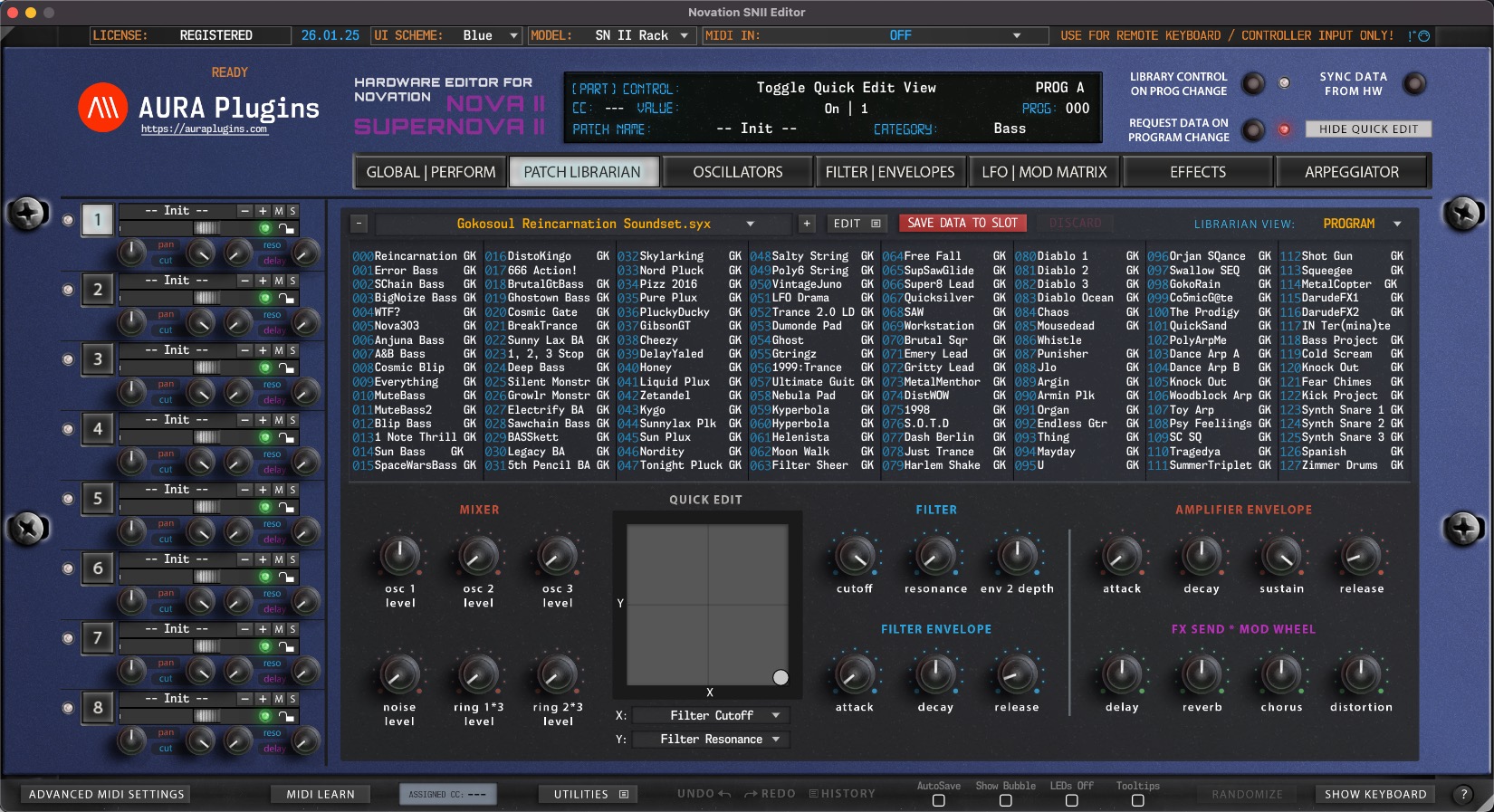
Patch and Performance management
Novation SN II Editor comes with ability to control all 6 / 8 parts from the single plug-in instance. This means, you can have a different patches on different parts and play them at the same time, or individually.
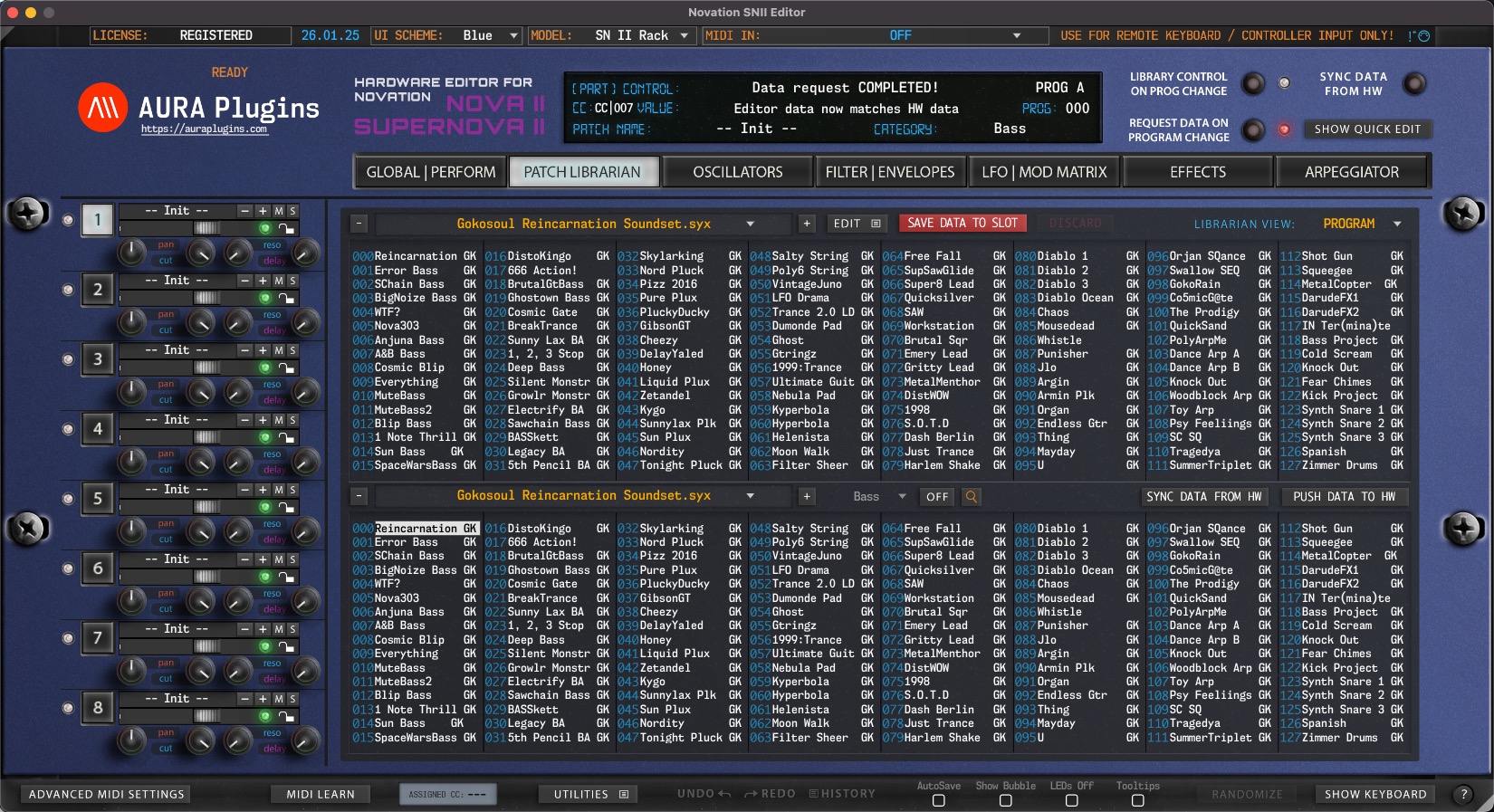
You can send patches from Patch Librarian to your selected Part:
- Click any PART and double click a patch on the librarian to send the patch to the selected part.
- Click different PART to send another patch for different part, simple as that!
Novation SN II Editor and Automation
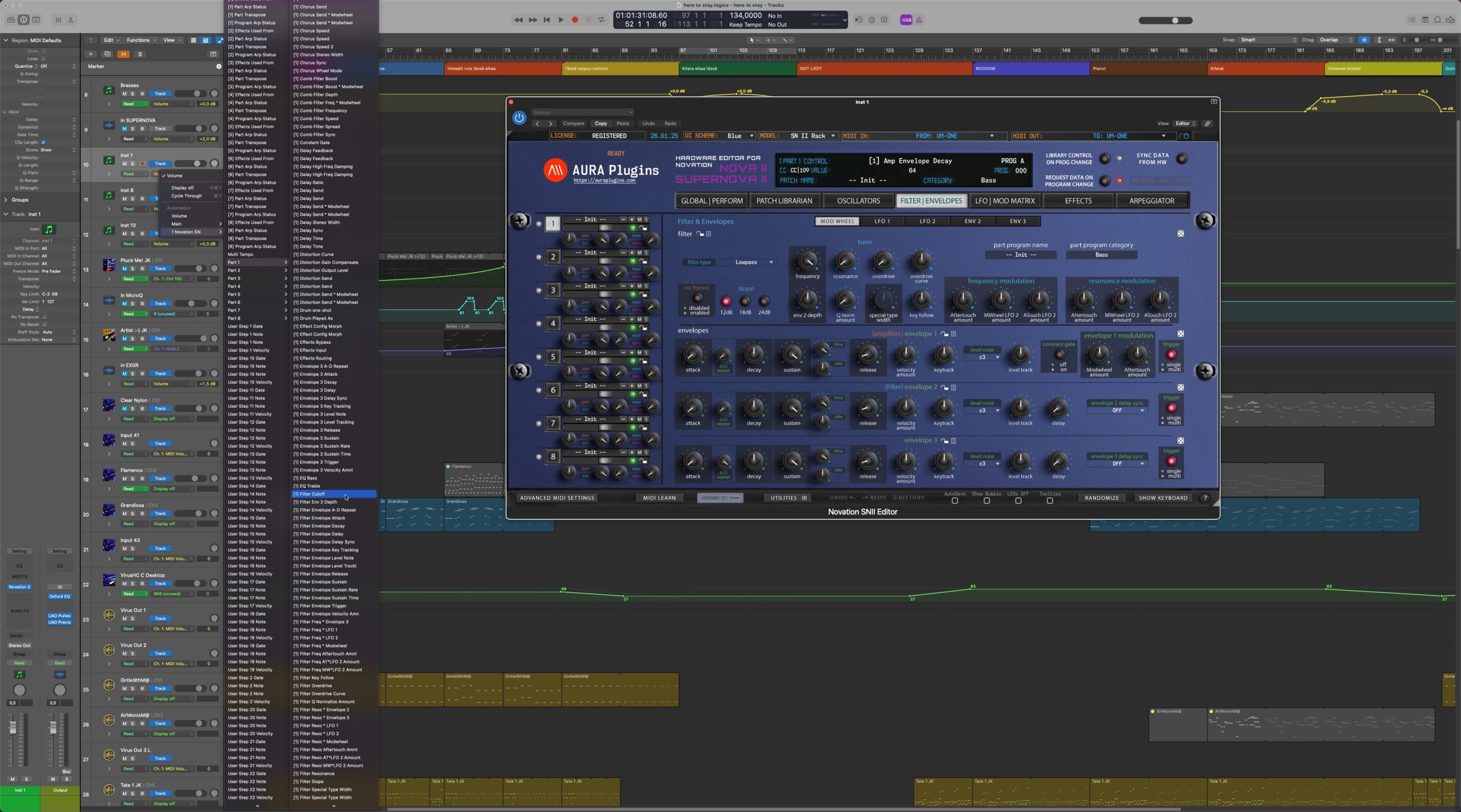
With FULL version of Novation SN II Editor & Librarian, you can automate almost every parameter right from your DAW without having to remember all of the MIDI CC’s.This can be done easily by setting your DAW automation to Write or Latch mode and then turning the knob from the hardware or the plug-in.
Check DAW Config Guides tab below to learn more about DAW Automation.
Screenshots
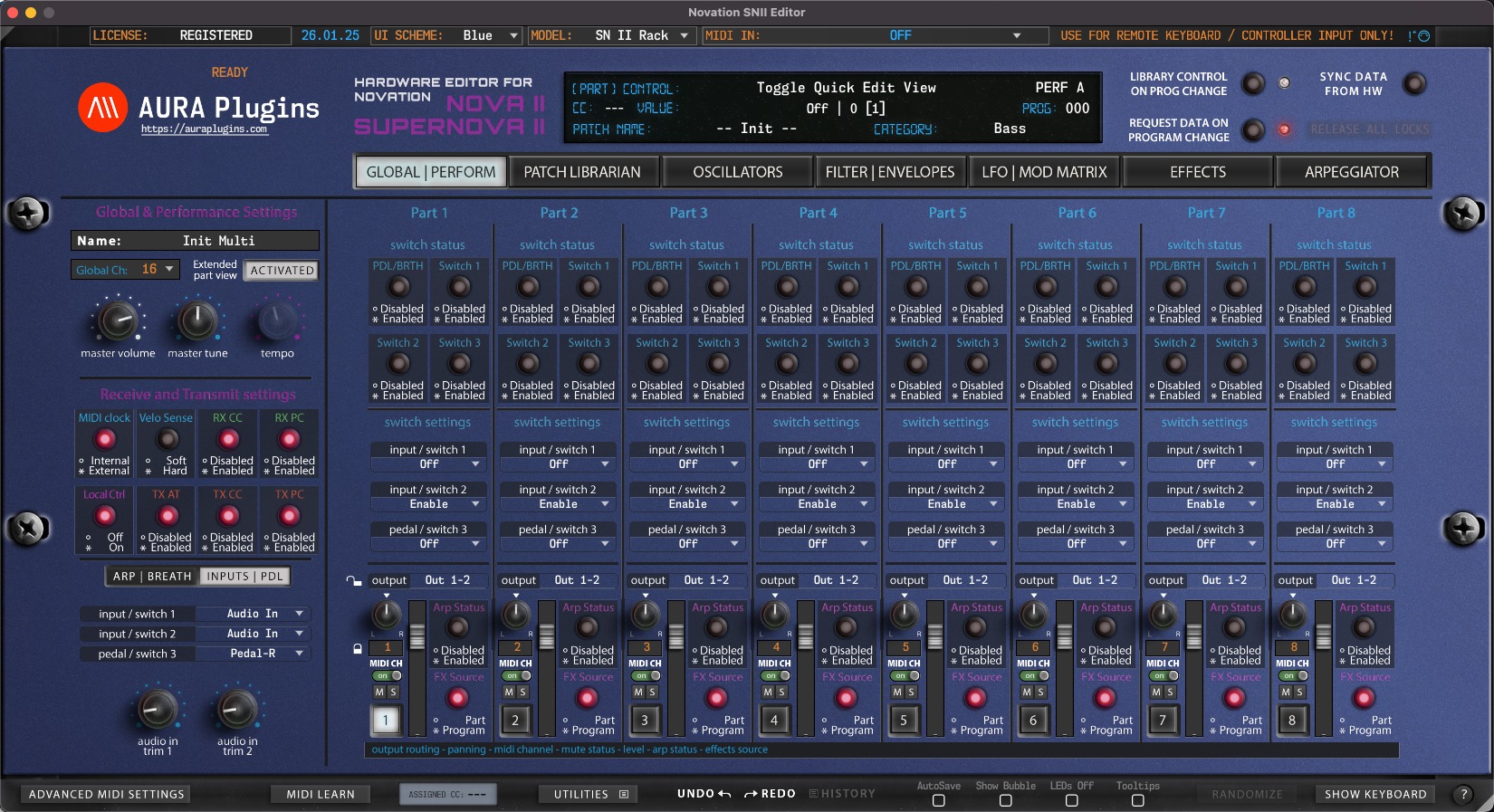
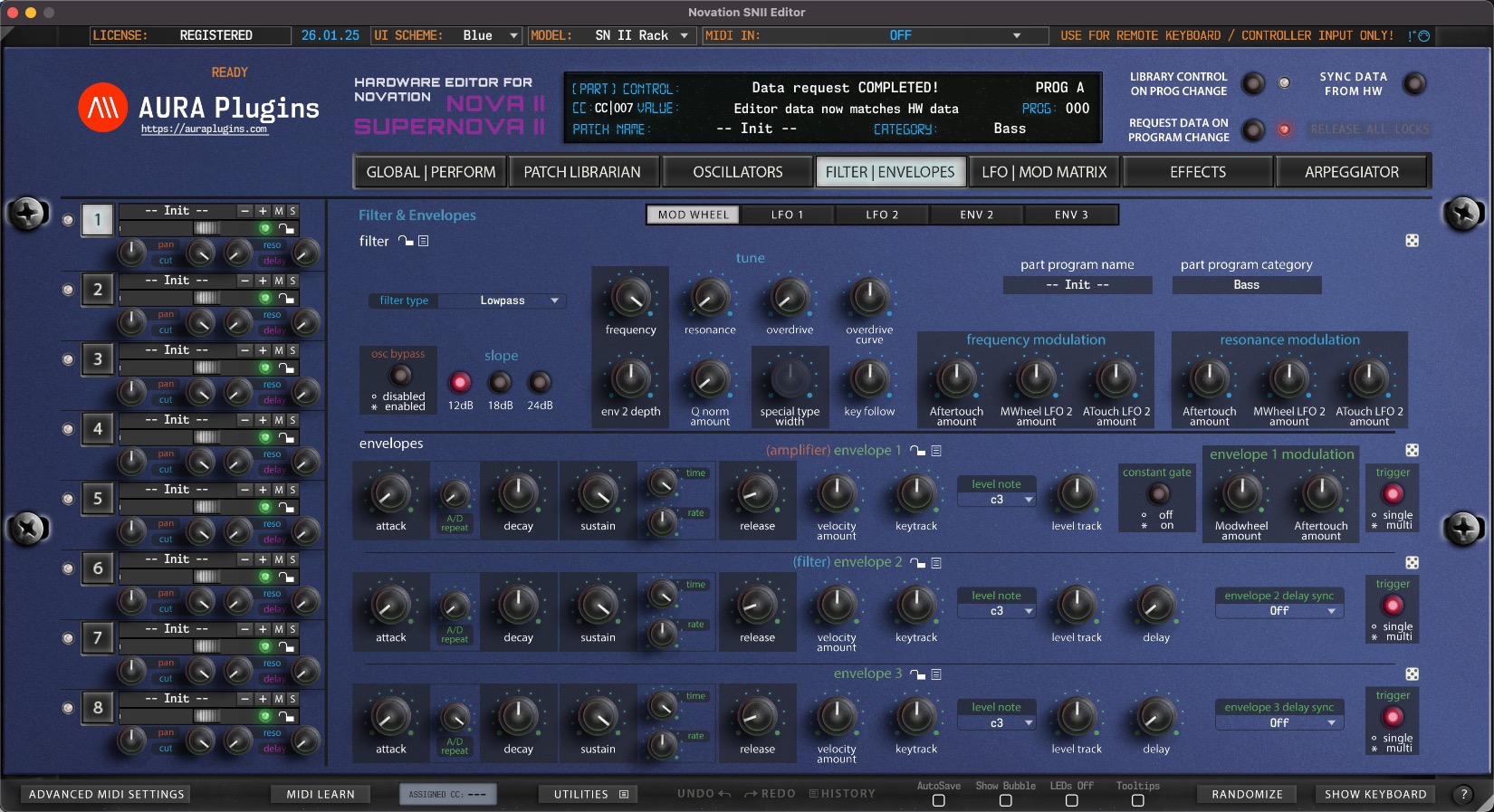
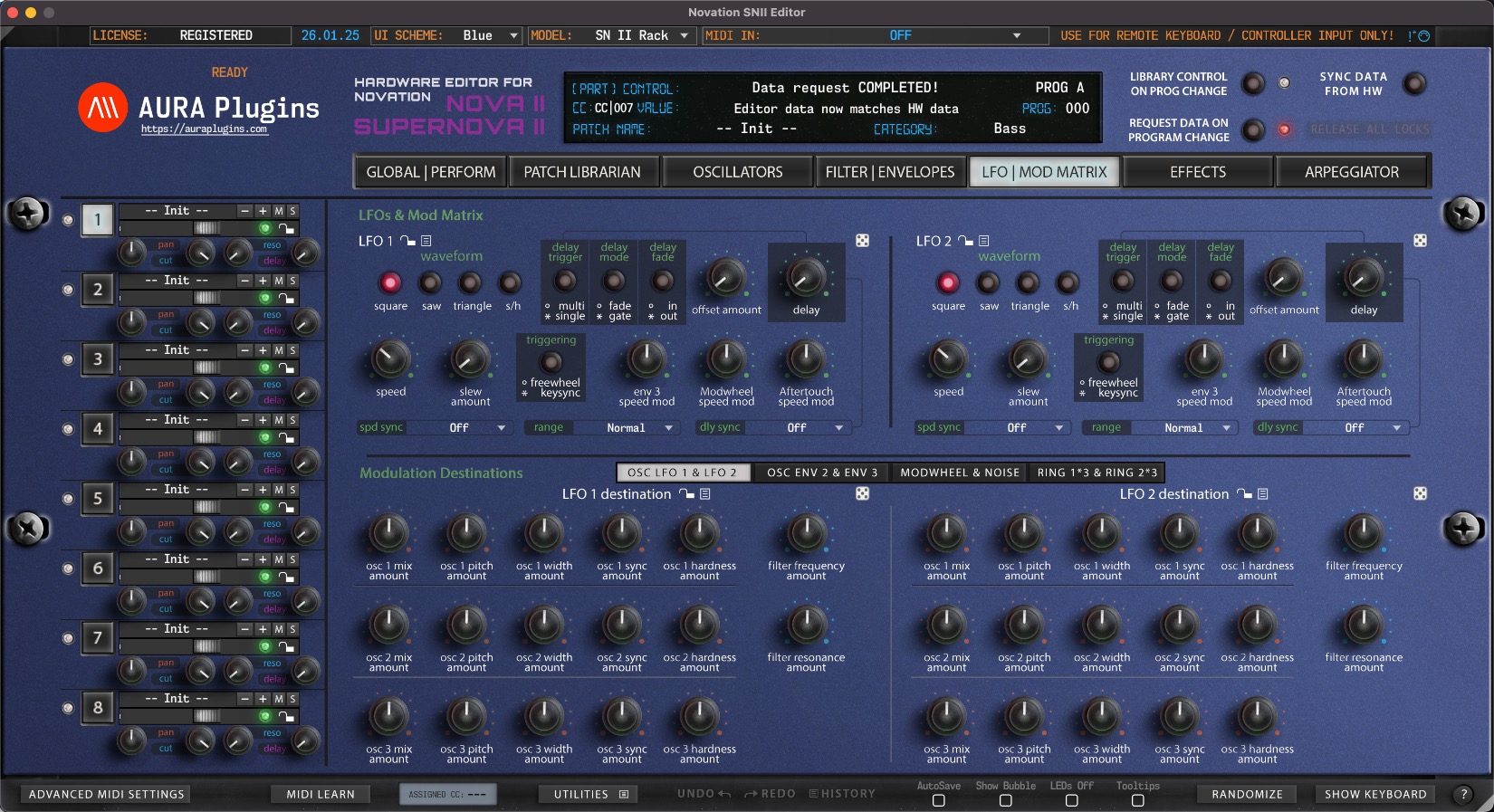
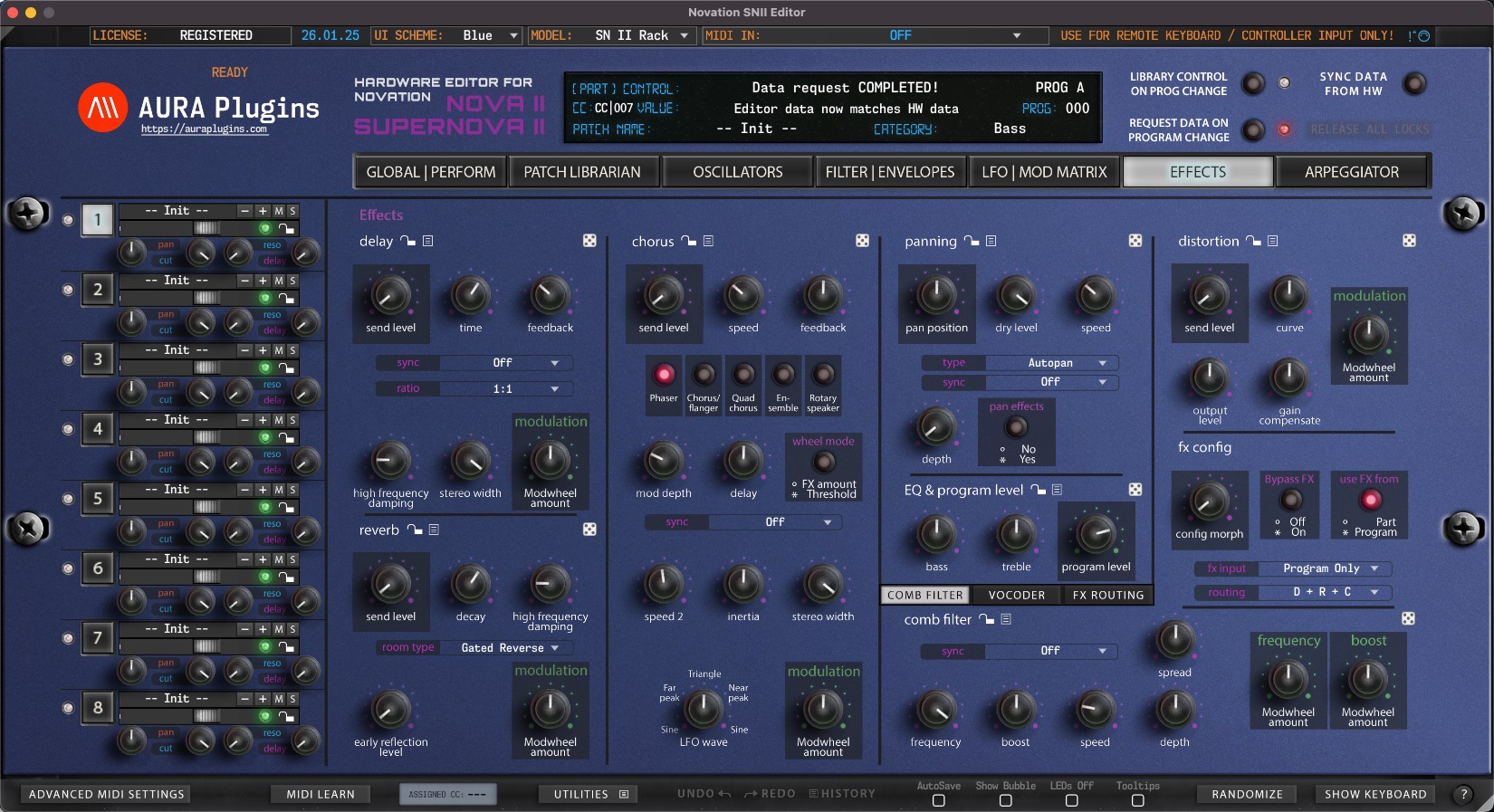
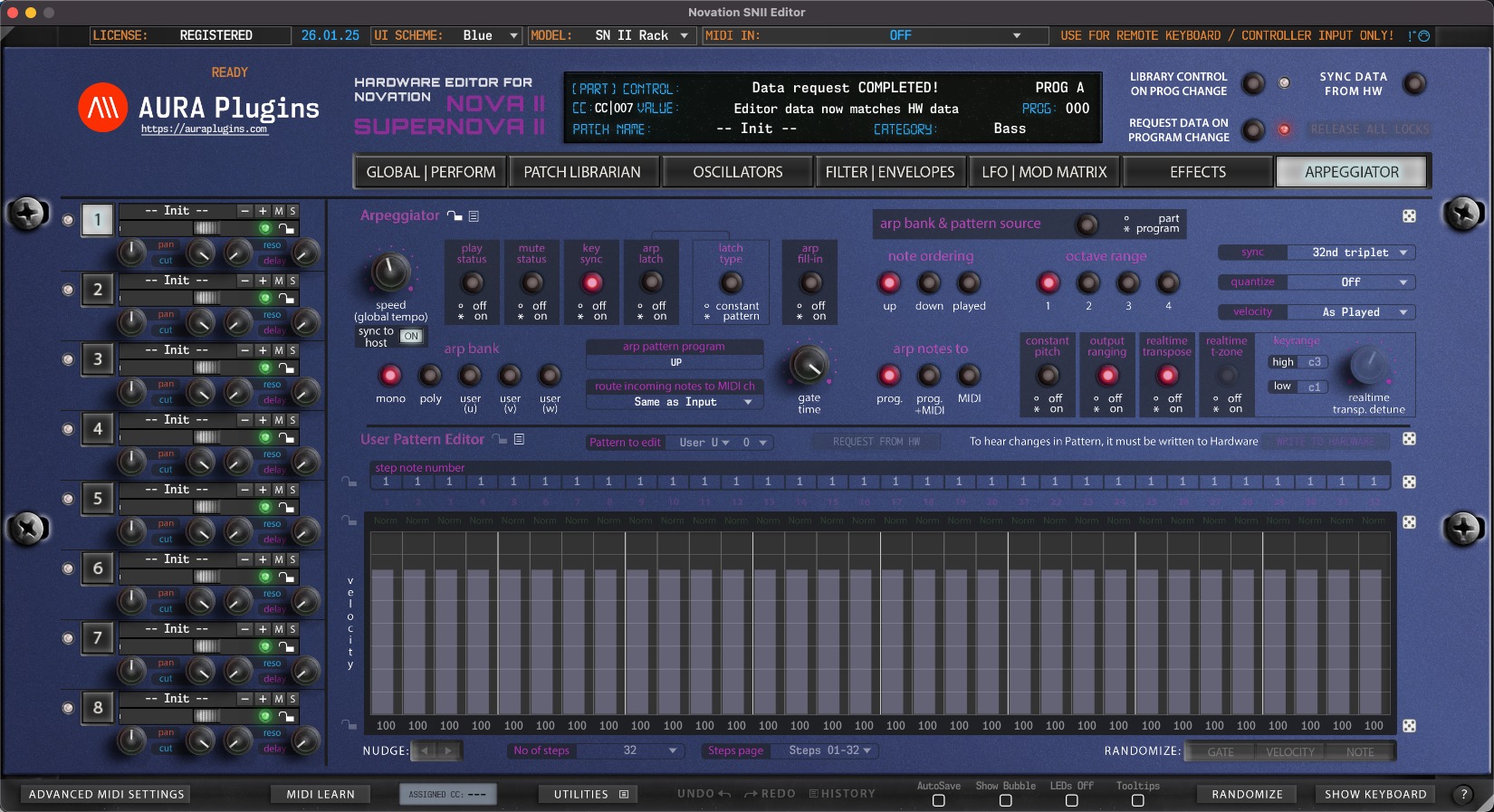
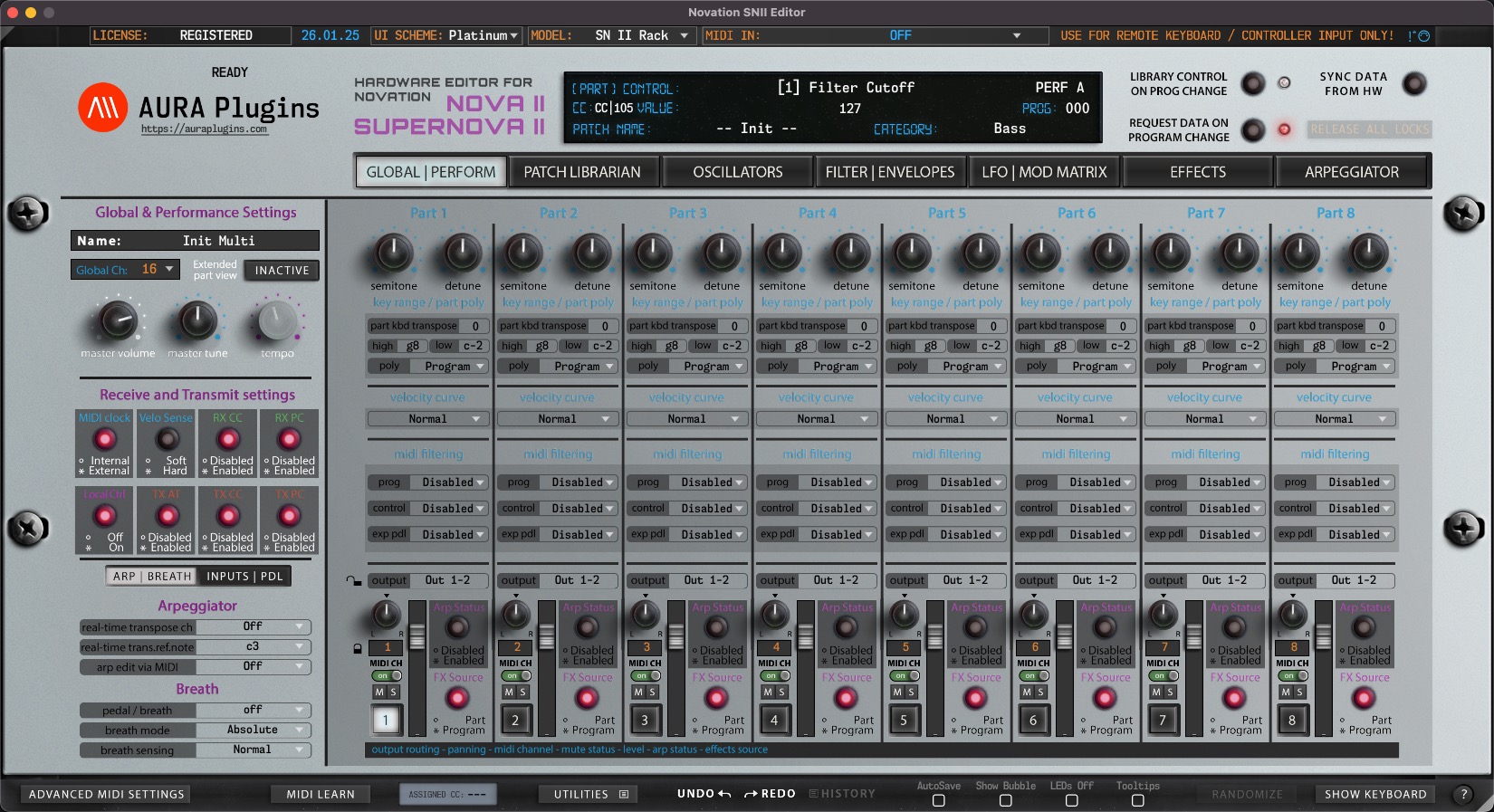
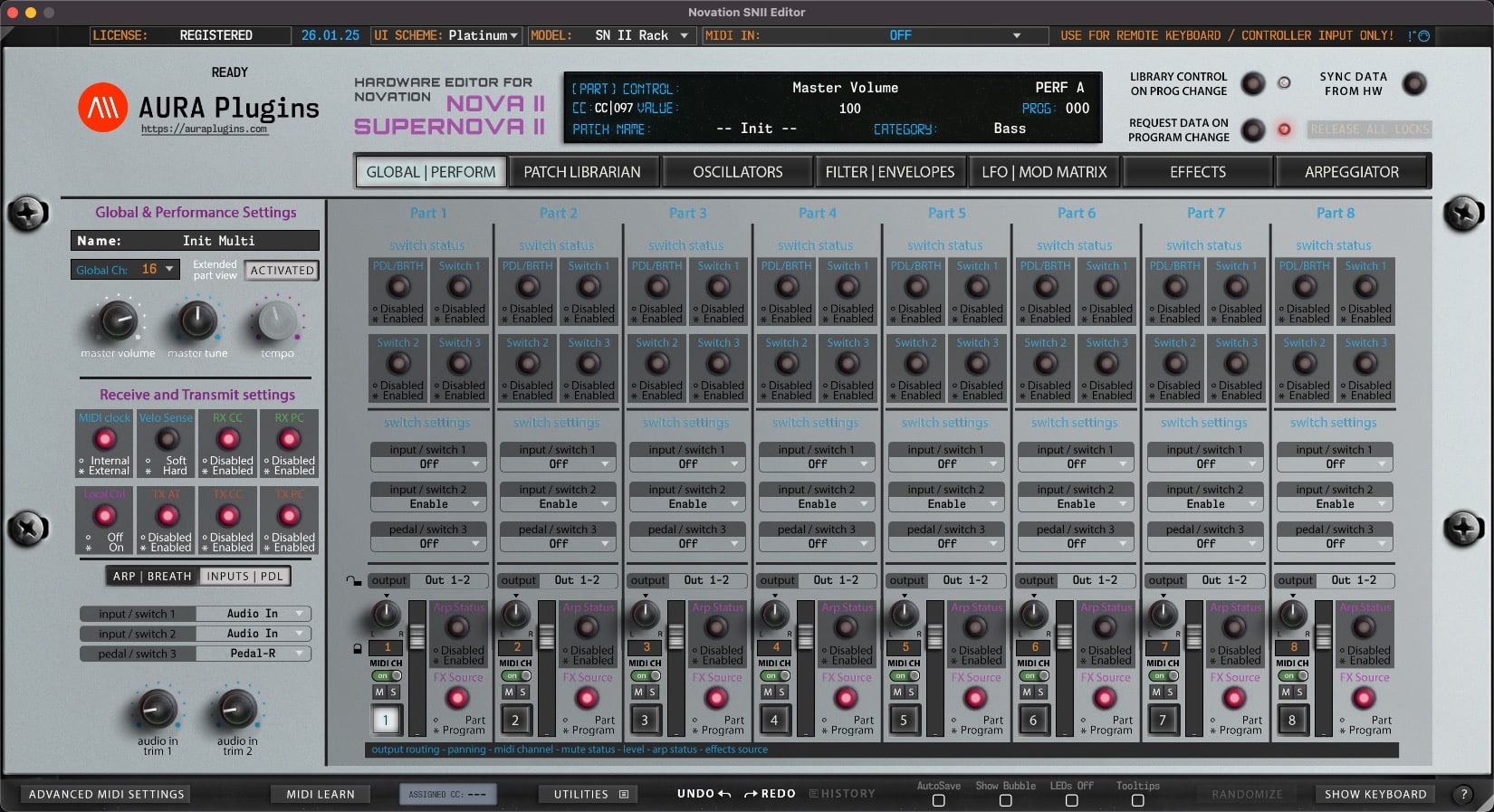
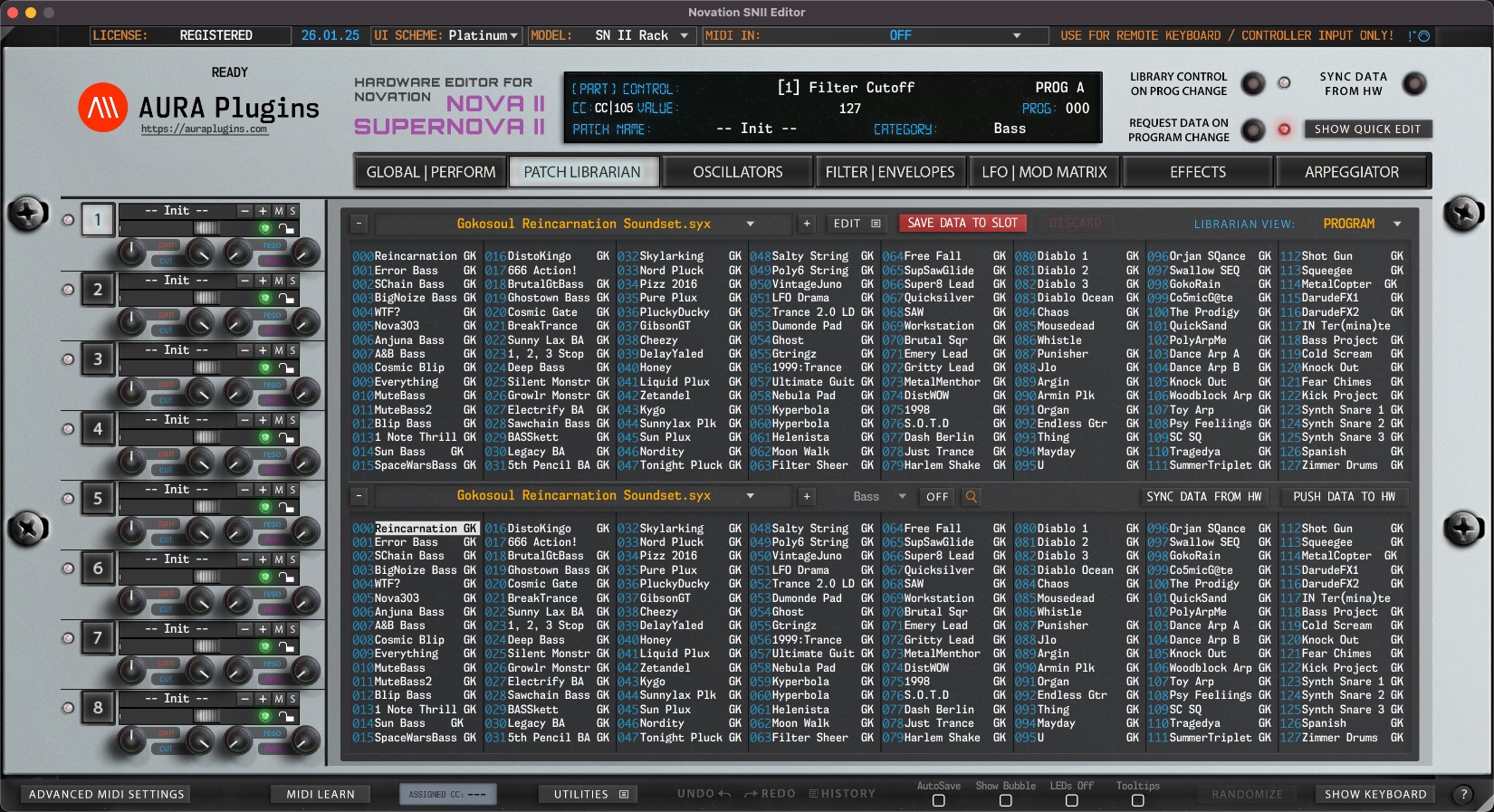
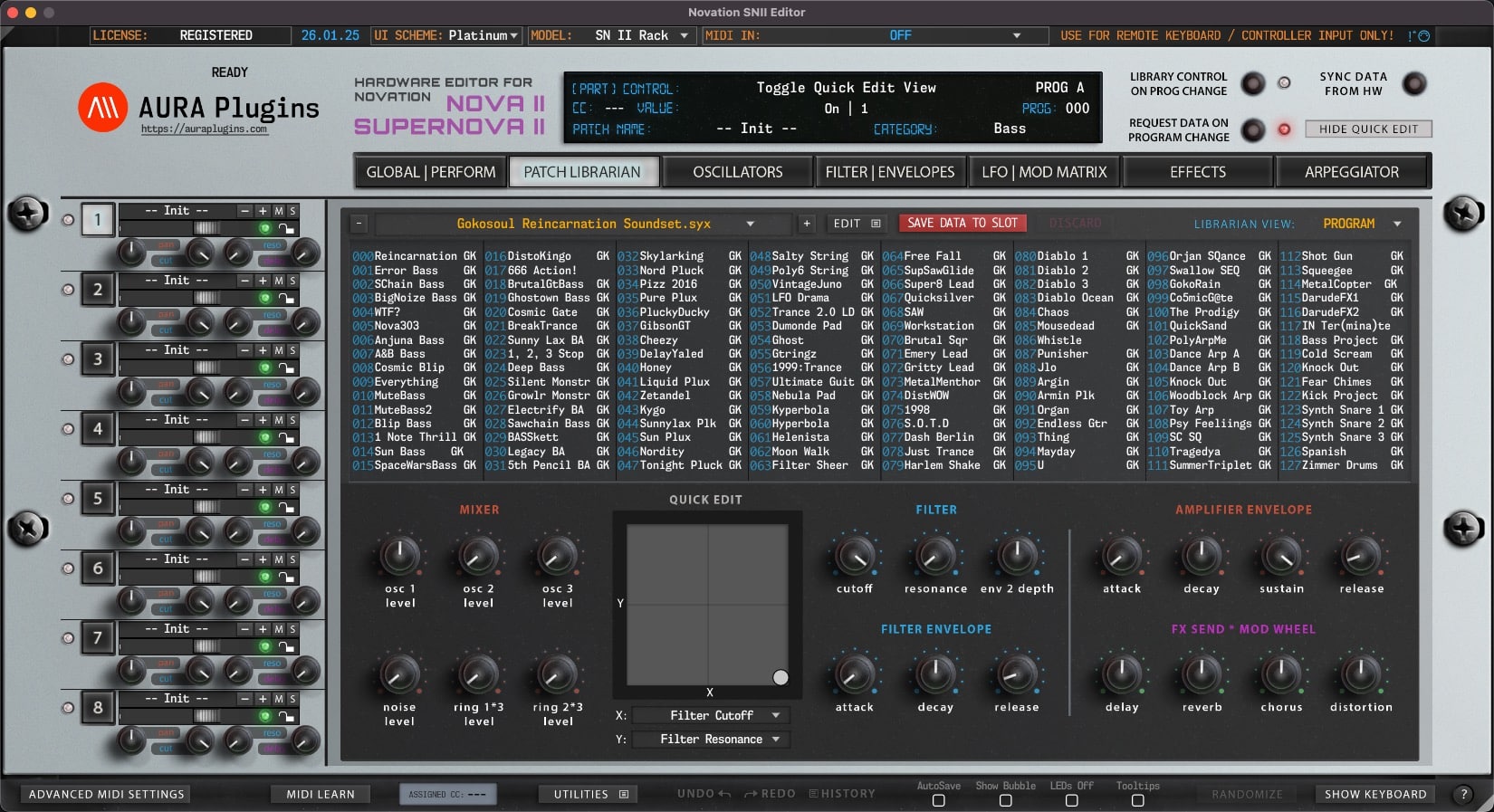
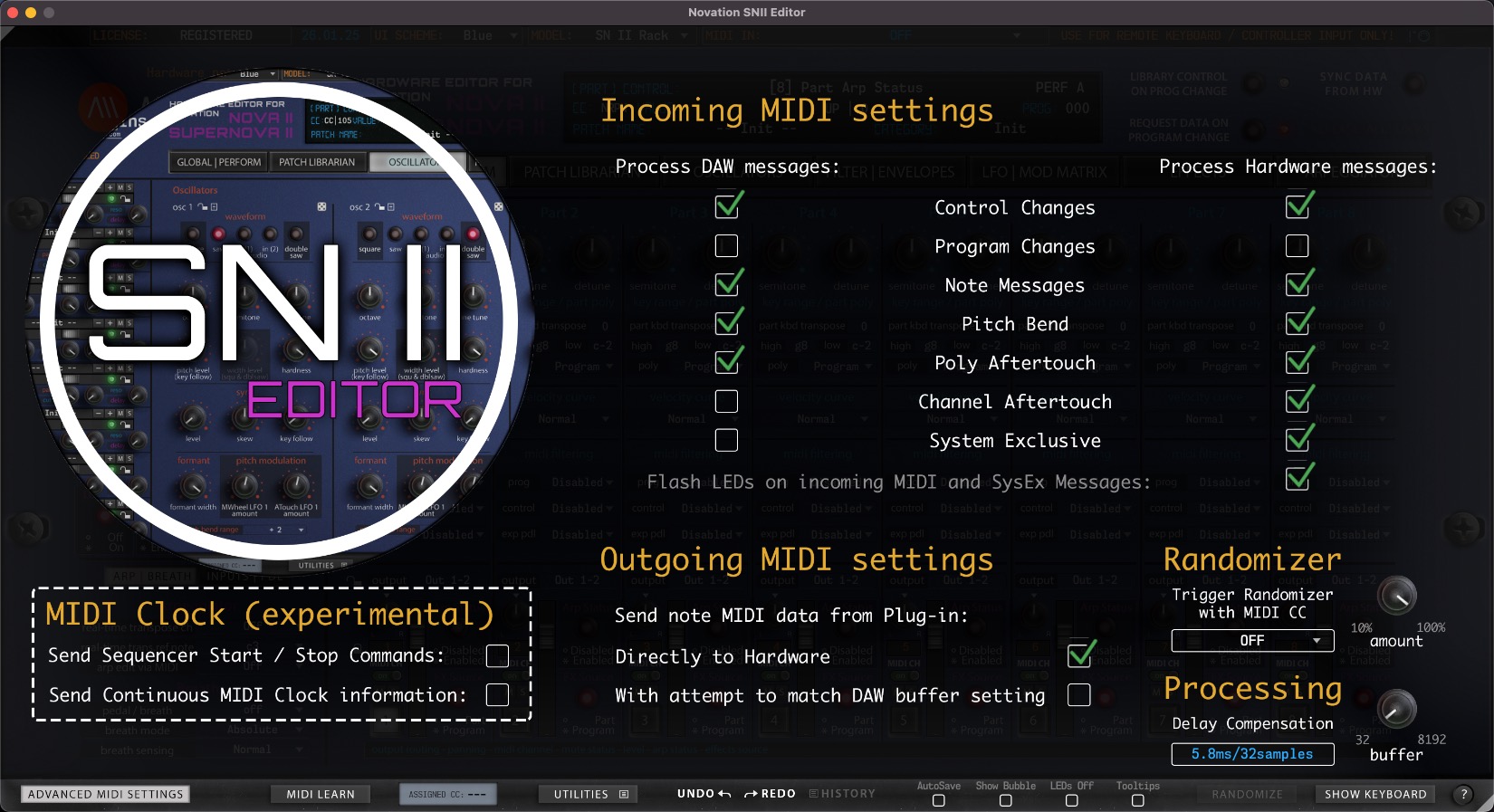
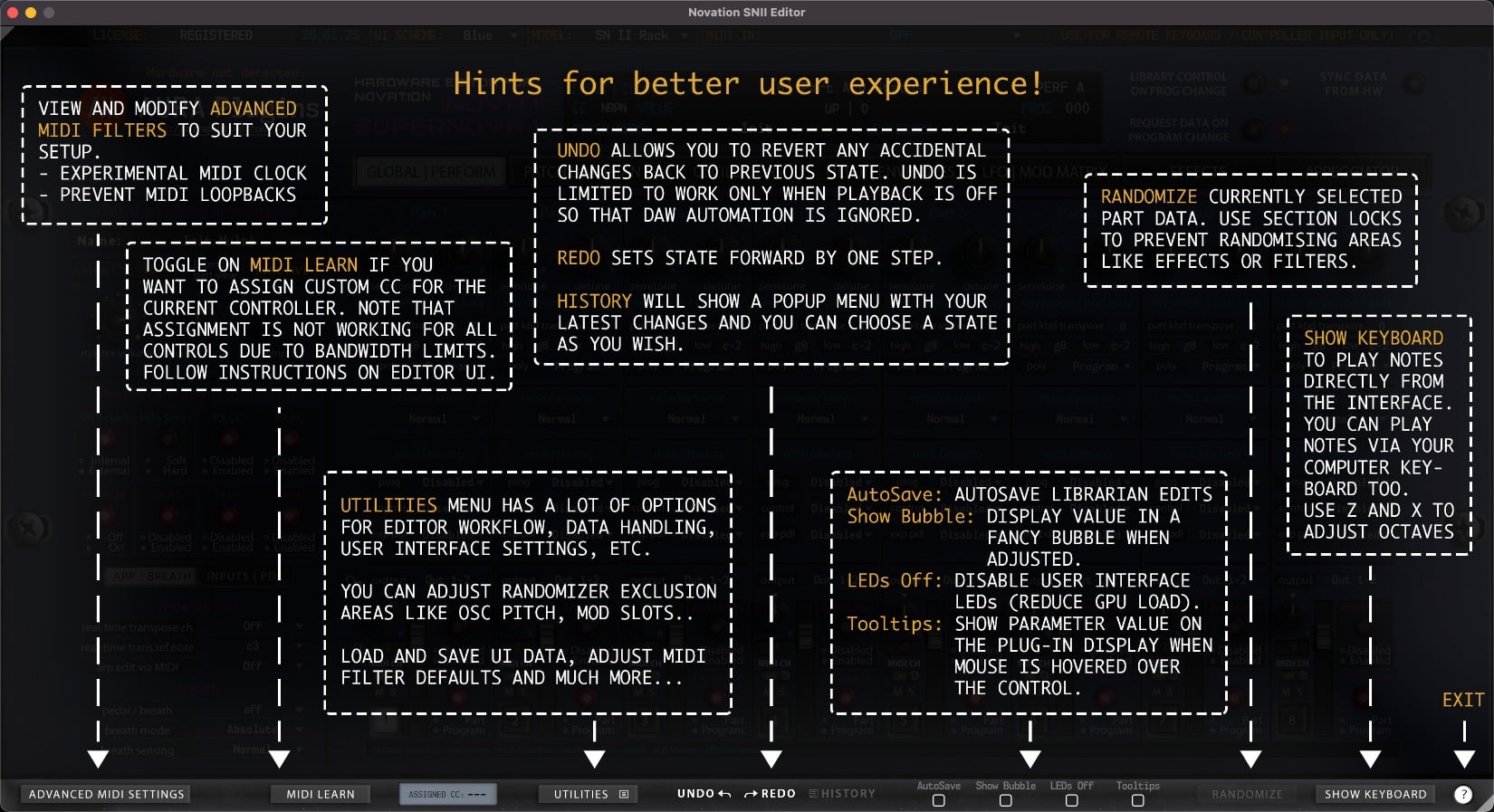
#novationsniieditor in Social Media

New home for Novation SN2X User Manual via @AURAPlugins #NovationSNIIEditor #NovationSNII #NovationNovaII #sn2xeditor #NovationSupernovaII #NovationSupernova2 #NovationNovaII #NovationNova2

Novation SN2X User Manual - AURA Plugins Knowledge Base
Novation SN2X User Manual in English. This is the online version with most recent information about the of the Novation Nova II / Supernova II Editor
docs.auraplugins.com
What you CAN do with our Editor:
- Control your Novation Nova II / Supernova II series hardware synthesizer directly from your DAW.
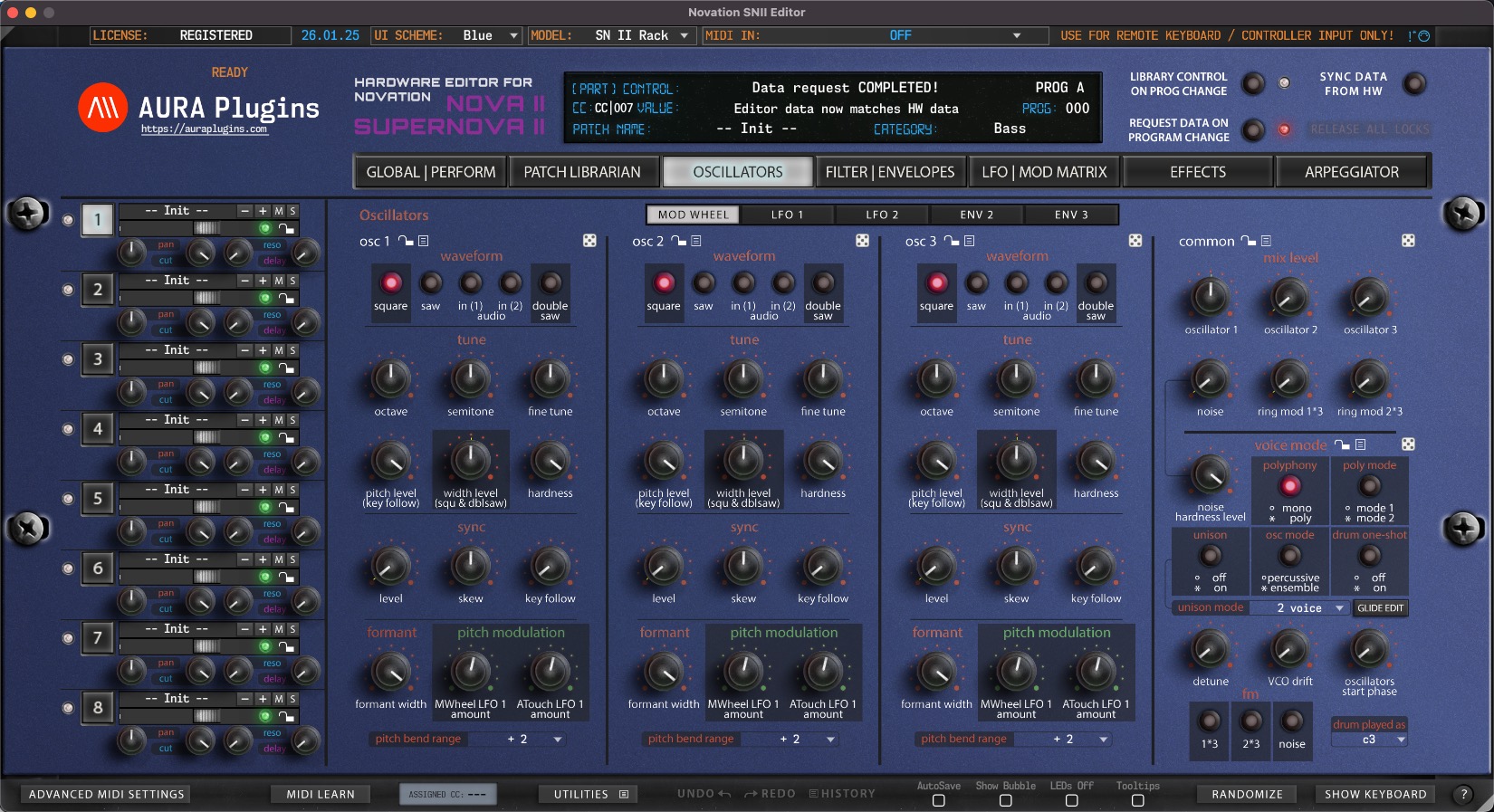
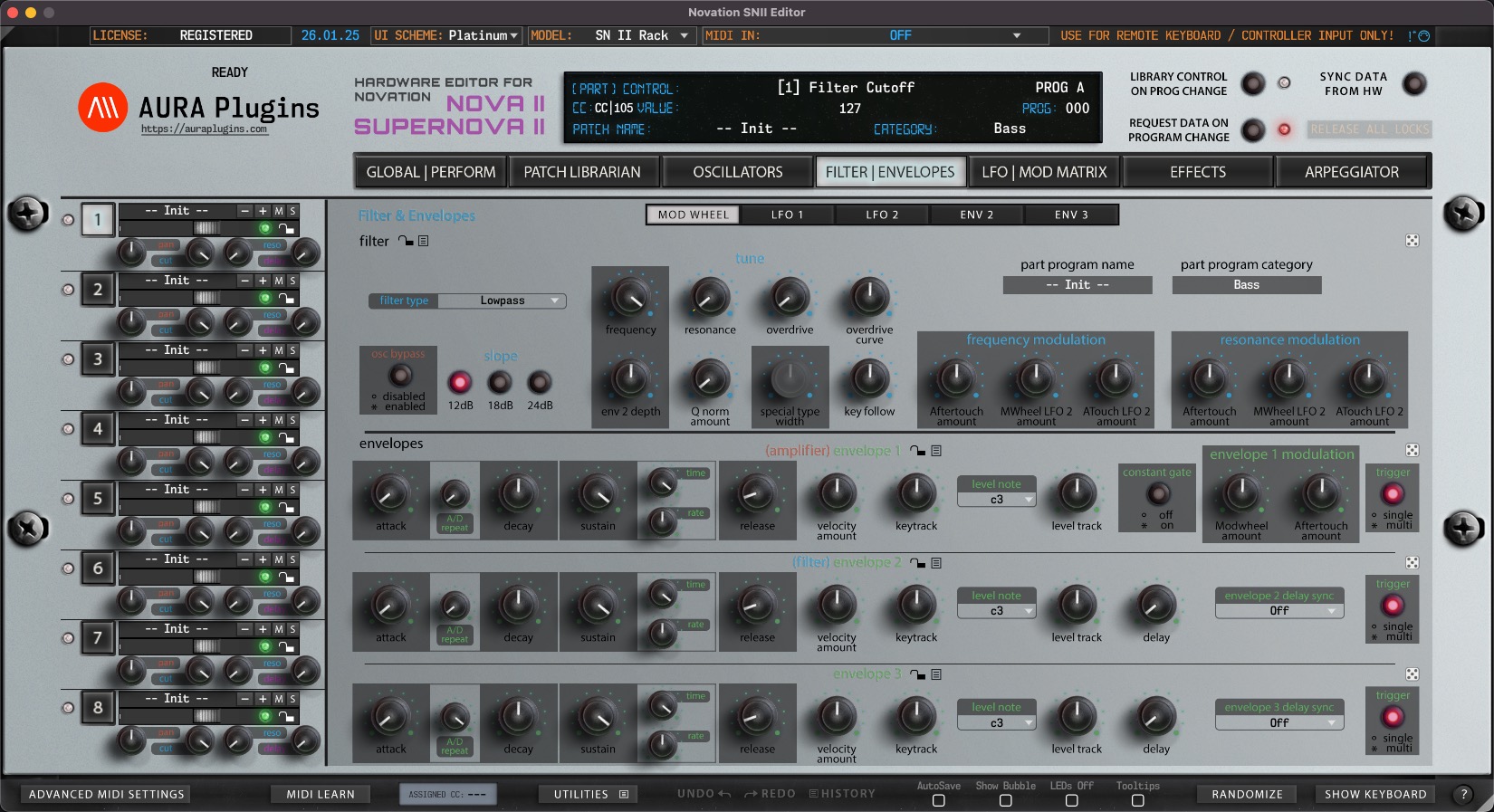
- Edit almost every parameter of your synthesizer with our Editor.
- We added a bit more than 1900 parameters to the Editor (6 Nova II parts / 8 Supernova II parts) so the sound editing should be painless and quick task.
- Automate almost every CC parameter in your DAW.
- Easier to handle automations than trying to remember hundreds of #CC’s.
- Layer multiple patches to create massive leads or such.
- Changing part from plugin changes part in hardware if function switched on.
- Mute, adjust levels, panning, outputs and such from the plugin, per channel.
- Parameters that are available for automation will be listed on your DAW. (Ableton Live sees our parameters, when parameter is touched).
- Total Recall of the sounds used up on project reload.
- All of the current parameters from the plugin will be sent to the hardwares temp memory up on project reload!
- Time saver when thinking about storing, naming and loading data from multiple hardwares per project.
- Editor reacts to hardware knob movements and displays knob, menu and button values within the Editor display.
- Store banks to your Nova II / Supernova II-series from the librarian.
- Store patches to your Nova II / Supernova II-series from the librarian.
- Request banks from your Nova II / Supernova II-series to the librarian.
- Request patches from your Nova II / Supernova II-series to the librarian.
- Store requested or modified bank data to your own library (on your HDD).
- View & edit patch name in the Editor interface.
- View & edit category name in the Editor interface.
- Librarian supports MIDI and SysEx soundset formats across all Nova II / Supernova II, Nova and Supernova models.
- Select next or previous librarian patch from hardware.
- Select next or previous hardware patch from librarian.
- Move patches from one bank to another and save as you like.
- You can send patches from the Editor to your synthesizers Temp memory buffer OR you can write user memory slots through our Editor.
- Download and import all of the Nova II / Supernova II / Nova and Supernova series soundsets in one folder for quick access through the Editor.
- Each part can have its own patch.
- Each part has its own parameters which you can automate from your DAW.
What our Editor can NOT do:
- Transmit any audio. You have to plug your Synthesizers audio jacks into your mixer in order to hear the sound.
- You can not remotely start and / or shut down your Synthesizer.
Operating system specified settings / limits:
Windows limitations
Since Windows platform CAN NOT share resources between applications, it is important that you disable the MIDI input and output from your DAWs settings which you are intending to use with our Editor. If you leave the port open, our Editor will see it and once you click to use it, it might crash your DAW and you will lose your data. Link down below!
macOS limitations
macOS works “out from the box” with resource sharing, you are good to go once you insert the plugin into your DAW. However, our plugin can cause you a MIDI loop if you leave the port open / unfiltered from your hardware to your DAW. You can set various filters in your DAW.
Requirements:
- Novation Nova II Keyboard / Supernova II Rack or Keyboard synth (2nd generation).
Novation Nova II | Novation Supernova II Rack / Keyboard - MIDI interface (cheap interfaces will not work due to limited support of SysEx capabilities) or USB.
- macOS 10.12 or later with AAX, Audio Unit, VST2 or VST3 host (Universal Binary 2).
- macOS 10.12 or later for Standalone Application (Universal Binary 2).
- Windows 7 or later with VST2, VST3 or AAX compliant host.
- Windows 7 or later for Standalone Application.
- at least HD resolution on your display recommended.
What you get up on purchase:
- AURA Plugins SN II Editor & Librarian for macOS and Windows platforms.
AAX, Audio Unit, VST2, VST3 and Standalone App included for 64 bit DAWs. - Personal activation key, which is downloadable from “Downloads” page after purchase.
- Novation Nova II / Supernova II Preset Banks included.
Support:
- As long as you have purchased valid license from our store, you are entitled to support and updates.
- Note that “current” update is free.
- Our Documentation & Knowledge Base can be accessed below:
Digital Audio Workstation Guides
Setting MIDI Devices
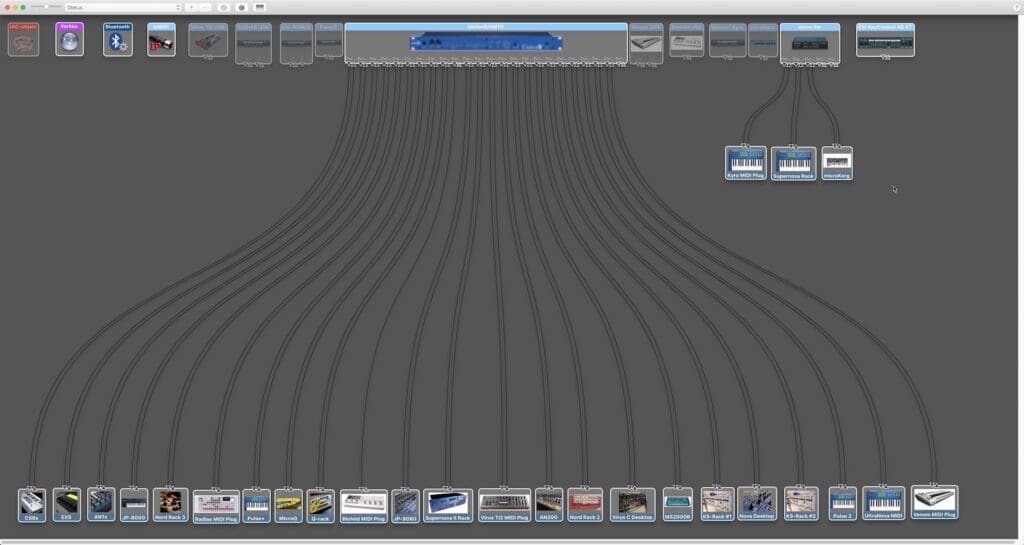
Setting MIDI Devices Configuration Guide
Ableton Live
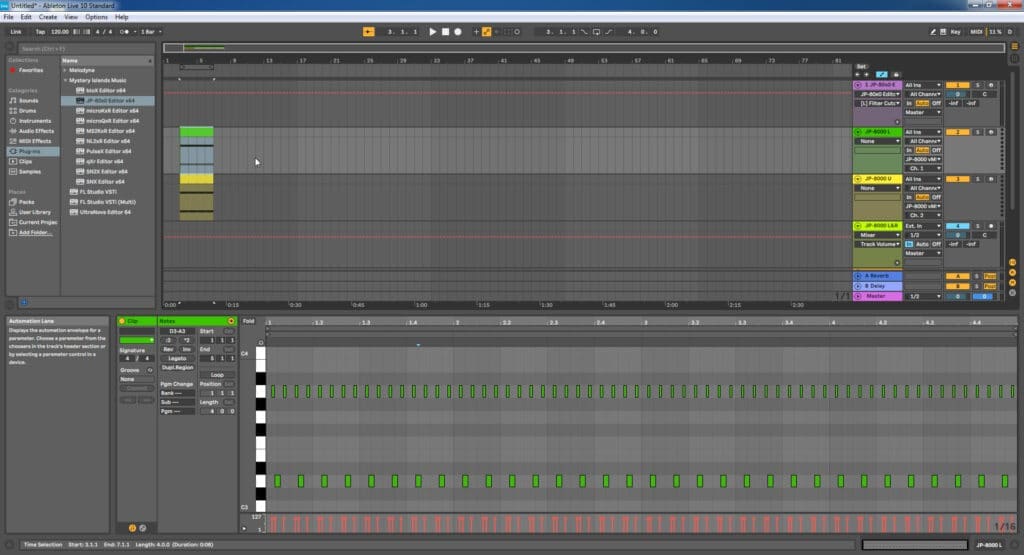
Ableton Live Configuration Guide
Apple Logic Pro
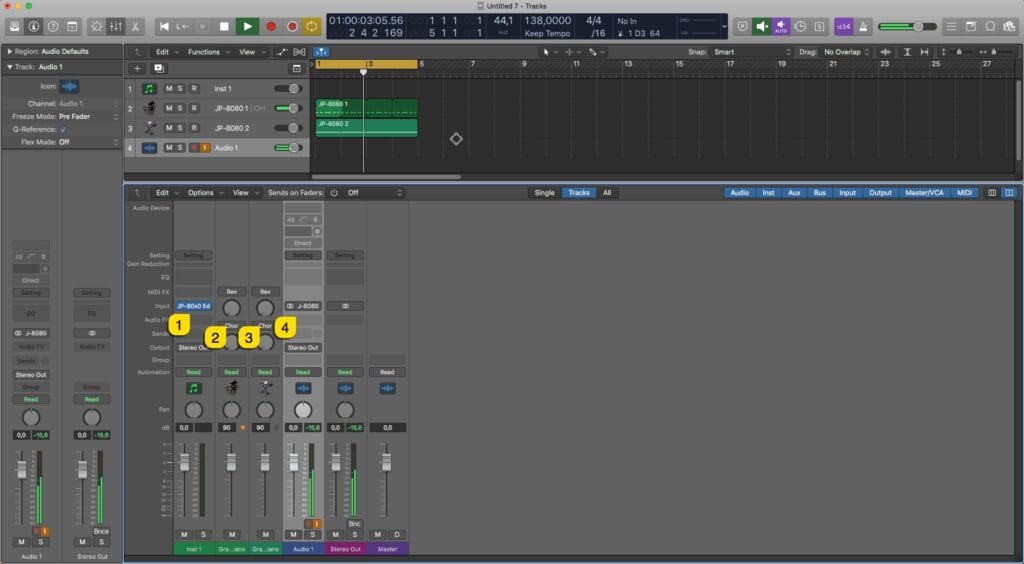
Apple Logic Pro Configuration Guide
AVID Pro Tools
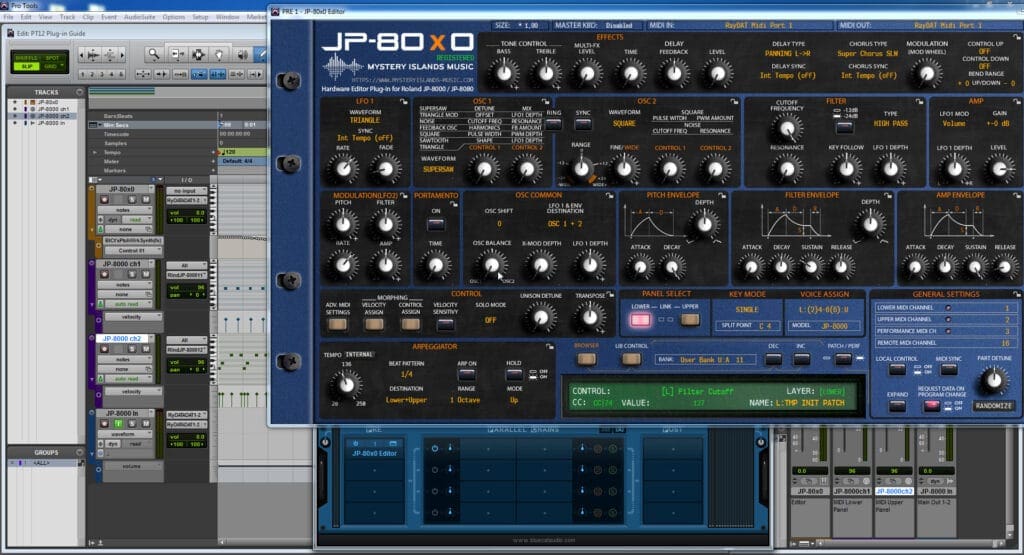
AVID Pro Tools Configuration Guide
Bitwig Studio
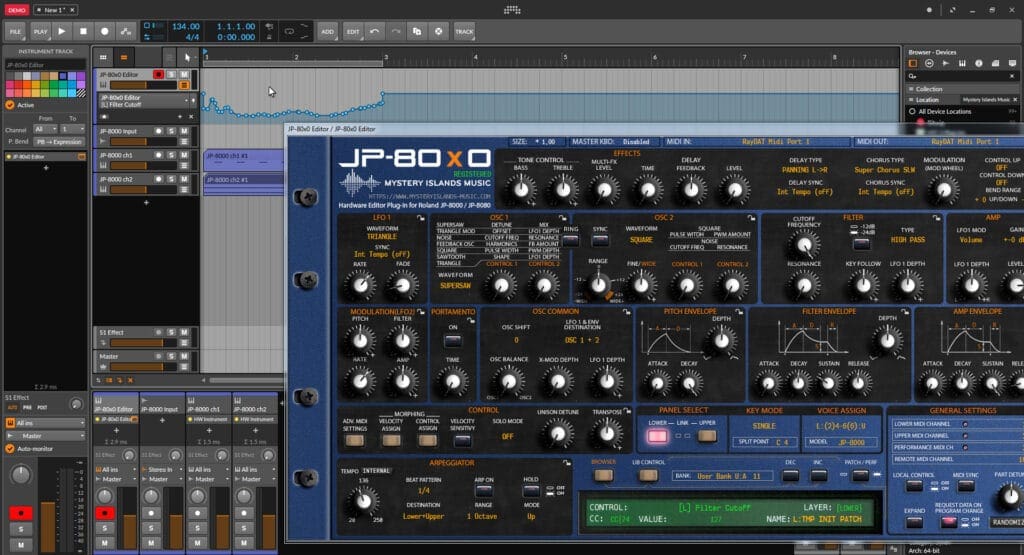
Bitwig Studio Configuration Guide
Cockos Reaper
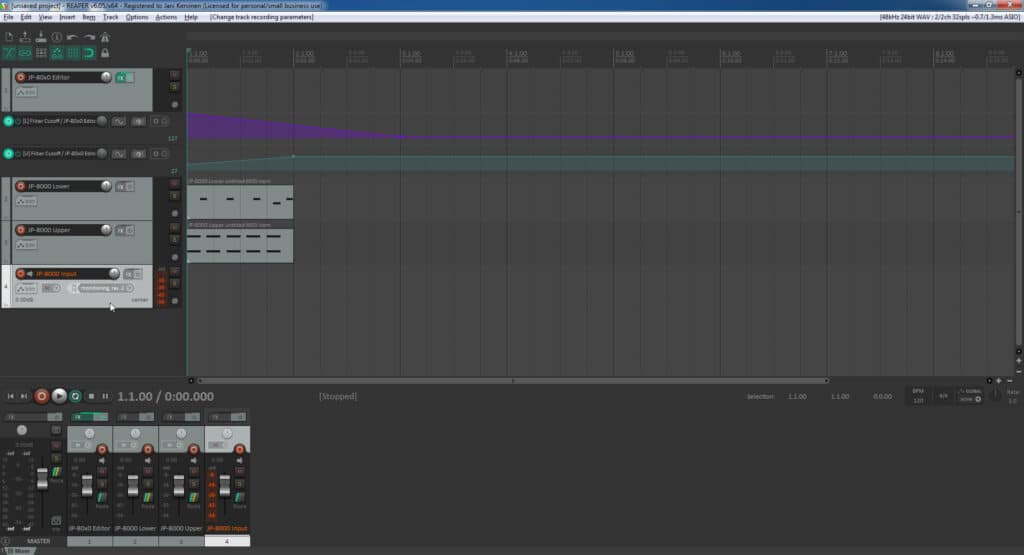
Cockos Reaper Configuration Guide
Image-Line Fruity Loops
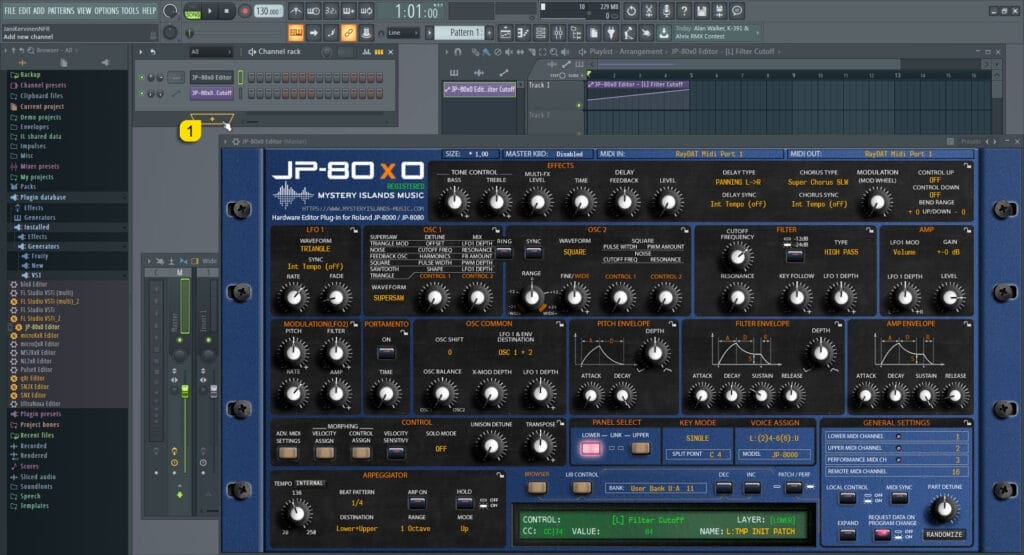
Image-Line Fruity Loops Studio Configuration Guide
MOTU Digital Performer
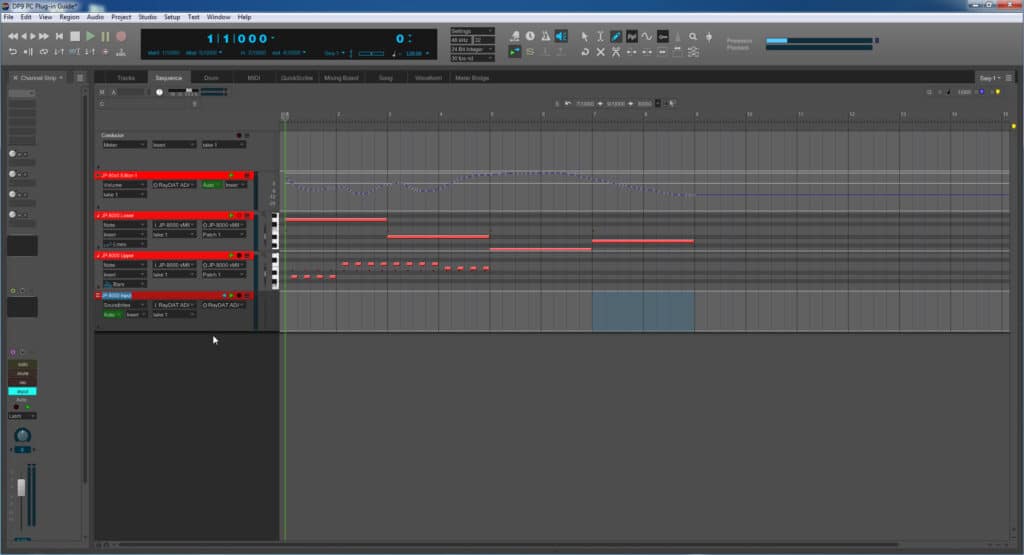
MOTU Digital Performer Configuration Guide
PreSonus Studio One
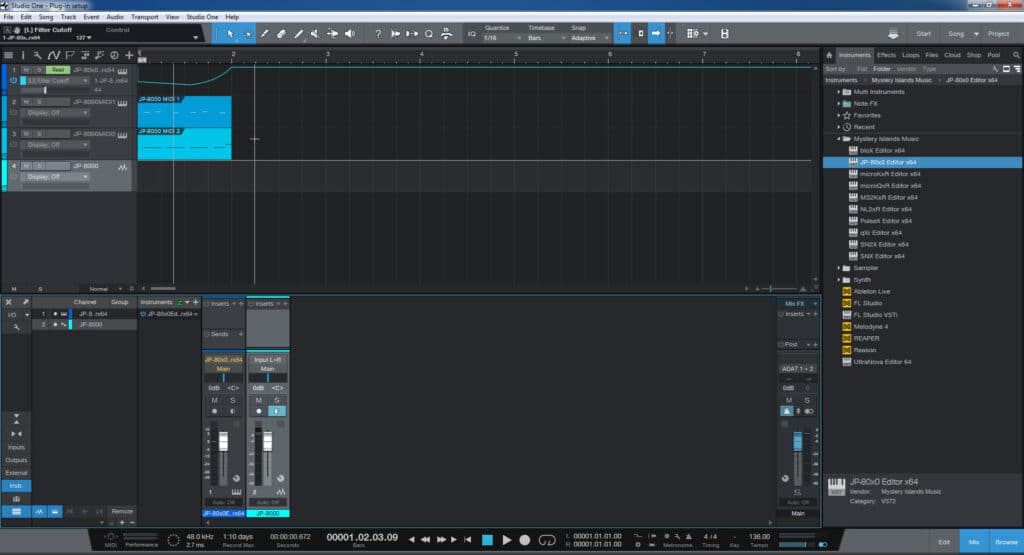
PreSonus Studio One Configuration Guide
Reason Studios Reason
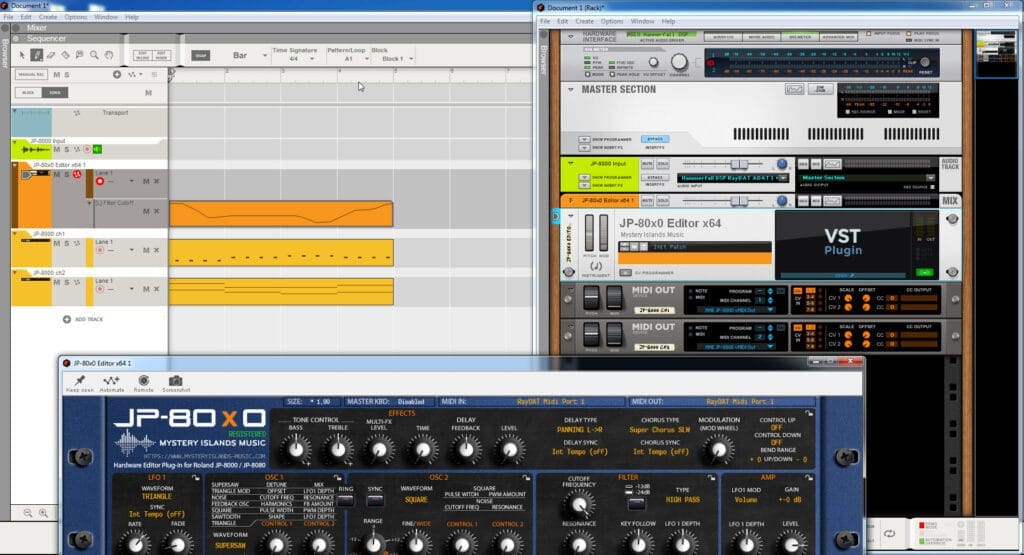
Reason Studios Reason Configuration Guide
Renoise
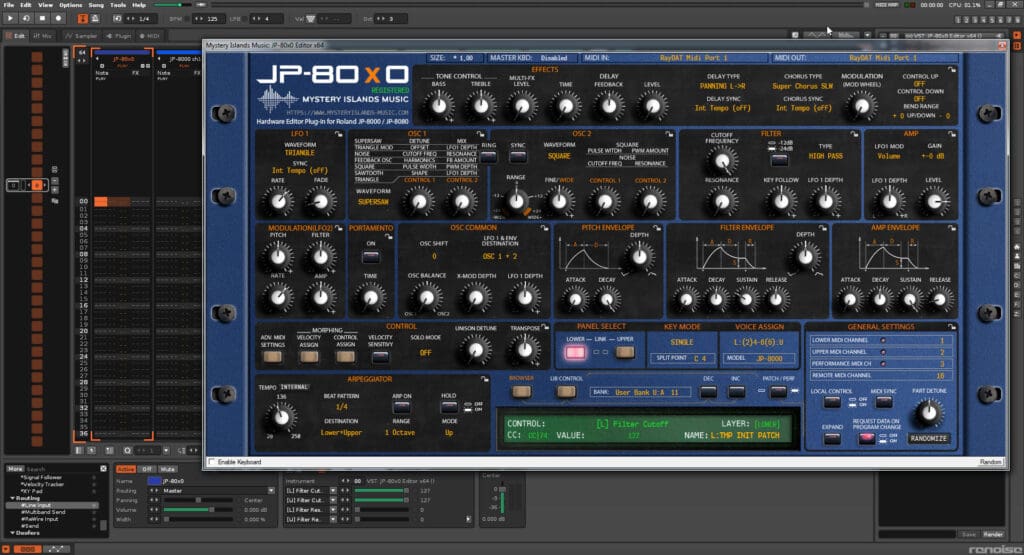
Renoise Configuration Guide
Steinberg Cubase
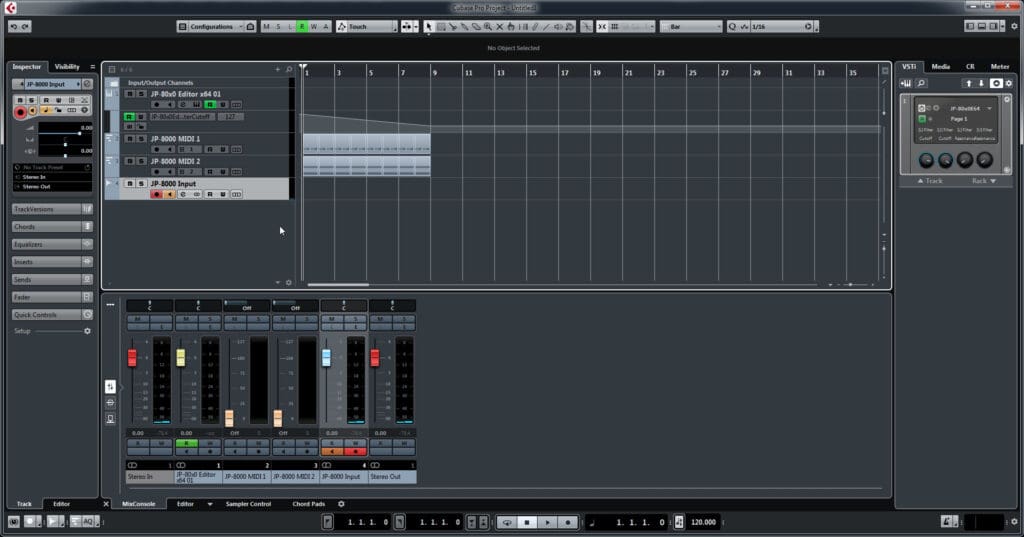
Steinberg Cubase Configuration Guide
Check out our YouTube channel for Instruction videos. We don’t have many of them, due to a lot of changes in the Editor Core system. Once all Editor version 3 releases are out, we will update the video content.
Editor Support Documents are available in https://auraplugins.com/support/
What our Customers think
Let us know what you think...
Hello!
Login has been moved over to "https://auraplugins.com/my-account/"
User accounts can not be registered for guests. Account is created upon purchase.
- AURA Plugins Team
Continue as a Guest
What others are saying
Hello!
Login has been moved over to "https://auraplugins.com/my-account/"
User accounts can not be registered for guests. Account is created upon purchase.
- AURA Plugins Team
Continue as a Guest
Reviews
Very good but could be improved, when you select keyboard it defaults back to Rack, minor issue, but a big improvement would be the ability to use it as a stand alone, I do use it through Fruity Loops with Midiox, a real pain to set up..
It just works. I can now integrate my aging hardware into my more modern setup with ease.
Have really enjoyed the software so far. Jani also helped me out when bought the wrong version of the software. Recommended
I cannot use this application because i have the first version of Novation. When i see that i write you an email but you never answer...
SN2X is the best way to control Supernova II in my opinion. I have a lot of fun with it 🙂 Thanks for your work, guys!
Simply awesome. Controls everything!
This plugin is jut what I needed only a few thing to be sorted ,when you try to pick a sound from the category bass or piano or what ever you would like the pluging crashes and your DAW crashes this needs to be sorted so you can narrow down library ,and also if you try to mute the part edit from the plugin then unmute it the nova gives a horribile feedback noise resulting in having to ajust your supernova bank back to your saved settings other than that this vst works perfect
the snx2 editor is great and almost bug free now.i am very happy with the way yani is working .if you find a bug you just report this at the forums and he is fixing it at the next update!!!the online livechat support is pretty good as well!
I think its great, it has minor bugs but pimped up my Nova 2 Keyboard very nice. I love it. waiting for the Arp Adit Section
With continuous support and development, Novation SN II Editor & Librarian is the best investment for your Novation Nova II or Supernova II.
$ 49.95
Sale Ends 01 / Apr / 2026
All prices exclude VAT/Tax. Global customers are exempt.
For EU customers, VAT will be added at checkout or enter a valid VAT number via FastSpring checkout if you have one. All sales are final.
Bundle up and save!
Purchase Novation SN II Editor & Librarian together with other products and you can save up-to 40%
Browse other Editors
Our Editor catalogue is growing. See if we have anything new to fill the void in your production chain.
Additional Soundsets
We have various soundsets to soft- and hardware synthesizers to “extend” the life cycle of your product.



david s. (verified owner) –
Very good but could be improved, when you select keyboard it defaults back to Rack, minor issue, but a big improvement would be the ability to use it as a stand alone, I do use it through Fruity Loops with Midiox, a real pain to set up..
Was this helpful? 0 0 Watch Unwatch Report
Justin B. (verified owner) –
It just works. I can now integrate my aging hardware into my more modern setup with ease.
Was this helpful? 0 0 Watch Unwatch Report
Mickey W. (verified owner) –
Have really enjoyed the software so far. Jani also helped me out when bought the wrong version of the software. Recommended
Was this helpful? 0 0 Watch Unwatch Report
Ivan R. (verified owner) –
I cannot use this application because i have the first version of Novation. When i see that i write you an email but you never answer…
Was this helpful? 0 0 Watch Unwatch Report
David B. (verified owner) –
Very disappointed, as I was genuinely excited by the prospect of finally getting to use my Supernova 2 to its full potential. There is ear-deafening feedback when playing any every single patch in performance mode. Until this is fixed, the plug-in is worthless. I’ve tested it through and the feedback is created by the software, I’m 100% positive. I have no idea how that happened, nor how to fix it or, at the very least, how to avoid it. Based on the research I did after noticing this issue, some of the reviews/online comments I read lend me to believe this has been a known issue for a while, yet I haven’t seen/read anything anywhere from the developer explaining how to deal with it or, at the very least, publicly acknowledge it. The Virus HC or JP-80×0, which I also purchased, do have small glitches, but nothing like that! And I’m glad I got these! Don’t get me wrong: the guy has found a niche and I truly wish him the best, considering all the hard work and late hours he must’ve put in and the obstacles he must’ve had to overcome. And the price is very reasonable! I felt he deserved my money and almost felt like I was robbing him by buying the plug-ins at 30% off. This guy is passionate about his work. But from a user experience point of view, this just is unacceptable (we’re not talking about minor glitches here!) By the way, I contacted support (and sales) and haven’t heard anything back; we’re well past the promised 48 hours reply time as of this writing. I only want to be able to enjoy the software, come back here and edit my review to give the plug-in the 5-star review it most surely deserves (deep down).
Was this helpful? 0 0 Watch Unwatch Report
Andrey I. (verified owner) –
SN2X is the best way to control Supernova II in my opinion. I have a lot of fun with it 🙂 Thanks for your work, guys!
Was this helpful? 0 0 Watch Unwatch Report
Stefan P. (verified owner) –
Simply awesome. Controls everything!
Was this helpful? 0 0 Watch Unwatch Report
matthew p. (verified owner) –
This plugin is jut what I needed only a few thing to be sorted ,when you try to pick a sound from the category bass or piano or what ever you would like the pluging crashes and your DAW crashes this needs to be sorted so you can narrow down library ,and also if you try to mute the part edit from the plugin then unmute it the nova gives a horribile feedback noise resulting in having to ajust your supernova bank back to your saved settings other than that this vst works perfect
Was this helpful? 0 0 Watch Unwatch Report
al e. (verified owner) –
the snx2 editor is great and almost bug free now.i am very happy with the way yani is working .if you find a bug you just report this at the forums and he is fixing it at the next update!!!the online livechat support is pretty good as well!
Was this helpful? 0 0 Watch Unwatch Report
Kevin S. (verified owner) –
I think its great, it has minor bugs but pimped up my Nova 2 Keyboard very nice. I love it.
waiting for the Arp Adit Section
Was this helpful? 0 0 Watch Unwatch Report
EUNG JOO H. (verified owner) –
windows 32bit dll version crash
any 32bit daw
Was this helpful? 0 0 Watch Unwatch Report
David W. (verified owner) –
Had been following this one since the beta was announced. The developer took on my ideas and suggestions gradually working them into the product to really show off what the Nova II can do. I’ve since noticed I only get 6 unison voices (similar to the 6 parts (2 get greyed out when Nova II rather than Supernova II is selected as a useful visual aid for us) so will maybe need to mention that too for a future version. Looking forward to the Arp editor being introduced, but given entire VST plugins (Blue Arp) have been created based upon the Nova arp I expect it will take a little longer to get perfect. Will keep an eye out for any other improvements to suggest, although it’s already better than any other attempts to control these mighty beasts.
Was this helpful? 0 0 Watch Unwatch Report
Emilio D. (verified owner) –
Lot of bugs
Was this helpful? 0 0 Watch Unwatch Report
Gökhan K. (verified owner) –
In my opinion this is the best SN2X editor out there. It’s versatile and useful. If you have SN2X, it’s must have…
Was this helpful? 0 0 Watch Unwatch Report