
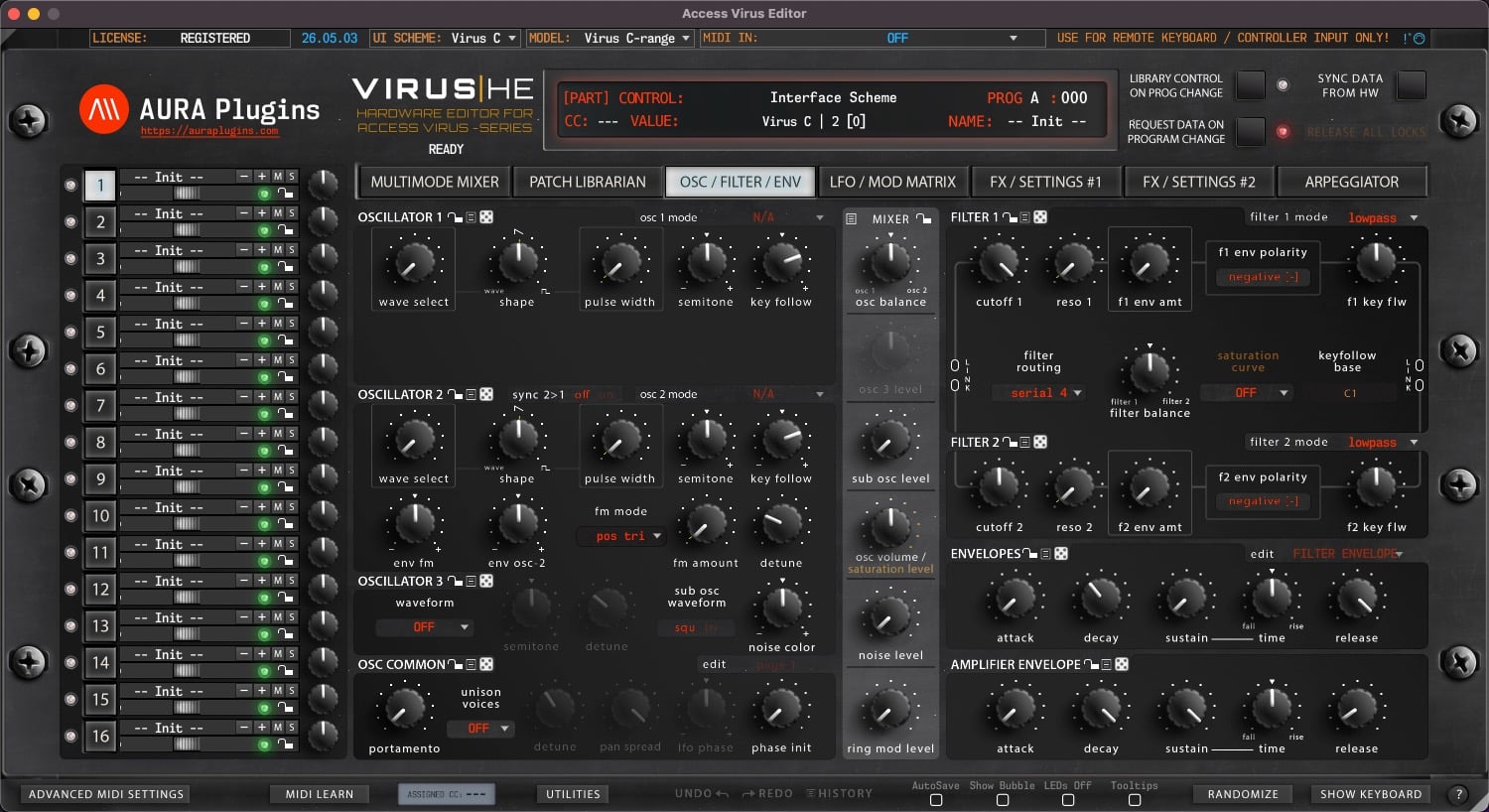
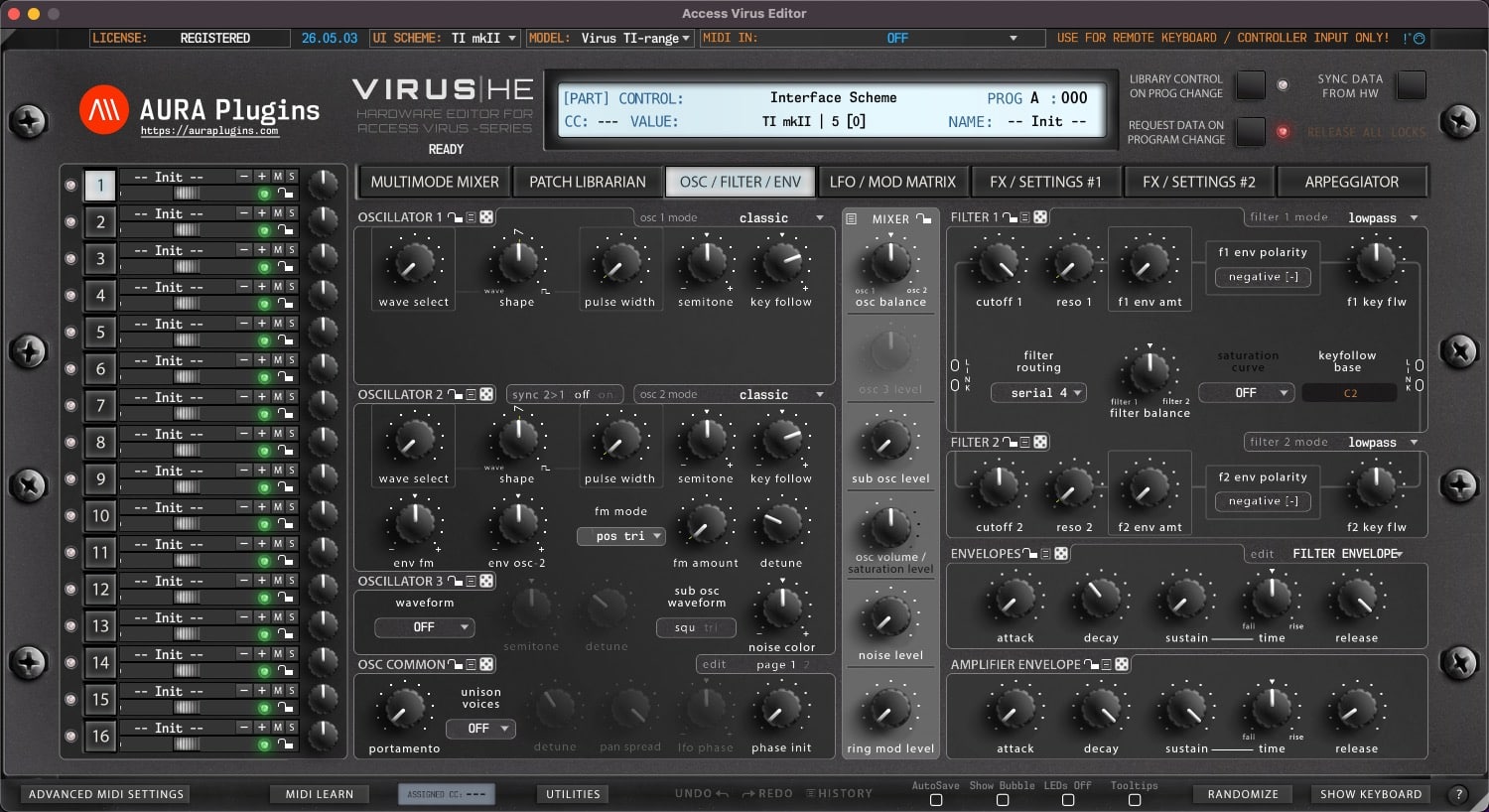
Download Access Virus Editor & Librarian
Hardware Editor and Librarian for Access Virus (all models).
It is time to reconnect – don’t leave the hardware behind
Hardware requirements
– Any of the following Access Virus models: A, B, KB, Indigo, Rack, Classic, C, KC, Indigo 2, Rack XL, TI, TI Snow, TI2 or TI Pølar
– MIDI Interface with SysEx support OR
– Direct USB connection to computer
Virus TI users with macOS 10.15 or greater:
Option #1: Use our “Virus TI USB Plugin I/O” driver after install. USB Audio stream works too. Full details here.
Option #2: Unplug the USB from the Virus TI and use regular MIDI cables.
Option #3: Get a good USB to MIDI interface, like ESI MIDIMATE EX
Latest version: 26-05-13 | 2026-May-13
User Manual
Can’t see your license and downloads?
Refresh page after login to view FULL downloads and license
FULL Downloads require license purchase from our store.
Demo Limitations to be aware of:
- Parameters can not be automated from your DAW.
- Parameter MIDI CC Mapping is disabled.
- Parts 2-15 are disabled (if applicable).
- Total Recall is disabled.
- UI Data can not be saved or loaded.
- MIDI CC Mapping Data can not be saved or loaded.
- Librarian Bank Edits can not be saved.
- Librarian "Store Data to Hardware" is disabled.
- Demo can not be registered.
Install and Launch instructions
Download the installer for macOS or Windows.
- Extract the zip file on Windows.
Open the installer executable and run it.
- Select all plugin formats to install - otherwise it will fail.
- Read the hardware and DAW configuration guides from our documentation site. Link below.
Optional:
If you have banks you've purchased for the specific product, copy them to:
~/Music/AURA Plugins/(product name)/Patches/ folder.
- Open the plugin or Standalone application and you can view your banks in the Patch Librarian tab.
- Enjoy!
- Support our continuous development via https://ko-fi.com/auraplugins!
Available plug-in formats
- VST2 (macOS and Windows)
- VST3 (macOS and Windows)
- AAX (macOS and Windows)
- Audio Unit (macOS)
- Standalone Application (macOS and Windows)
64-bit macOS or Windows
System requirements
Windows 7 or greater (64 bit)
macOS 10.12 (High Sierra) or greater with Metal graphics
Intel & Apple Silicon
Please ensure system and DAW compatibility with the plug-in or standalone application DEMO before committing to purchasing a full license. All purchases are final.




VST is a trademark and software of Steinberg Media Technologies GmbH.
Recent changes:
[ New ] Librarian has option to sort Lower list items alphabetically.
[ Fixed ] Bank request and write functions works as expected.
[ Fixed ] TI Master Volume pot is now available if set from Editor Preferences menu.
[ Fixed ] TI Atomizer toggle works as expected.
[ Fixed ] TI Distortion Mix knob was not shown properly.
[ Improvement ] TI Envelope view dropdown area is wider.
[ Improvement ] User Interface elements are now drawn properly when User Interface is opened.
[ Other ] Windows: Our signing certificate expired, so use right click -> open to install.
Issues with Editor? Open Support Ticket
Join our Access Virus Editor community over at Discord
Want to support our development and free updates? Buy us a coffee
Complete change log: https://auraplugins.com/kb/article/access-virus-editor-changelog/
Share this with fellow producers



