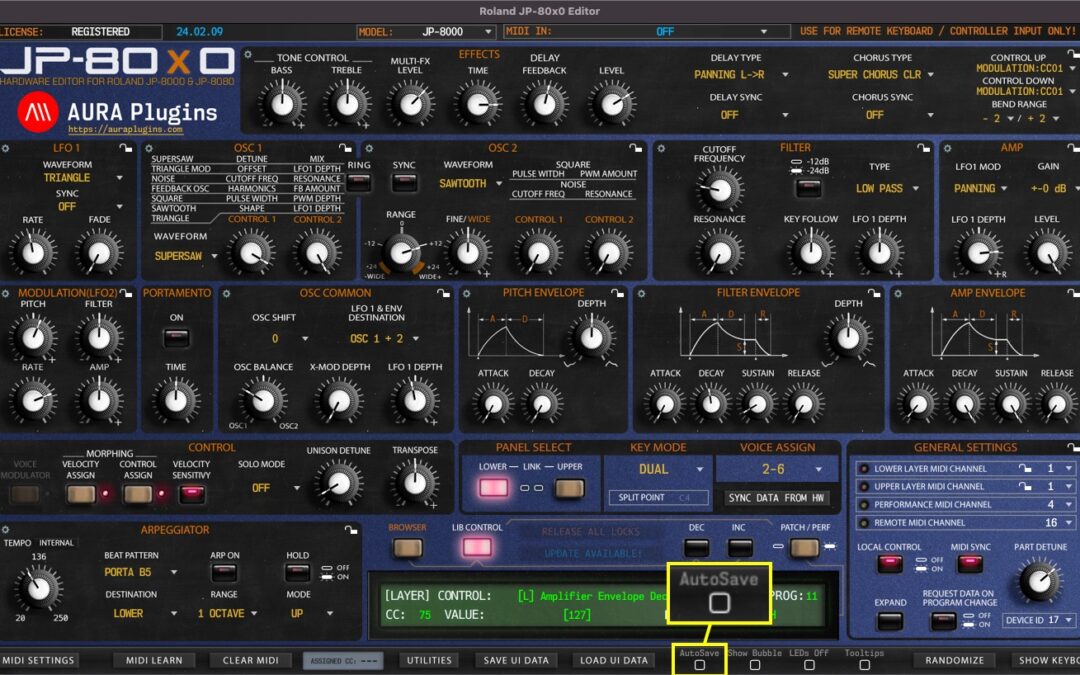
When AutoSave is toggled on, any changes made in the librarian left bank view will be automatically saved. This is a dangerous function, but as per request, we included this feature. NOTE: Be aware that there is NO UNDO function, so you cannot revert to the previous...
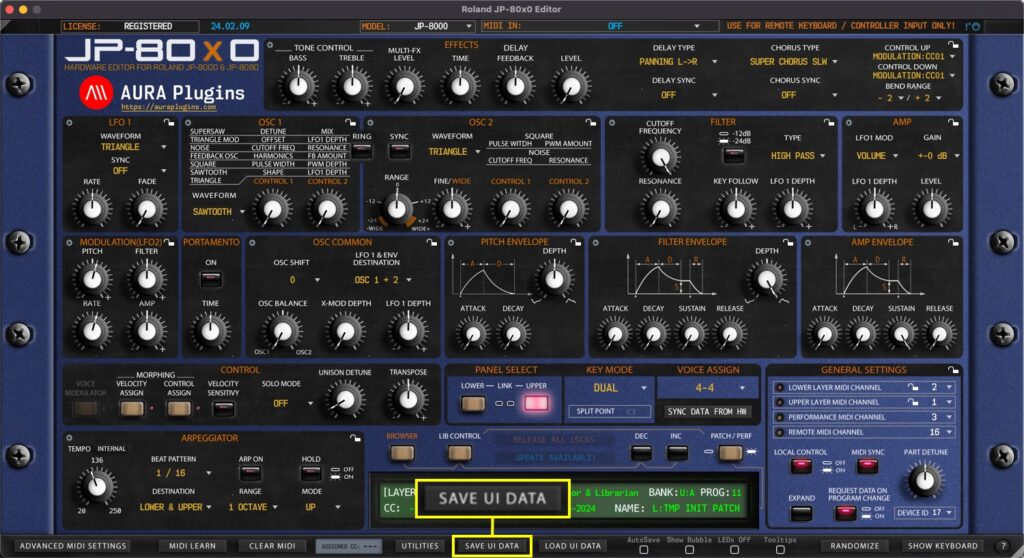
Save UI Data saves all the Editor settings in single file, including global, performance and individual layer settings. This is the best option to back up your favorite settings per project and it gives you portability to share your settings with someone else, or use...
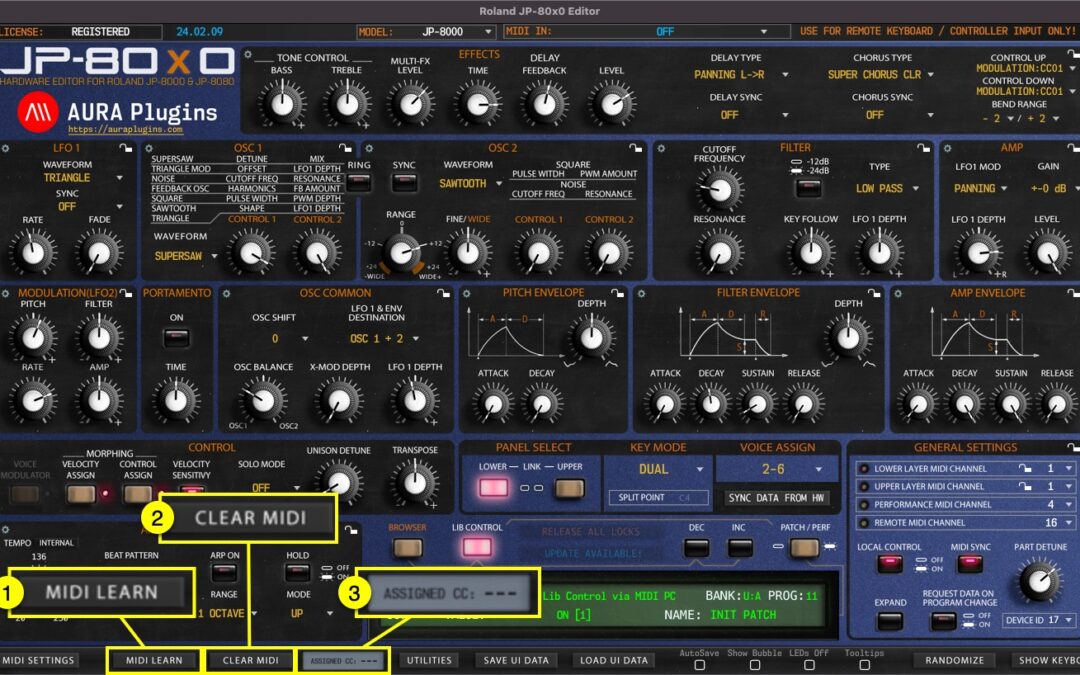
MIDI LEARN (Map External Controller) MIDI LEARN [1] allows you to map incoming MIDI CC control message to certain controls of the Editor. To activate MIDI LEARN, toggle on the button and follow instructions given in the Editor display. Move knob or button on the...
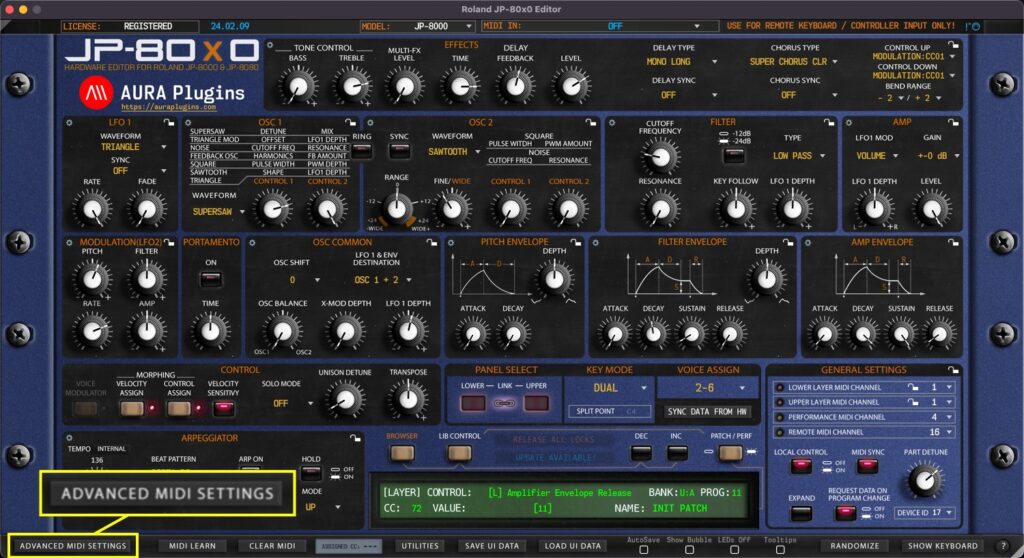
You can control which messages gets processed and which do not. Open Advanced MIDI Settings window by clicking ADVANCED MIDI SETTINGS button in the Editor user interface. You can block messages being processed from DAW or from the Synthesizer itself. Settings...
If you get stuck notes or if you need to initiate full MIDI reset, click the MIDI Panic [1] button. This function will send all notes off MIDI message to the JP. How To Set MIDI Input and MIDI Output ports How To Adjust Advanced MIDI...