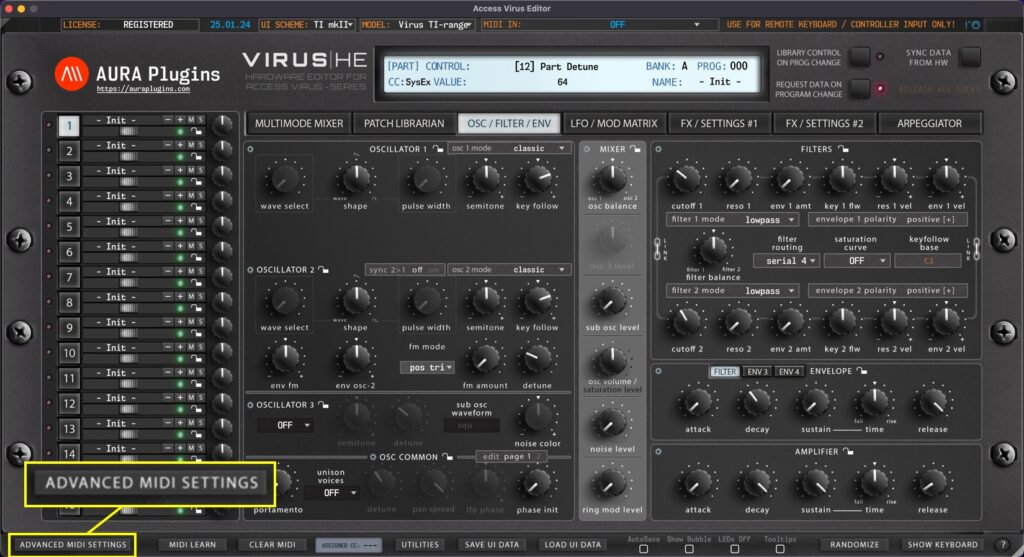
You can control which messages gets processed and which do not. Open Advanced MIDI Settings window by clicking ADVANCED MIDI SETTINGS button in the Editor user interface. You can block messages being processed from DAW or from the Synthesizer itself. Settings seen in...
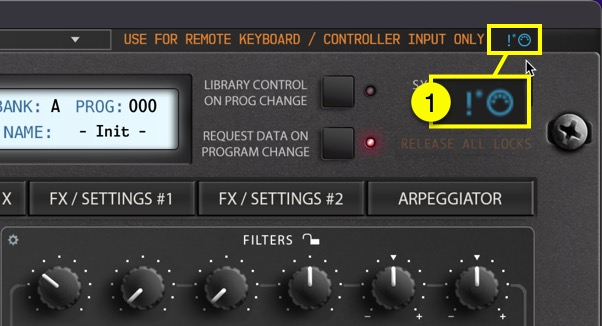
If you get stuck notes or if you need to initiate full MIDI reset, click the MIDI Panic [1] button. This function will send all notes off MIDI message to the Virus. How To Set MIDI Input and MIDI Output ports How To Adjust Advanced MIDI...
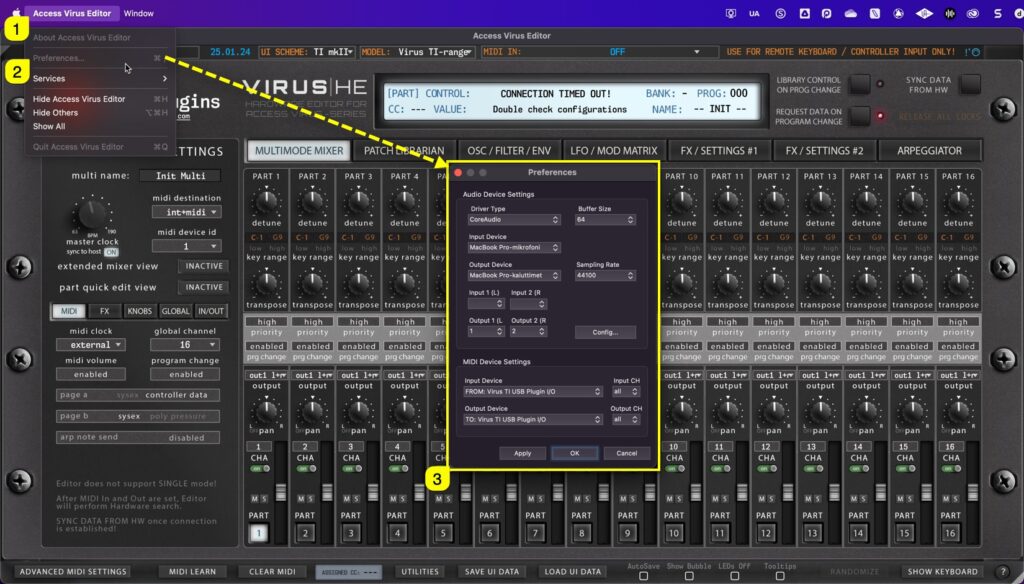
Virus TI: MIDI DIN vs USB USB can be used to establish connection with our Editor. In such case, use ports: Virus TI USB Plugin I/O on macOS Virus TI Synth on Windows USB Audio has to be routed to your DAW with 3rd party software like Audiomovers Inject, Omnibus or...
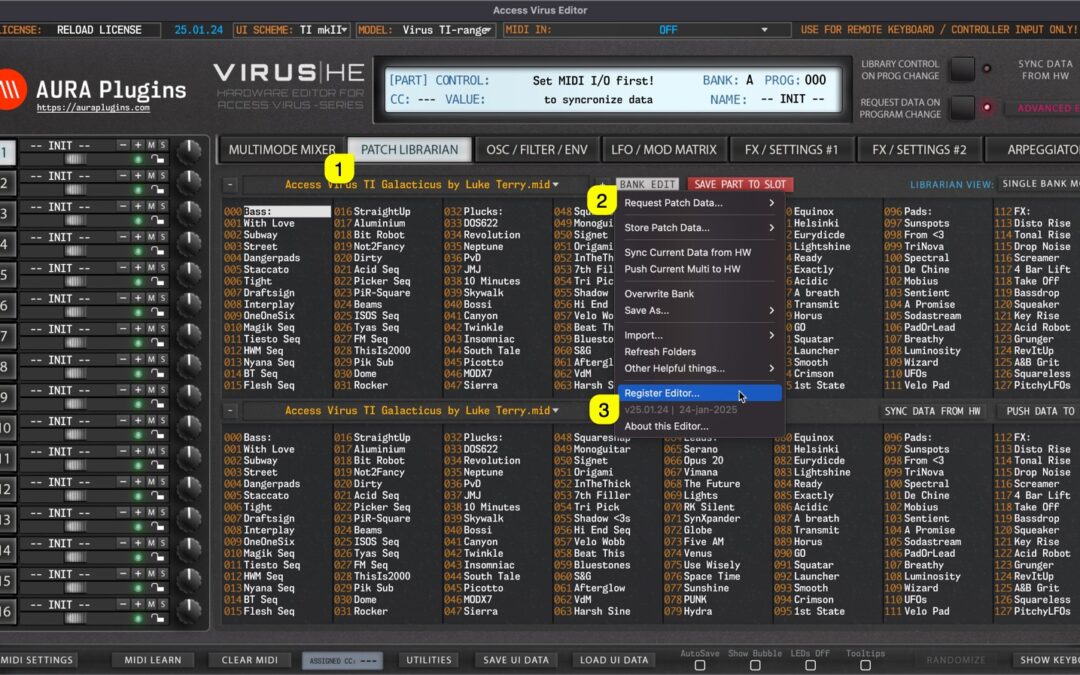
If you made the decision to purchase the license for our Editor, you are the best! Just wanted to thank YOU. License owners can enjoy the full advantages of the Editor, like: Plug-in parameters can be automated directly from your DAW. Librarian is fully functional and...
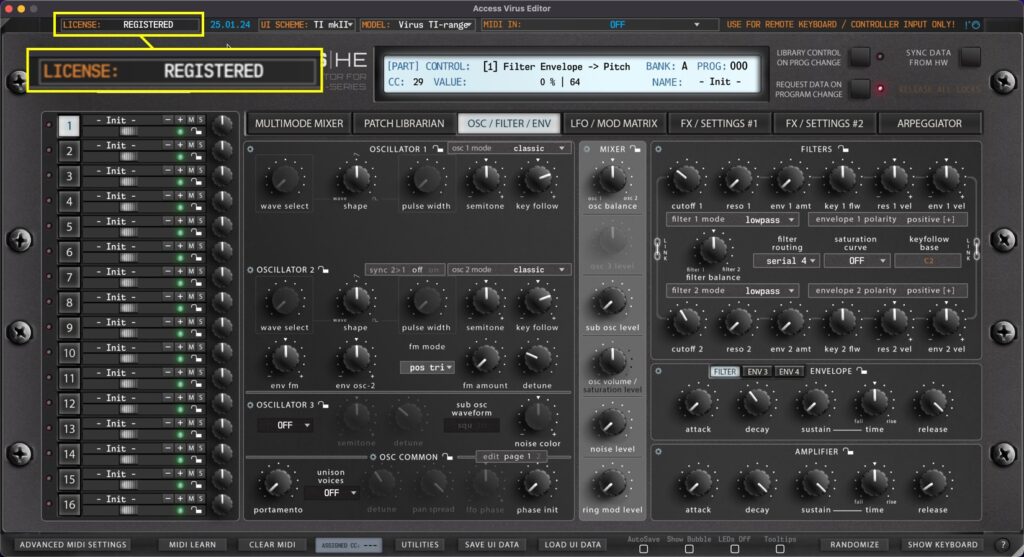
Displays current state of the Editor license. If DEMO version is installed, then display will show **DEMO VERSION**. If Full version is installed, then you will see RELOAD LICENSE or REGISTERED if license is applied. To learn more about registering our Editor, please...