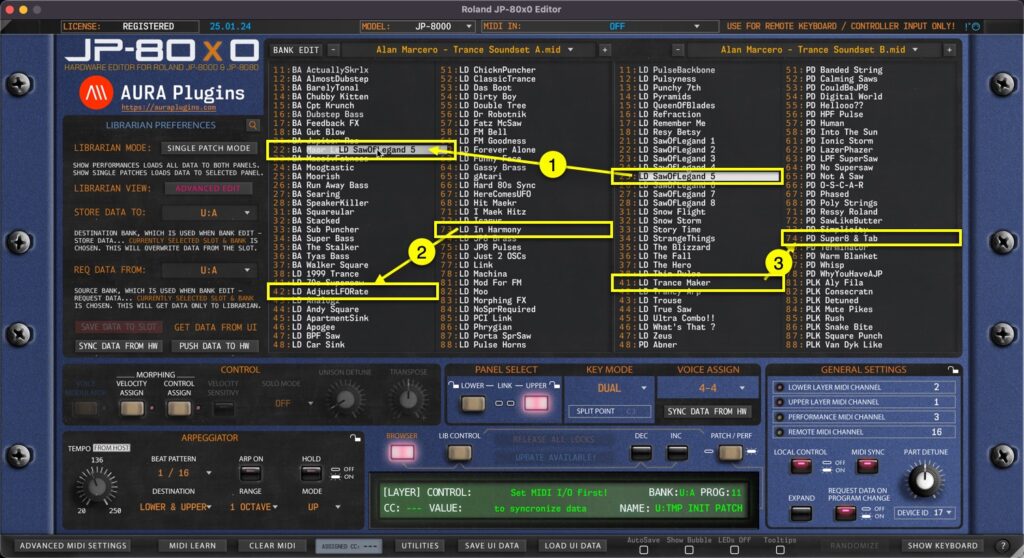
Librarian Drag’n’Drop You can drag’n’drop data from: [1] SOURCE -> BUFFER list [2] BUFFER -> BUFFER list BUT you can NOT drag’n’drop data from [3] SOURCE -> SOURCE list. BUFFER -> SOURCE list is also disabled. This is by...
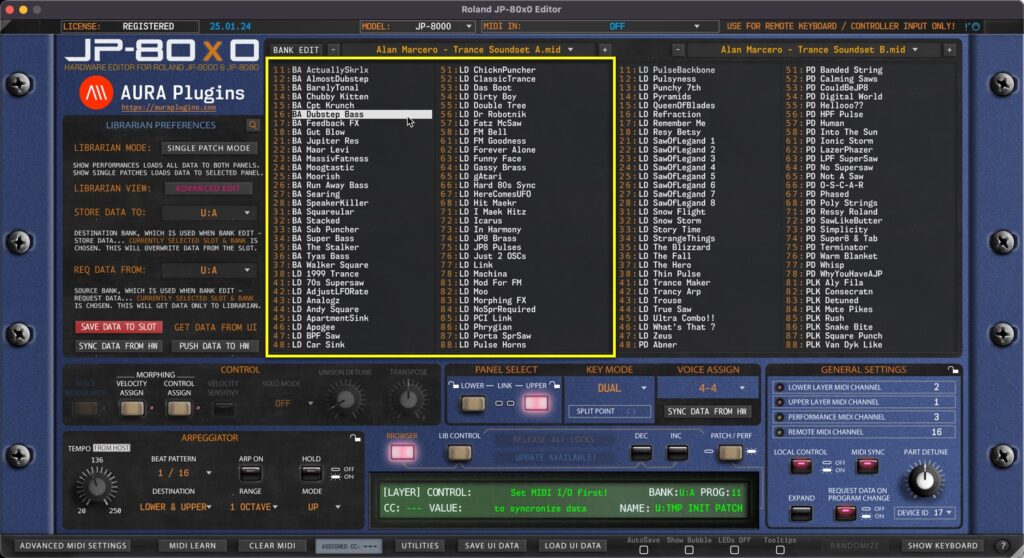
Our Librarian has two views: primary is “Edit Buffer” view and secondary is “Source” view. This is really straight forward, left is your Edit Buffer, where you can request, rename, move and paste data. Right view is your Source of copy / search...
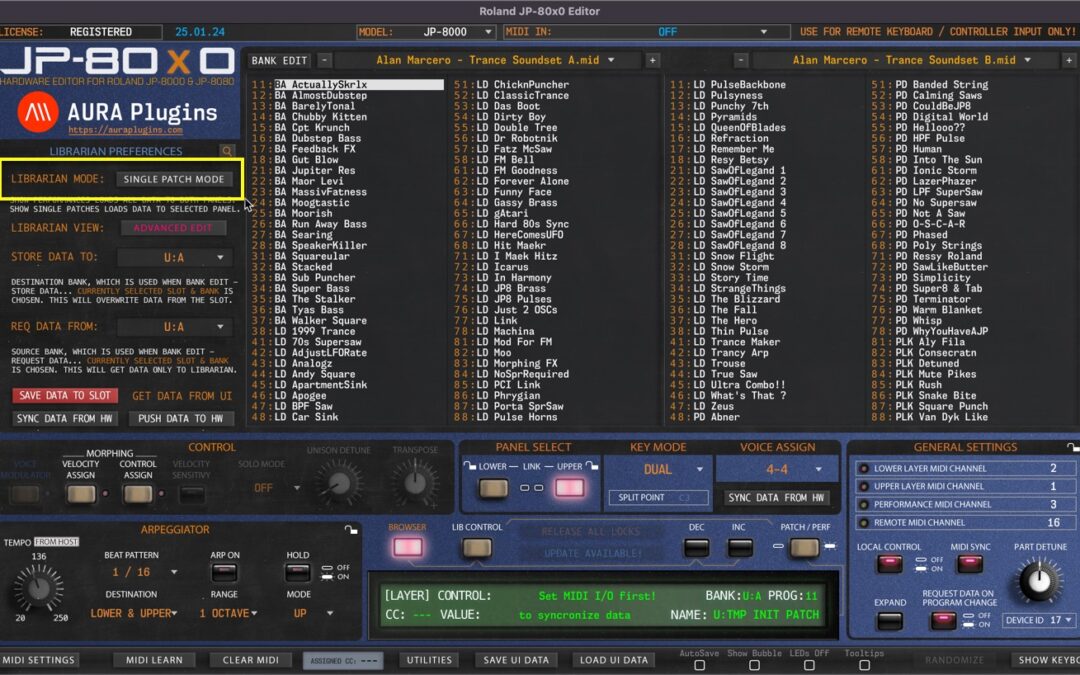
Single Patch Mode Editor defaults to SINGLE PATCH MODE on new instances. Singles from the Librarian can be loaded to UPPER or LOWER panel of your choice. If UPPER panel button is lit, then data will be sent to UPPER panel in the hardware. You can load two individual...
Librarian View In this chapter, we are going to walk through the usage of the Patch Librarian and all its functions & possibilities. It might take some time to understand how it works, but for those who used Emagic SoundDiver in the past, this workflow is pretty...