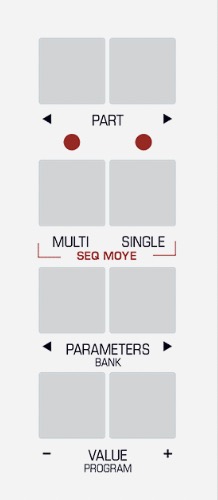
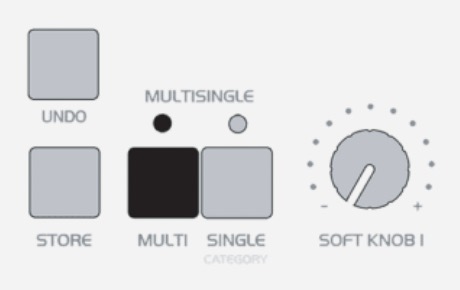
After Virus is powered up, enter System settings and apply following settings. Note: Menu and Button examples from Virus TI Desktop user manual. Enter MULTI mode Enter GLOBAL settings Use PARAMETER buttons to navigate settings pages and VALUE buttons or VALUE knob to...
After Virus is powered up, enter Global settings and apply following settings. Note: Menu and Button examples from Virus C user manual. Enter MULTI mode Enter GLOBAL settings Use PARAMETER buttons to navigate settings pages and VALUE buttons or VALUE knob to adjust...
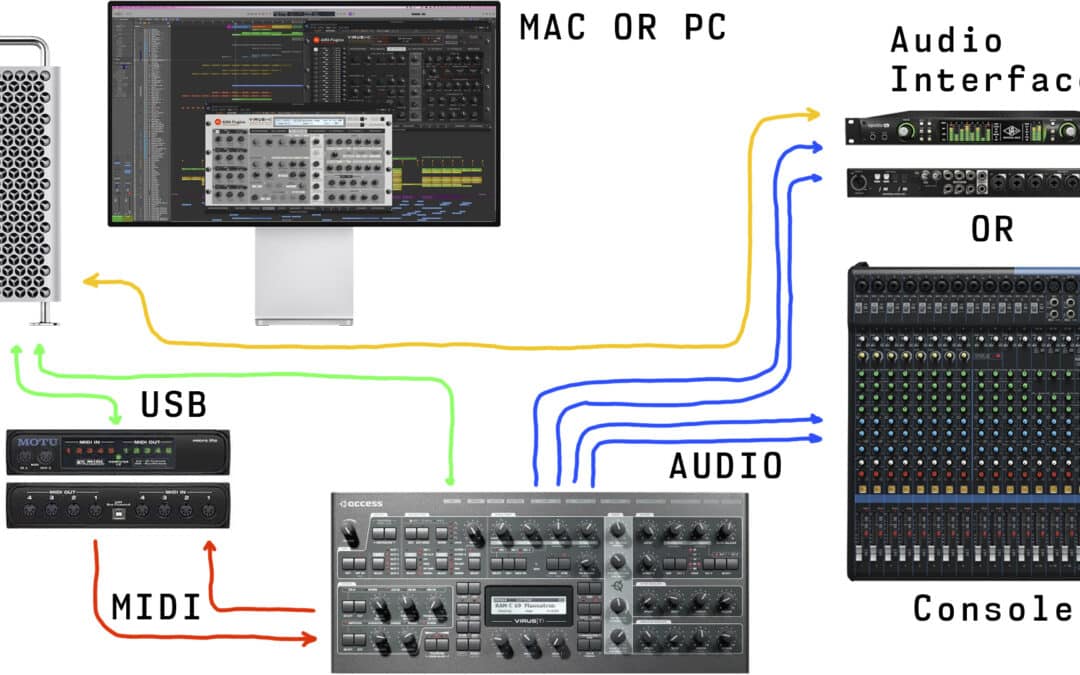
Connect the MIDI cables from your synthesizer to the MIDI interface and Audio Jacks to your console / sound card. MIDI out from synth to MIDI interface IN and vice versa. MIDI thru connections will not work. MIDI Out from MIDI interface to Virus MIDI In port. MIDI Out...
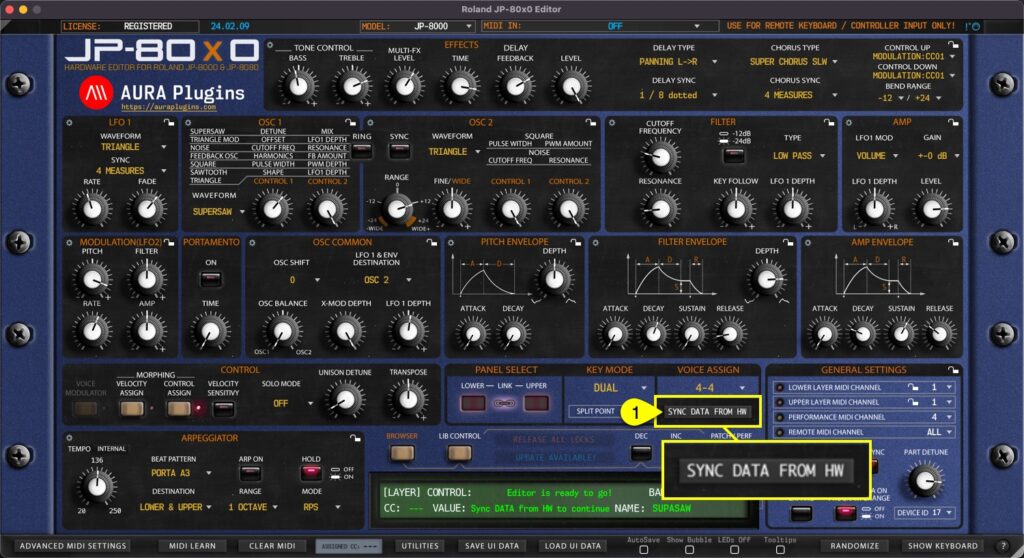
This is the final step before you can start making your own adjustments IF “Enable Hardware Auto-connect” is disabled from Utilities menu as explained in previous section! Click Sync Data From HW [1] button to synchronize active PERFORMANCE data from your JP to the...
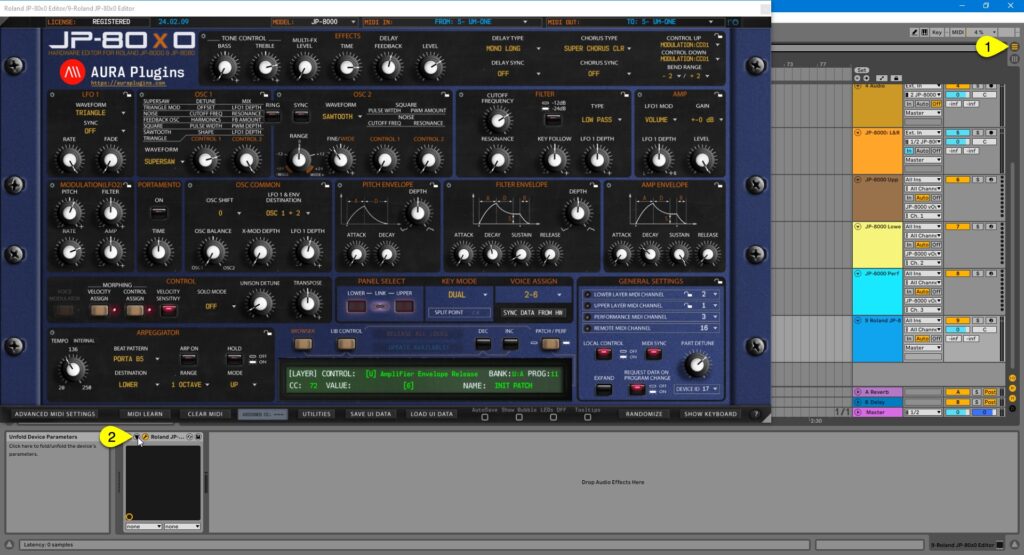
Learning Parameters for Automation You can automate almost every parameter of your JP-8000 / JP-8080 with our Editor in DAW without having to remember CC numbers or have spread sheets constantly open on your screen. Click toggle [1] to view arrangement view. Now click...