by Jani | AURA Plugins | Dec 10, 2025
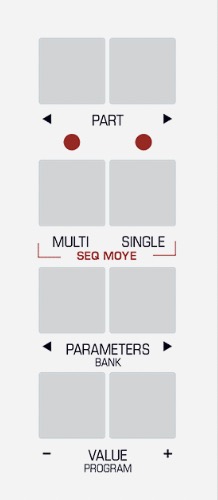
After Virus is powered up, enter System settings and apply following settings. Note: Menu and Button examples from Virus TI Desktop user manual. Enter MULTI mode Enter GLOBAL settings Use PARAMETER buttons to navigate settings pages and VALUE buttons or VALUE knob to...
by Jani | AURA Plugins | Dec 10, 2025
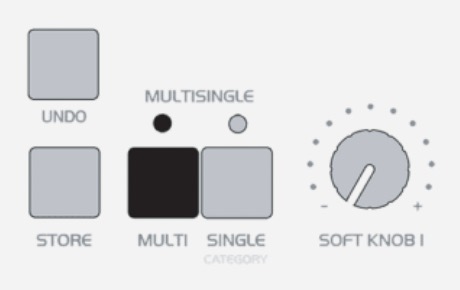
After Virus is powered up, enter Global settings and apply following settings. Note: Menu and Button examples from Virus C user manual. Enter MULTI mode Enter GLOBAL settings Use PARAMETER buttons to navigate settings pages and VALUE buttons or VALUE knob to adjust...
by Jani | AURA Plugins | Dec 10, 2025
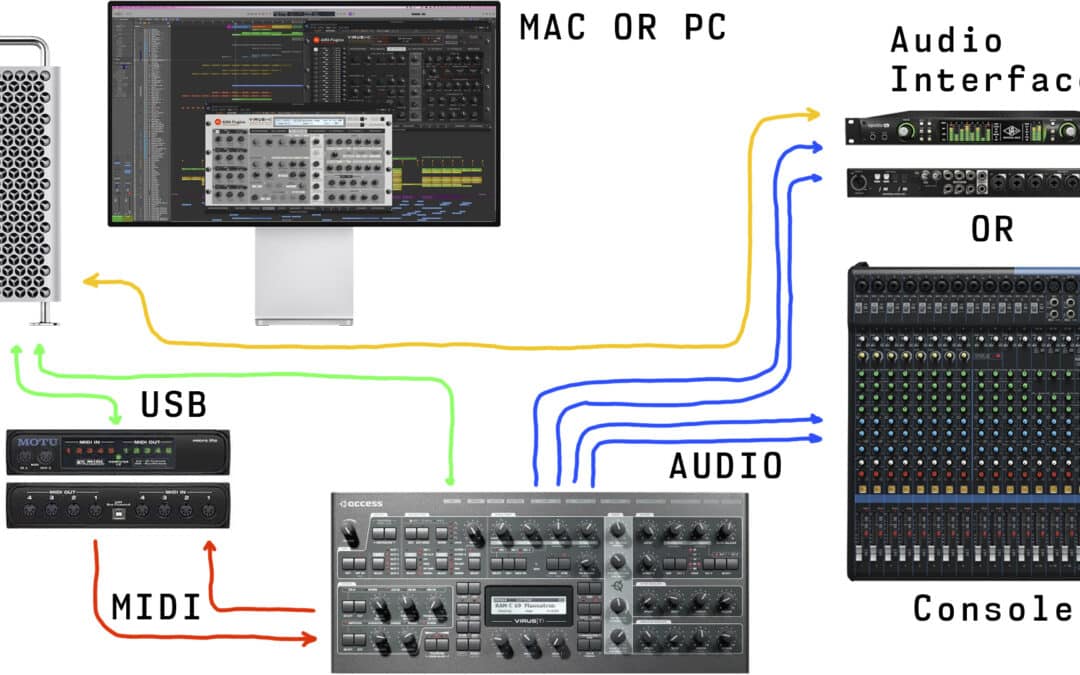
Connect the MIDI cables from your synthesizer to the MIDI interface and Audio Jacks to your console / sound card. MIDI out from synth to MIDI interface IN and vice versa. MIDI thru connections will not work. MIDI Out from MIDI interface to Virus MIDI In port. MIDI Out...
by Jani | AURA Plugins | Nov 13, 2025
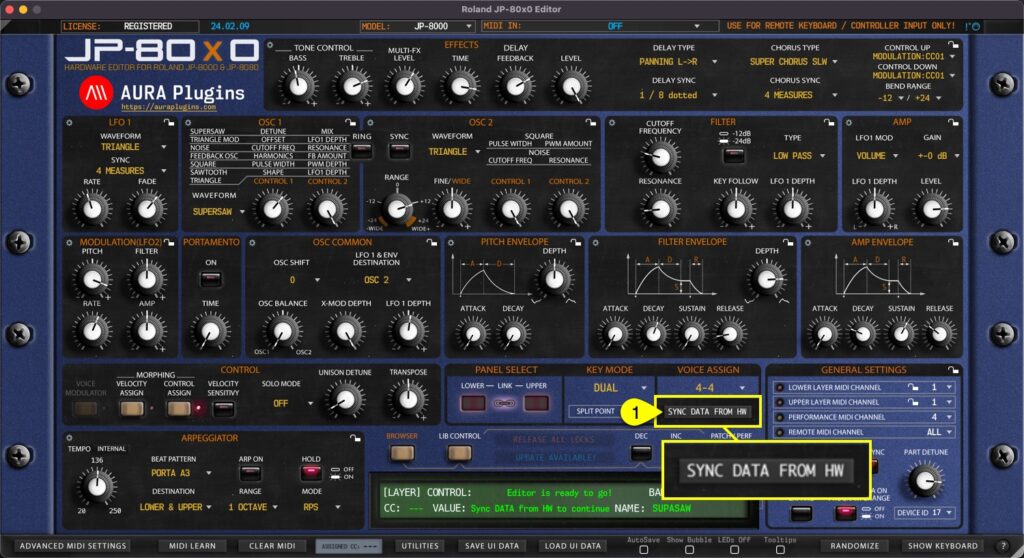
This is the final step before you can start making your own adjustments IF “Enable Hardware Auto-connect” is disabled from the Utilities menu as explained in the previous section! Click Sync Data From HW [1] button to synchronize active PERFORMANCE data and both...
by Jani | AURA Plugins | Nov 12, 2025
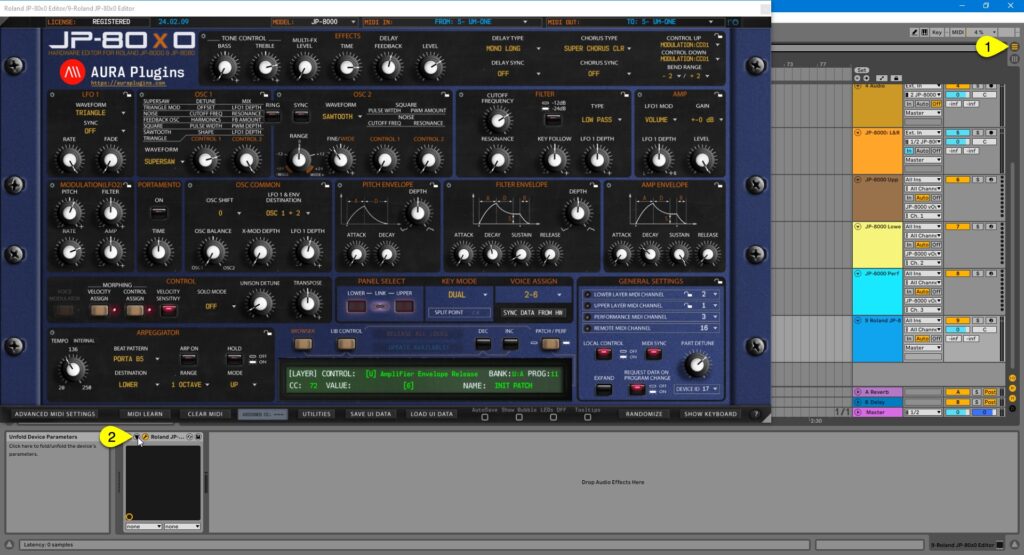
Learning Parameters for Automation You can automate almost every parameter of your JP with our Editor in DAW without having to remember CC numbers or have spread sheets constantly open on your screen. Click toggle [1] to view the arrangement view. Now click the Unfold...