by Jani | AURA Plugins | Dec 16, 2025
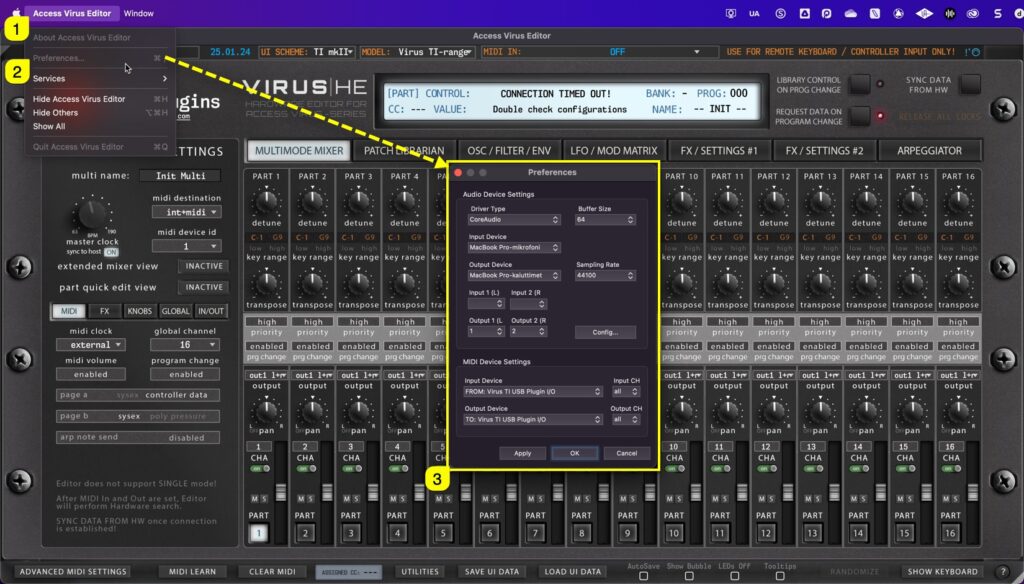
If DAW is not your thing and you just want to edit Virus right from your computer, you can use the standalone application. Below is a guide to connect the Editor to the Virus and do all the fun stuff DAW users do (without automation). Select MIDI ports with Standalone...
by Jani | AURA Plugins | Dec 13, 2025
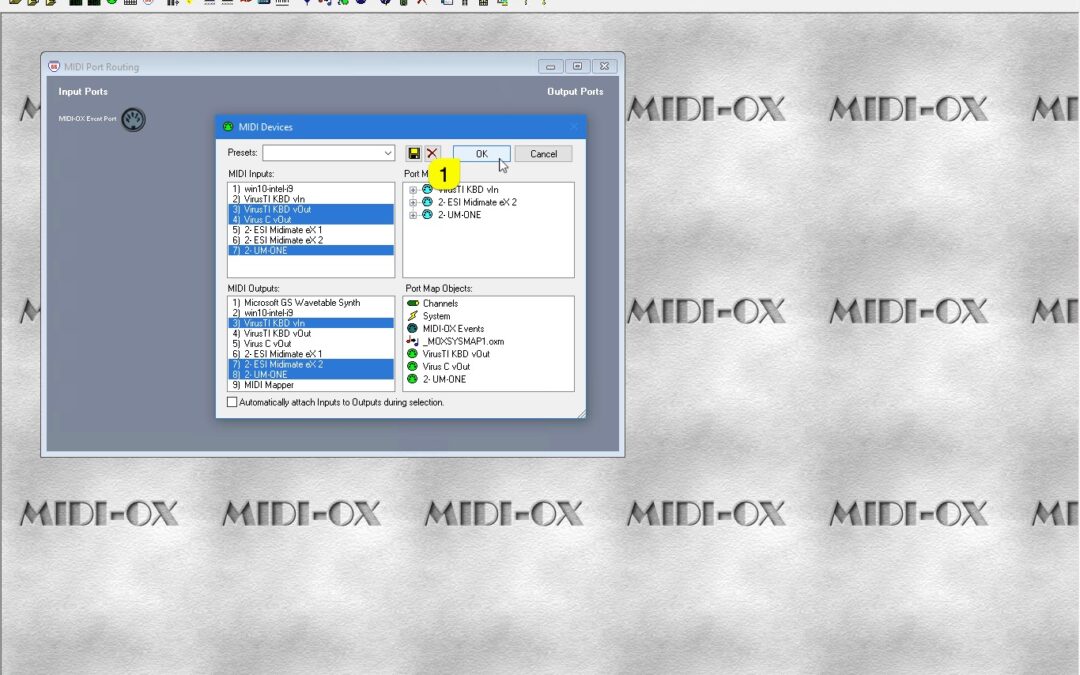
HEADS UP: Windows 11 with multiclient MIDI drivers will enable MIDI devices to be shared between applications – If you are on Windows 11, you can skip creating Virtual paths if you don’t have use for them. If you plan to route MIDI messages from your DAW to the...
by Jani | AURA Plugins | Dec 12, 2025
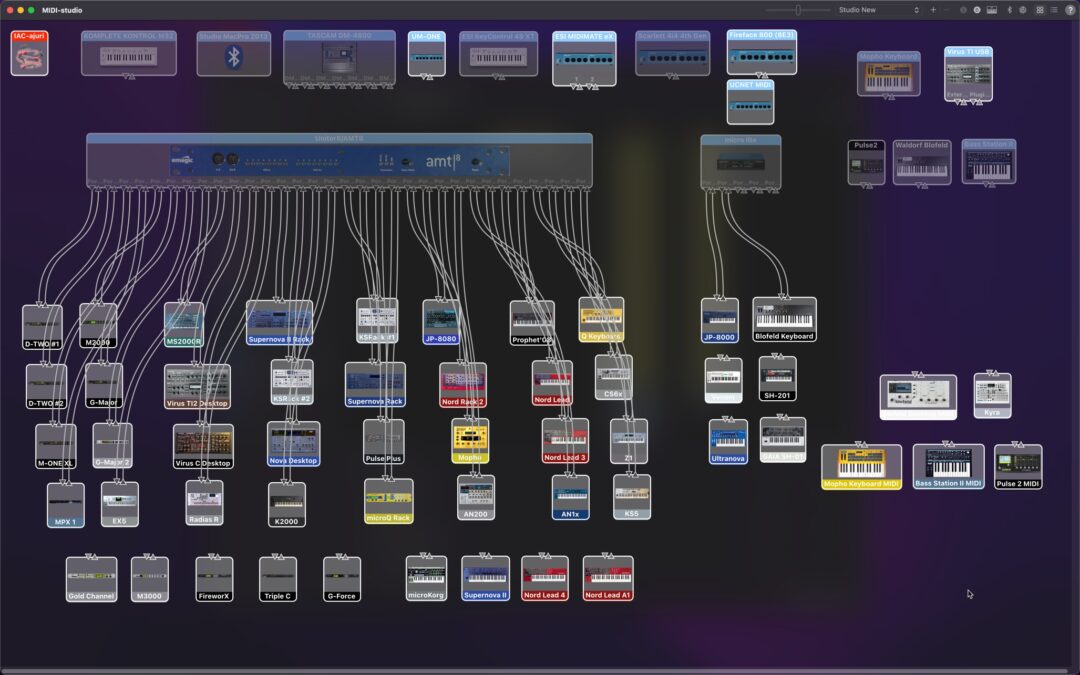
This setup is not mandatory if you remember all of your port numbers & routings out of your head. This guide will help you, if your setup is anything like ours: dozens and dozens of ports in use! Virus TI and USB on macOS If you are using USB with Virus TI, check...
by Jani | AURA Plugins | Dec 12, 2025
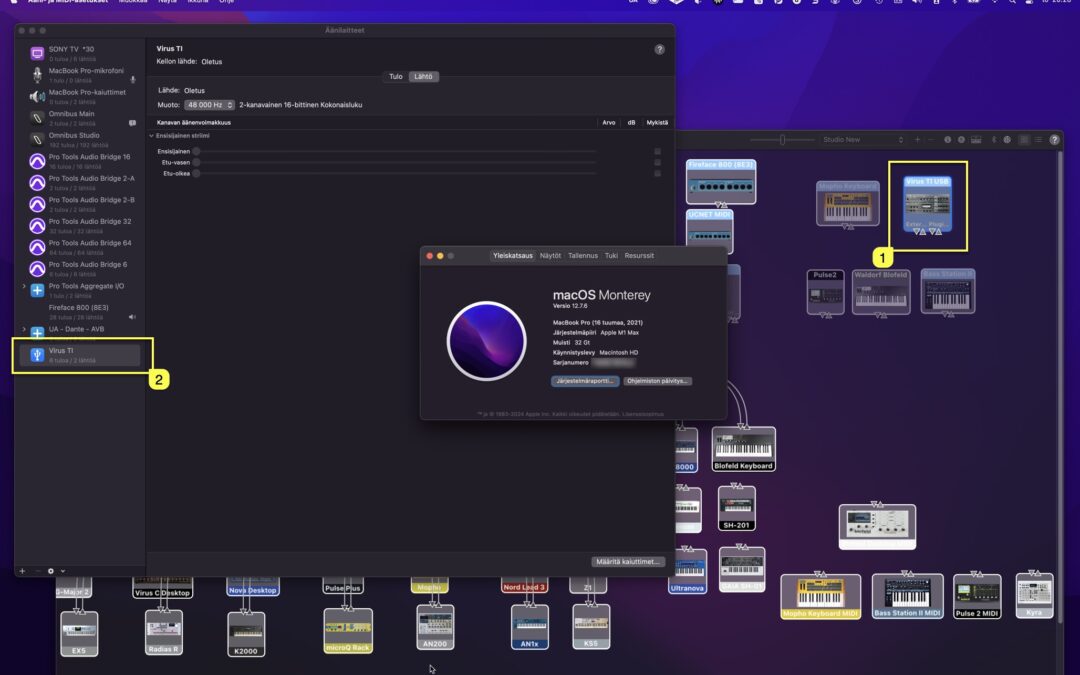
Access Virus TI USB Audio connection You’ll find links in this article for User Guides to connect your Virus TI USB Audio back into your DAW – macOS and Windows. The first method is Native macOS way (yes, even on M-chip macs), then we will check how to connect the...
by Jani | AURA Plugins | Dec 10, 2025
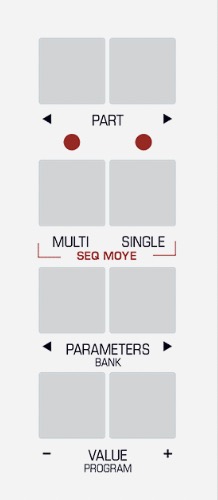
After Virus is powered up, enter System settings and apply following settings. Note: Menu and Button examples from Virus TI Desktop user manual. Enter MULTI mode Enter GLOBAL settings Use PARAMETER buttons to navigate settings pages and VALUE buttons or VALUE knob to...