by Jani | AURA Plugins | Dec 23, 2025
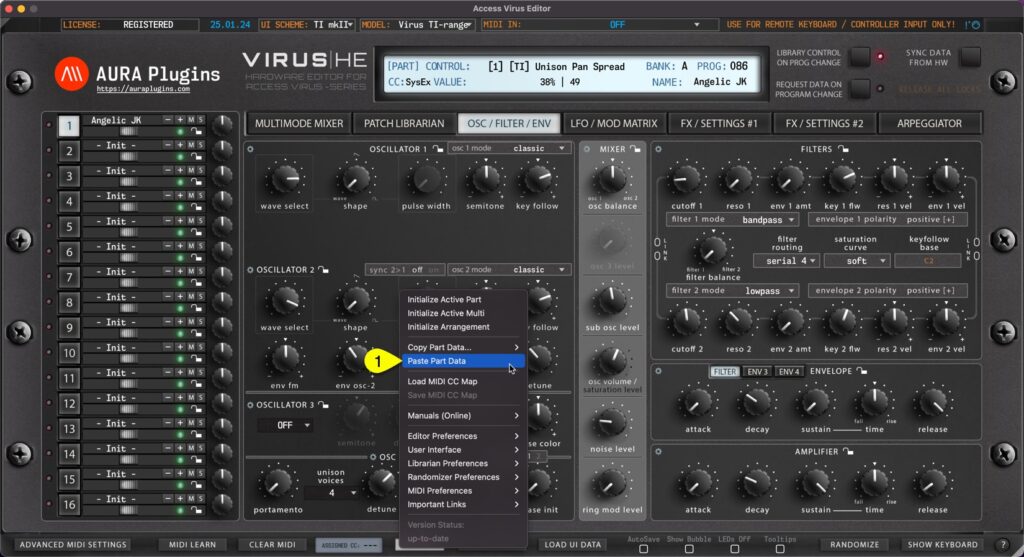
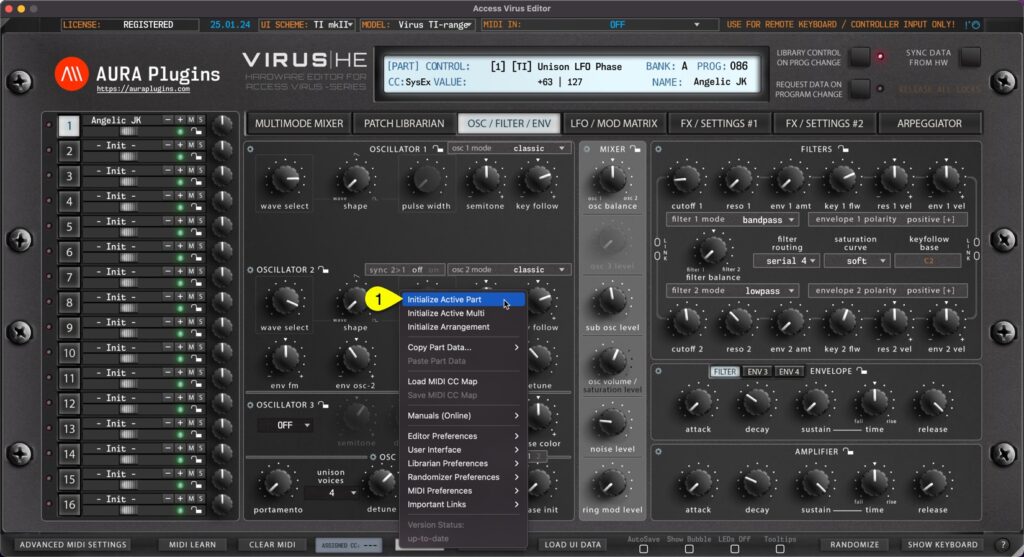
Paste Layer Data You can paste currently copied Part data from the clipboard. Open Utilities Menu and select Paste Part Data… [1]. See previous page for explanation for each copy function and what they include. You can achieve the same result if you right click...
by Jani | AURA Plugins | Dec 23, 2025
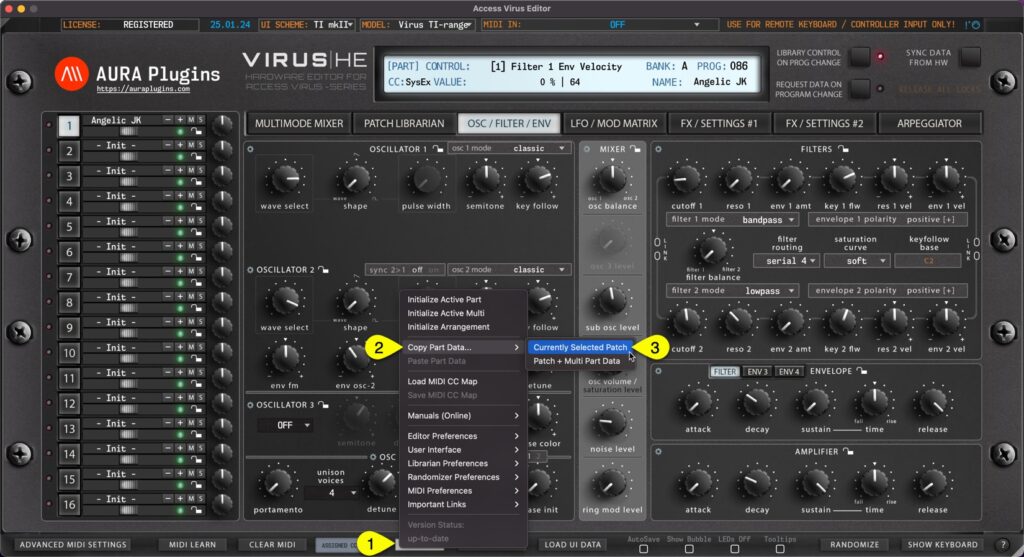
Currently Selected Patch You can copy currently selected Part data to clipboard and paste the data to another Part for further processing. Here is how you can do it: Open Utilities Menu [1] , select Copy Part Data… [2] and then select Currently Selected Patch [3] ....
by Jani | AURA Plugins | Dec 23, 2025
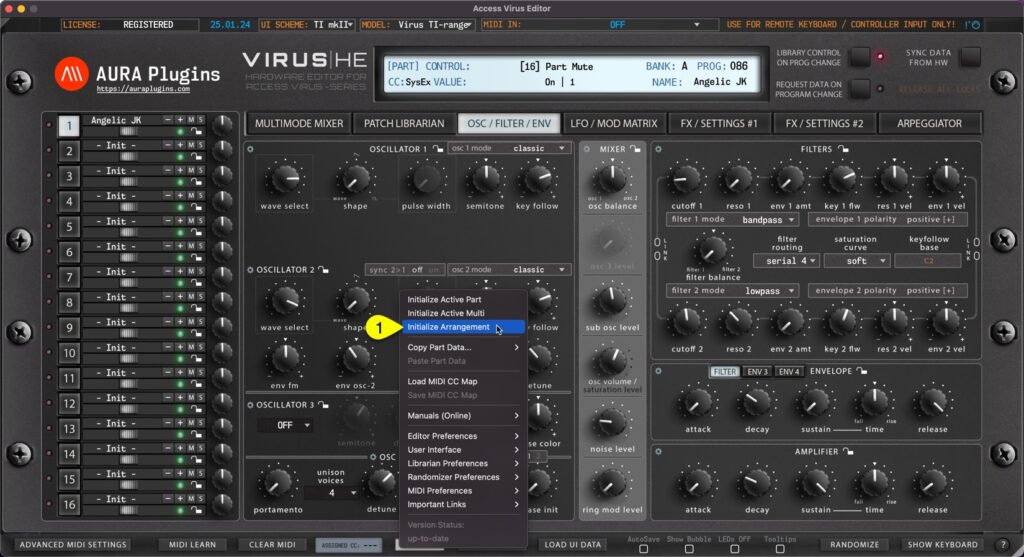
You can Initialize Arrangement by clicking Utilities Menu [1] and then Initialize Arrangement [2] . This function will initialize the whole Editor to initial state. Multi / Seq and each part are set to default values. Start from a clean slate! Initialize Active Multi...
by Jani | AURA Plugins | Dec 23, 2025
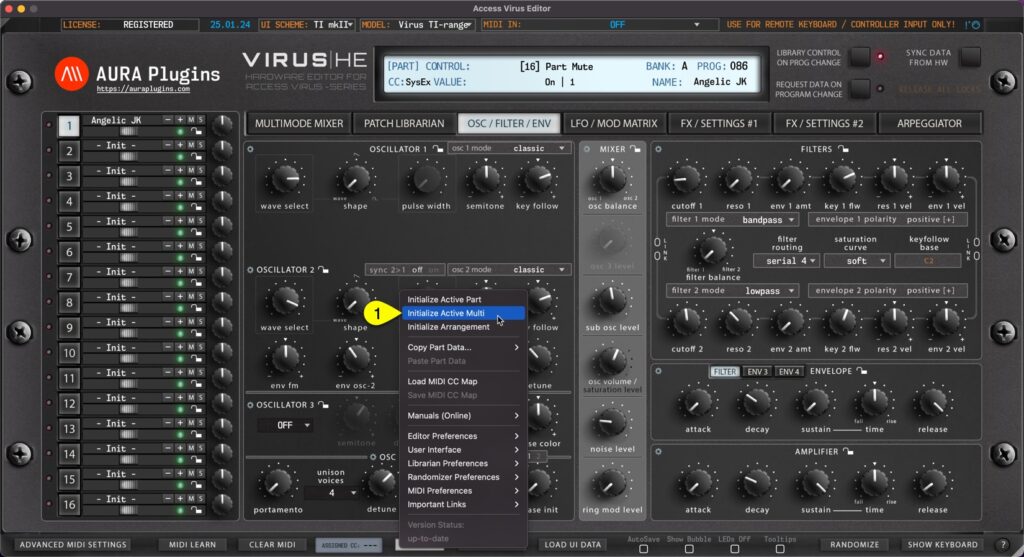
You can Initialize Active Multi by clicking Utilities Menu [1] and then Initialize Active Multi [2] . This function will initialize only the multi / sequencer parameters. All part key ranges, detune settings, output routings etc will be initialized as well as Multi /...
by Jani | AURA Plugins | Dec 23, 2025
You can Initialize Active Part by clicking Utilities Menu [1] and then Initialize Active Part [2] . This function will initialize whichever Part you have active at the moment. All current part parameters will be initialized to default “init” patch values. This is...