
Knowledge Base forTC Electronic D-Two Editor
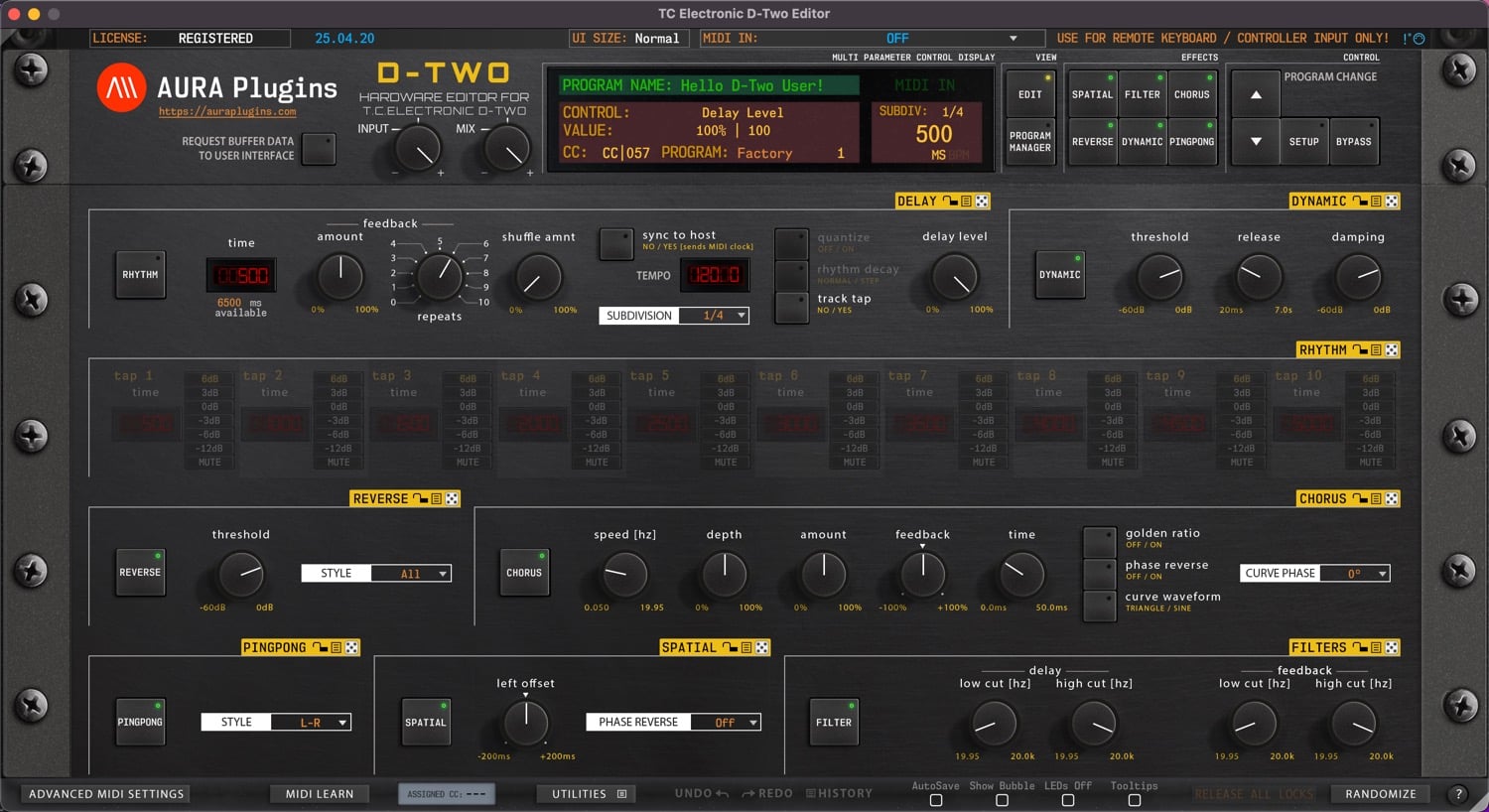
Documentation
Resources
Latest Update:
[ New ] Librarian Multi select read / write support added. Works with right click actions too.
[ New ] Multi-select items in Patch Librarian for copy / paste / drag'n'drop.
[ New ] Enable Automatic Update check from Utilities -> Editor Preferences menu.
[ New ] Enable to use current MIDI ports as defaults when inserting the Editor (plug-in only).
[ New ] Editor now shows a message with instructions, if Librarian data is dragged incorrectly.
[ New ] Logging Enabled HUD now shows Editor transfer statuses.
[ New ] Librarian will alert if Patches folder is not located.
[ New ] Editor now passes audio thru in plug-in chain.
[ New ] Request System settings toggle added to SETUP page.
[ Fixed ] Program Changes now work as expected.
[ Fixed ] Quick Help background image update.
[ Fixed ] Request Toggle LED removed.
[ Fixed ] Search function in Librarian works as expected.
[ Fixed ] Delay Time display is now shown even when RHYTHM mode is toggled on.
[ Fixed ] Tap 1 -> Tap 10 delay values are now shown properly in RHYTHM mode.
[ Fixed ] Some control IDs for SysEx controls were off.
[ Fixed ] Resolved issue where UI would be blocked after tempo change.
[ Fixed ] Resolved issue where update url was scoped even when the option was disabled from Utilities menu.
[ Fixed ] Resolved issue where Load UI Data function changed MIDI I/O, SysEx ID, Global MIDI Ch and Main tab values.
[ Fixed ] Resolved issue where double clicking item from the librarian would show a warning message under certain circumstances.
[ Fixed ] UI Size menu is now set to Normal when loading UI Data to prevent graphical glitches.
[ Fixed ] Resolved an issue where Editor would crash opening the UI while DAW playback was on.
[ Fixed ] Resolved issue where Demo Limitation layer was shown incorrectly.
[ Fixed ] Resolved issue where Search files were not copied properly from right to left list.
[ Fixed ] Resolved issue where Quick Edit view crashed Editor under certain conditions.
[ Fixed ] Editor Preferences in Utilities menu were off.
[ Fixed ] Tempo sync from Standalone App should work better now.
[ Improvement ] AAX loads faster with better stability.
[ Improvement ] Librarian functions and stability improved.
[ Improvement ] Rewording of Bank Edit menu items in Librarian.
[ Improvement ] Adjusted SysEx timer to ensure data is processed properly.
[ Improvement ] Editor loads up a bit faster now.
[ Other ] Product URLs updated to support upcoming User Manual update. Use tooltips to show function purpose. Most are self-explanatory.
[ Other ] Windows: Our signing certificate expired, so use right click -> open to install.
[ Note ] If you had Editor defaults written previously, delete the file before applying this update.
Open /{yourusername}/Music/AURA Plugins/{editor name}/UI Data/ and remove editor.default -file.
Issues with Editor? Open Support Ticket.
Join our TC Electronic D-Two Editor community over at Discord!
Want to support our development and free updates? Buy us a coffee!
Full history: https://auraplugins.com/kb/article/tc-electronic-d-two-editor-changelog/
View in Shop
Start with TC Electronic D-Two Editor here
Most Viewed Content for TC Electronic D-Two Editor
Why my DAW crashes when I set MIDI in / out from the editor?
This is usually caused by the fact that your DAW has the MIDI port in use.
Be sure to follow our DAW User Guides to setup your environment properly before setting the MIDI ports.
Start with Setting MIDI Devices guide and follow up with the specific hardware instructions.
Why Editor displays DEMO version after purchasing the license?
You need to download and install FULL version of our Editor in order to register it.
Head down to https://auraplugins.com/my-account/ (login if prompted) – You should see the downloads links once logged in.
- Download the full installer and license.
- Install full version.
- Check license instructions and install license.
- Re-open the Editor to validate the license.
- When validation succeeds, Editor says “Registered” in the top left corner.
Do you have a roadmap for future projects?
Yes we do, but we keep the roadmap in our Discord server. You can follow our development and participate the upcoming features in our https://ko-fi.com/auraplugins page and by joining our Discord server.
How can I review your Product?
Navigate to https://auraplugins.com/my-account/ and login if prompted. Once logged in, you can review products you’ve purchased.
Next, go to https://auraplugins.com/products/ and choose the product you want to review.
Scroll down until you see Reviews tab and you can leave a review there!
Is there a way to support your Development?
TC Electronic D-Two Editor User Manual Feedback 0
TC Electronic D-Two Editor Changelog Feedback 0
Share this with fellow producers
