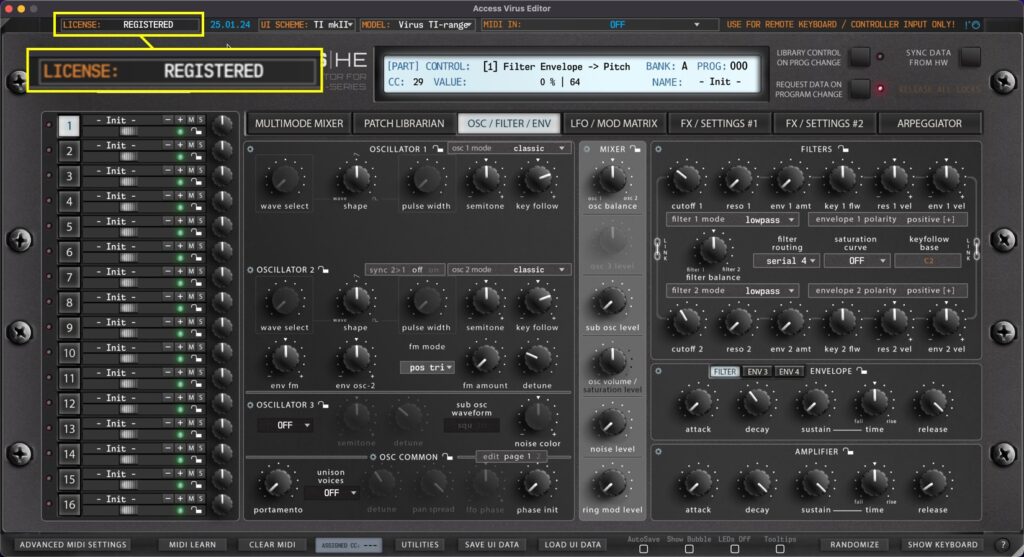
Displays current state of the Editor license. If DEMO version is installed, then display will show **DEMO VERSION**. If Full version is installed, then you will see RELOAD LICENSE or REGISTERED if license is applied. To learn more about registering our Editor, please...
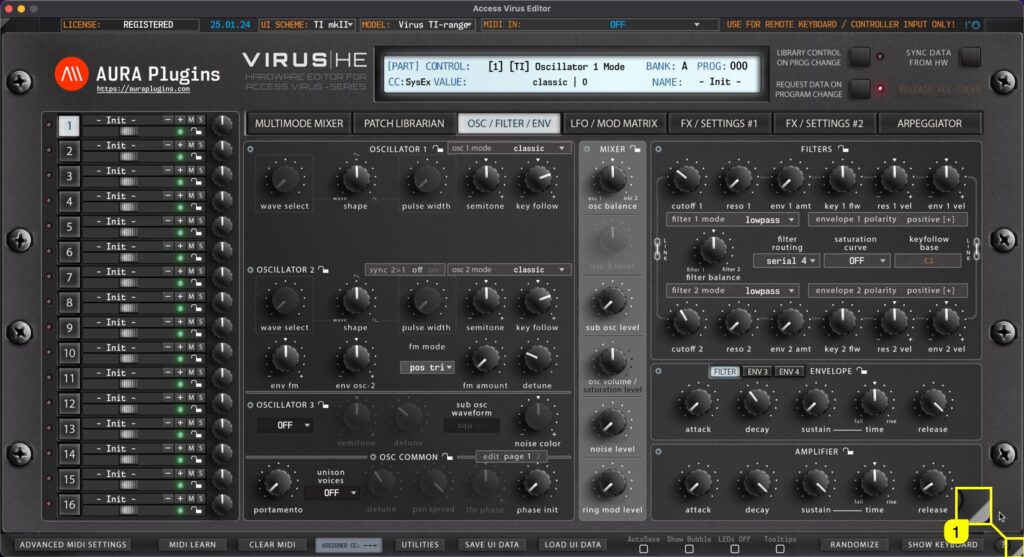
Real-time Resize You can resize the Editor user interface in real time by clicking and dragging the white triangle [1] in the bottom right corner. Double click will revert the scaling level back to 100%. This setting is saved with DAW project data, but Standalone...
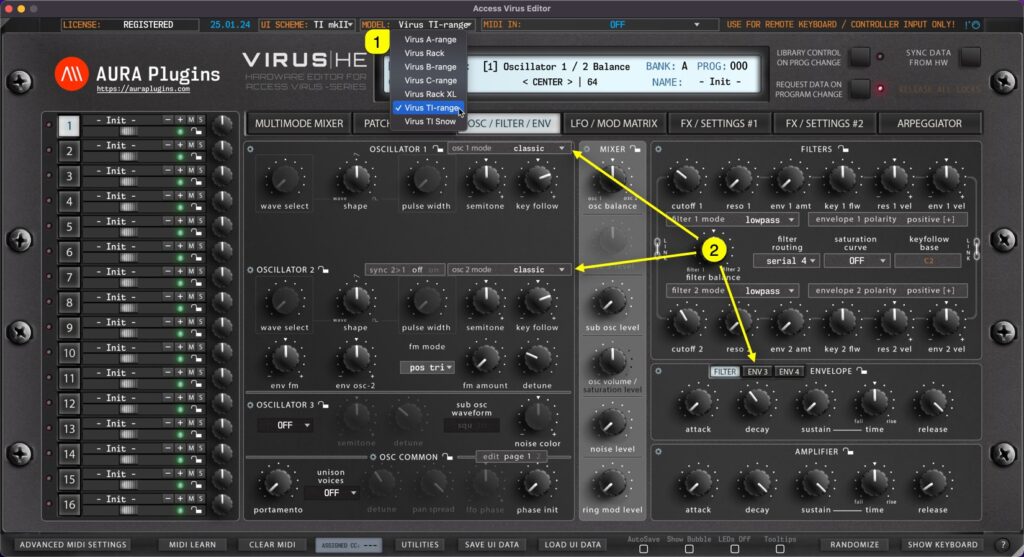
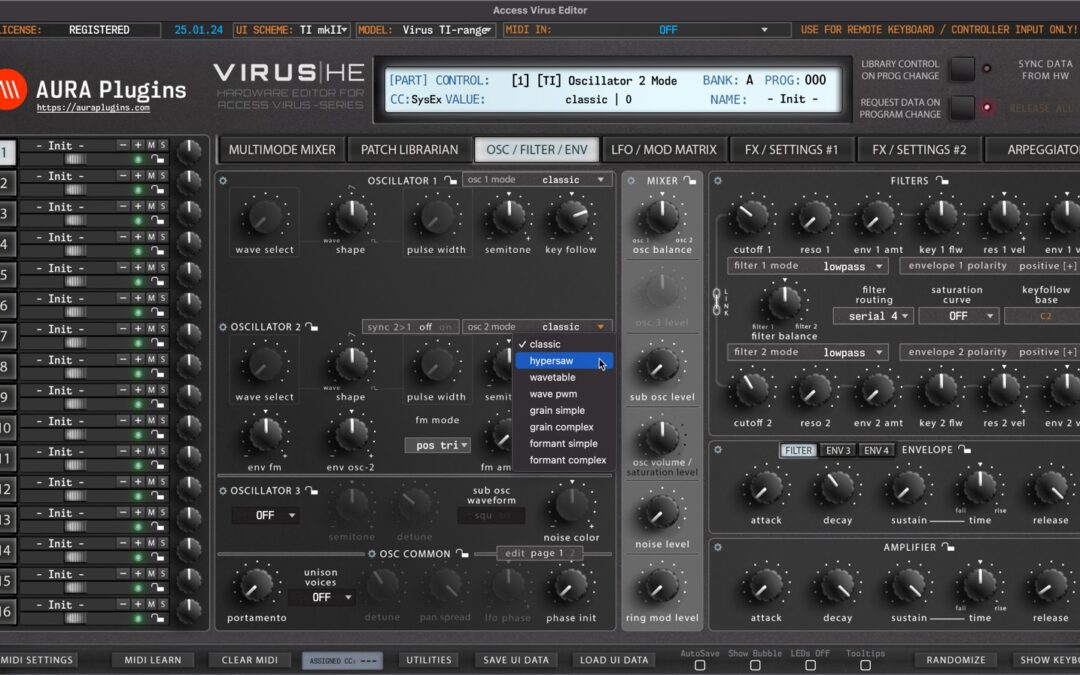
HARDWARE DIFFERENCES To understand how the menus work in Access Virus Editor, you need to understand the differences between the hardware models. Virus A – B/C – TI each have unique sound. Here are the key differences: Spec A B / KB / Indigo / Classic Rack...
Our Editor includes a lot of custom added functions as requested by our users. In this part we will walk you through each of the functions, explain how the work and maybe you can find a way they improve your workflow. If you are looking for a specific function, search...
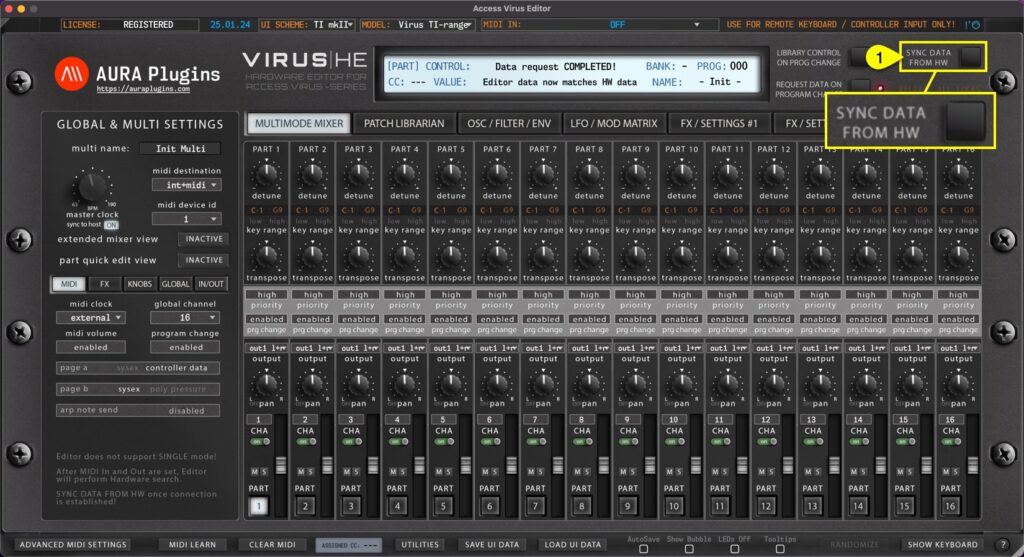
This is the final step before you can start making your own adjustments IF “Enable Hardware Auto-connect” is disabled from Utilities menu as explained in previous section! Click Sync Data From HW [1] button to synchronize active MULTI data and individual PARTS from...