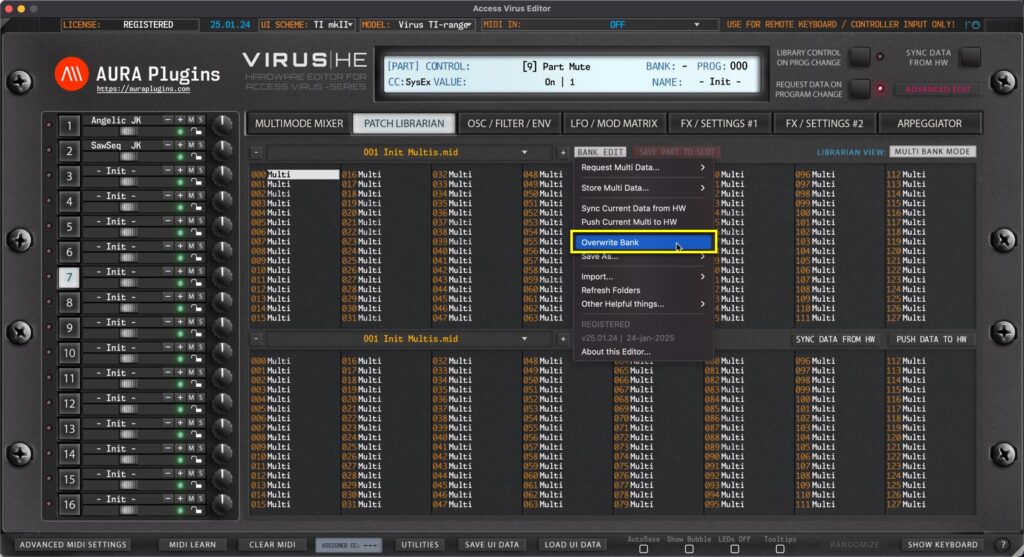
Overwrite Bank Open BANK EDIT menu and choose Overwrite Bank to overwrite any changes you’ve made to the current Bank. This will permanently overwrite the currently selected bank in your HDD which in this case would be 001 Init Multis.mid. Save As… Open...
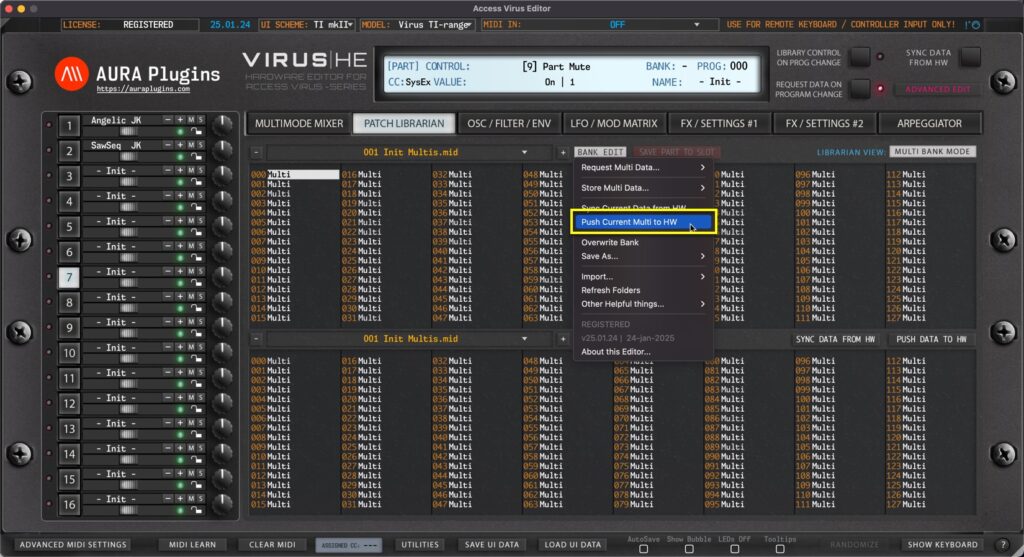
Open BANK EDIT menu and choose Push Current Data to HW to send your Global Settings, Multi and Part settings to your Hardware. This can be used to force hardware buffer to match with the Editor. NOTE: With Push Current Data to HW function you can recover your User...
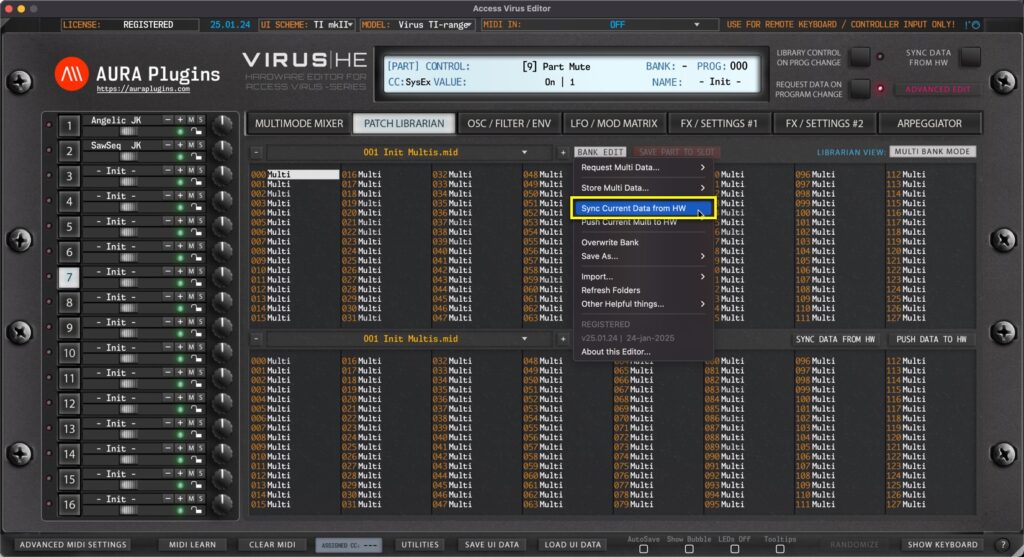
Open BANK EDIT menu and choose Sync Current Data from HW to request Global settings, Multi data and data from each Part to the Editor User Interface. This function extends the basic Sync Data From HW toggle from main User Interface with Global settings request –...
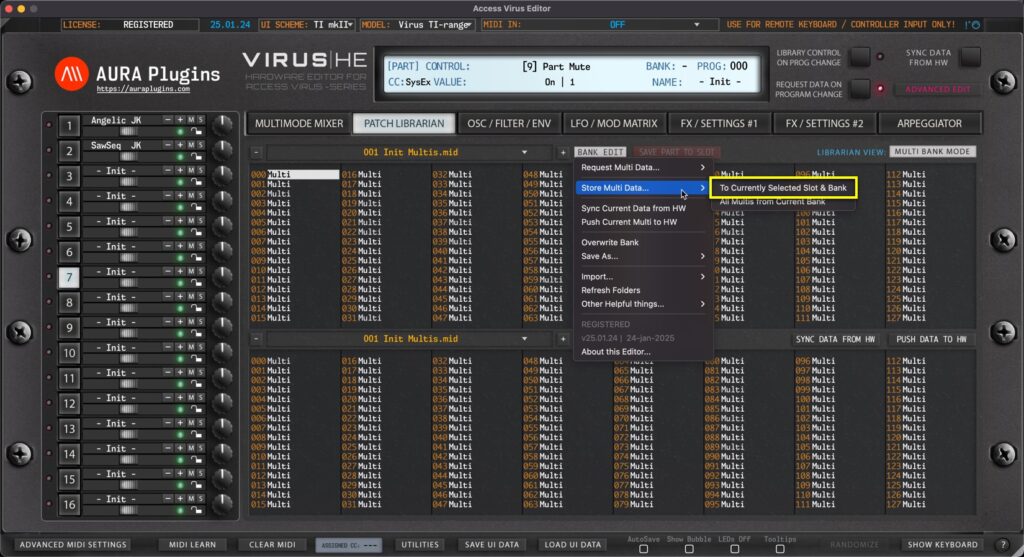
NOTE #1: Before you start data writing to hardware, make sure you know which slot you are overwriting and STOP all activities on your DAW in regards of the hardware to ensure data is written properly! To Currently Selected Slot & Bank Open BANK EDIT menu and...
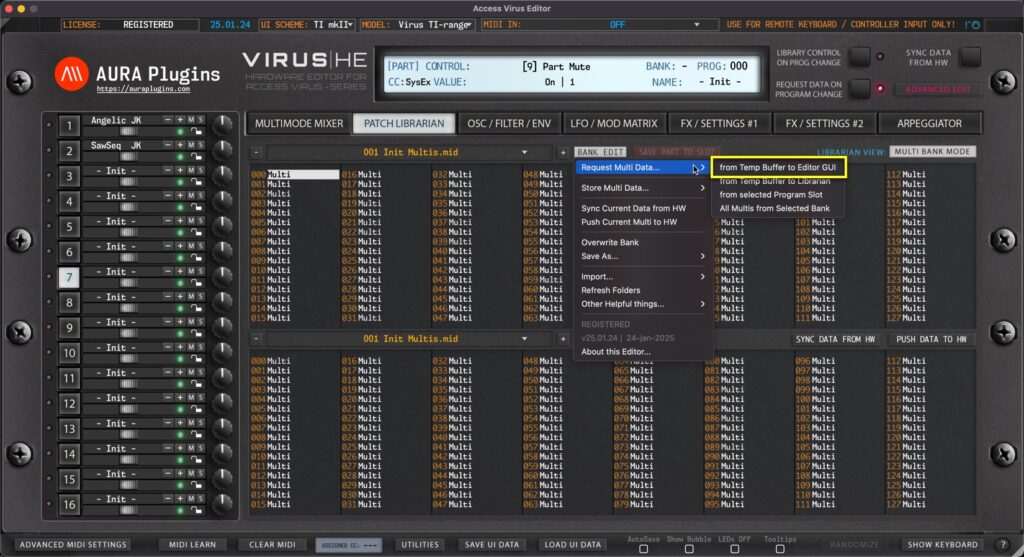
NOTE: To successfully request the performance data from the hardware, STOP all activities on your DAW so that the SysEx data is received as expected! from Temp Buffer to Editor GUI Open BANK EDIT menu and choose Request Multi Data … -> from Temp Buffer to...