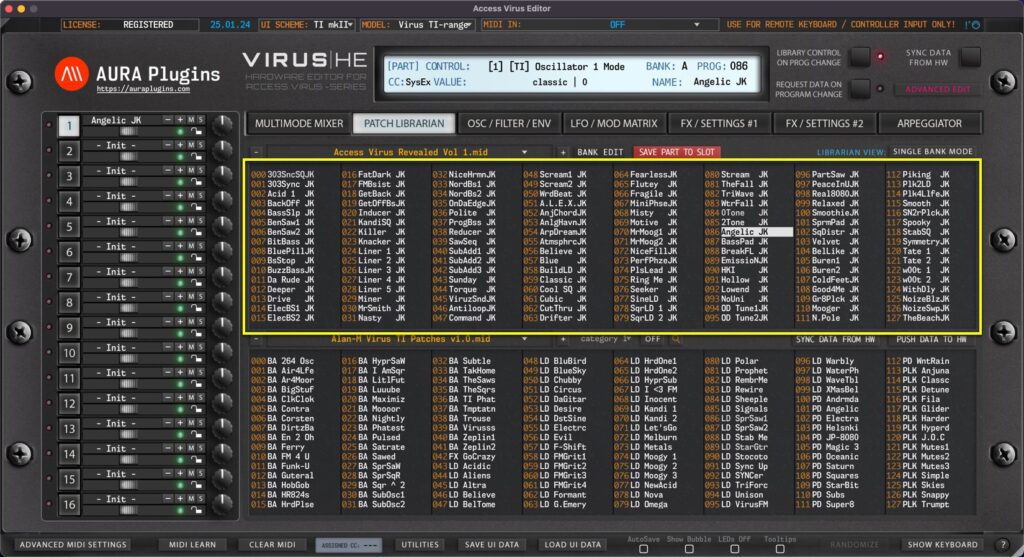
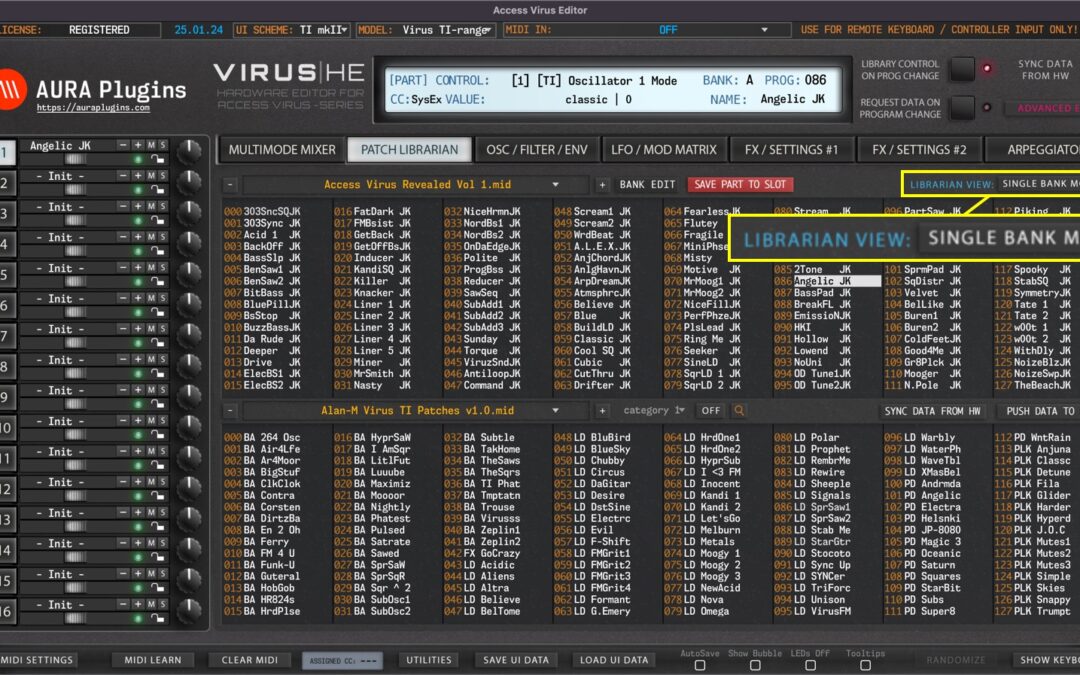
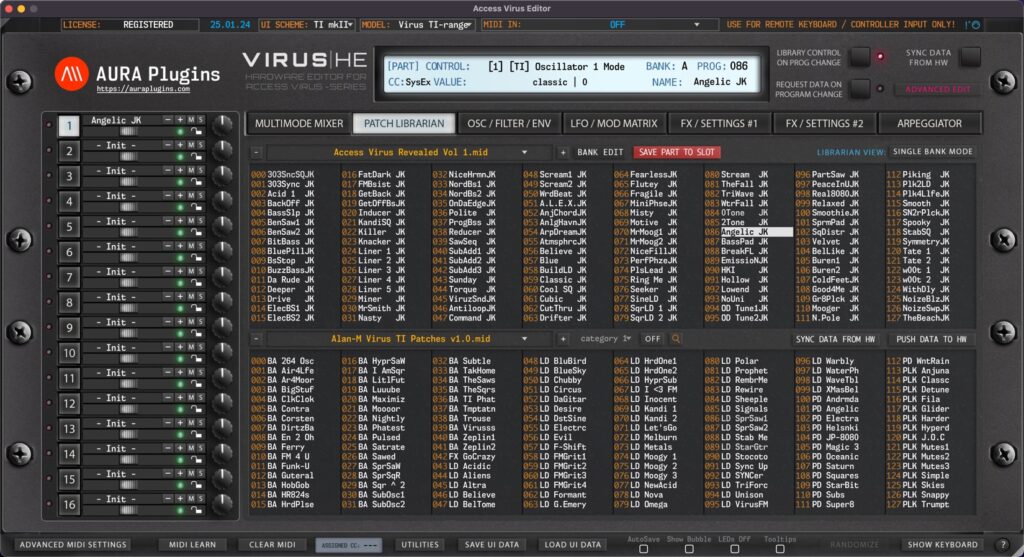
Our Librarian has two views: primary is “Edit Buffer” view and secondary is “Source” view. This is really straight forward, upper is your Edit Buffer, where you can request, rename, move and paste data. Lower view is your Source of copy /...
Single Bank Mode Editor defaults to SINGLE BANK MODE on new instances. Singles from the Patch Librarian can be loaded to any part of your choice. Multi Bank Mode When MULTI MODE is toggled on, Editor will show the MULTI banks in the Patch Librarian View. NOTE: When...
Patch Librarian View In this chapter, we are going to walk through the usage of the Patch Librarian and all its functions & possibilities. It might take some time to understand how it works, but for those who used Emagic SoundDiver in the past, this workflow is...
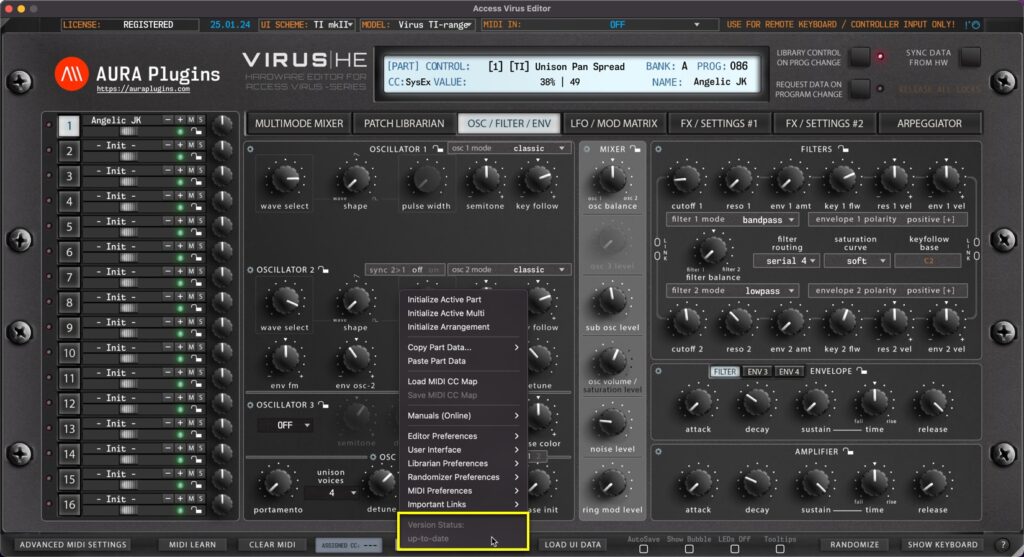
up-to-date Displays that the current version of the Editor is up-to-date. Update Available If the is an update available, you’ll see “Update Available” enabled here. Clicking it will reveal the most recent update changelog. Utilities: MIDI...
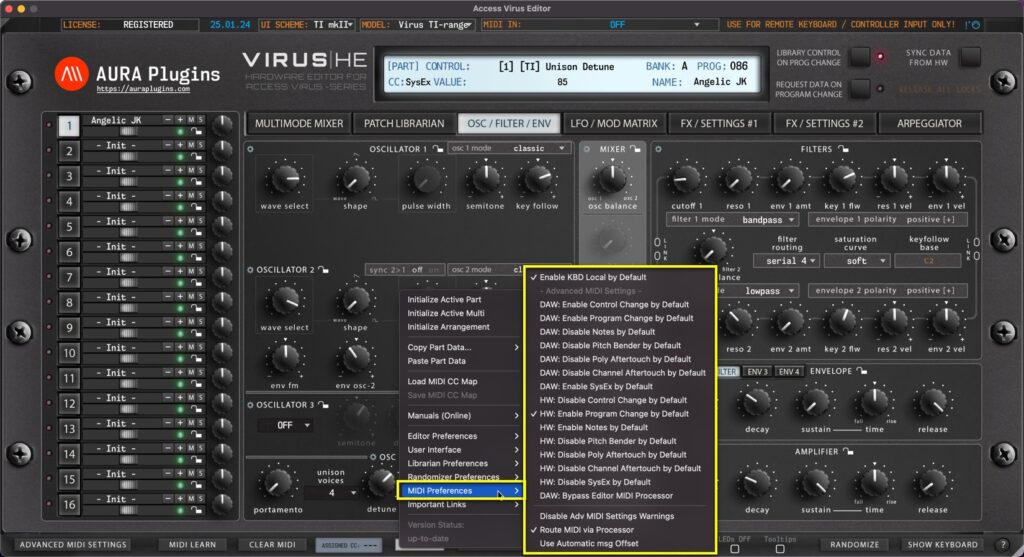
Utilities Menu – MIDI Preferences Breakdown Enable KBD Local by Default Set Local KBD control on by default on new Editor instances – Use case, if you have Virus TI Keyboard in your setup and it is NOT your default MIDI controller, you can keep the local...