by Jani | AURA Plugins | Nov 18, 2025
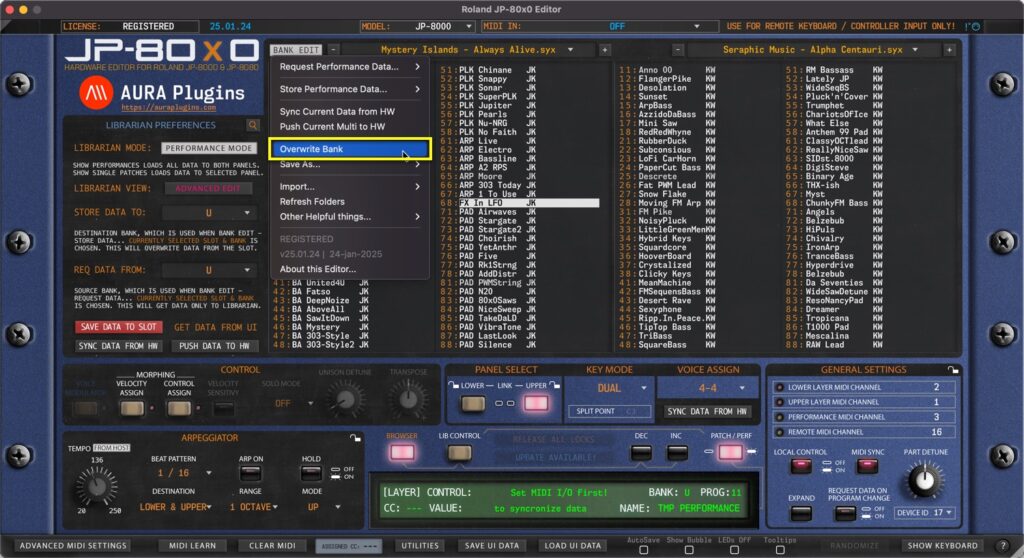
Overwrite Bank Open the BANK EDIT menu and choose Overwrite Bank to overwrite any changes you’ve made to the current Bank. This will permanently overwrite the currently selected bank in your HDD which in this case would be Mystery Islands – Always...
by Jani | AURA Plugins | Nov 18, 2025
Open the BANK EDIT menu and choose Push Current Data to HW to send your Global Settings, Performance and Layer settings to your Hardware. This can be used to force the hardware buffer to match with the Editor. NOTE: With Push Current Data to HW function you can...
by Jani | AURA Plugins | Nov 18, 2025
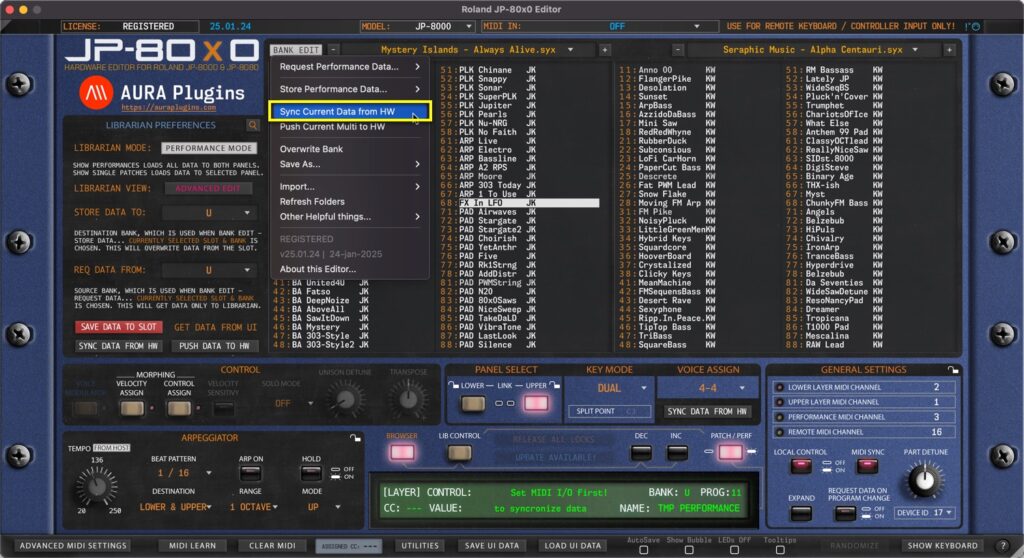
Open the BANK EDIT menu and choose Sync Current Data from HW to request Global settings, Performance data and data from each Panel to the Editor User Interface. This function extends the basic Sync Data From HW toggle from main User Interface with Global settings...
by Jani | AURA Plugins | Nov 18, 2025
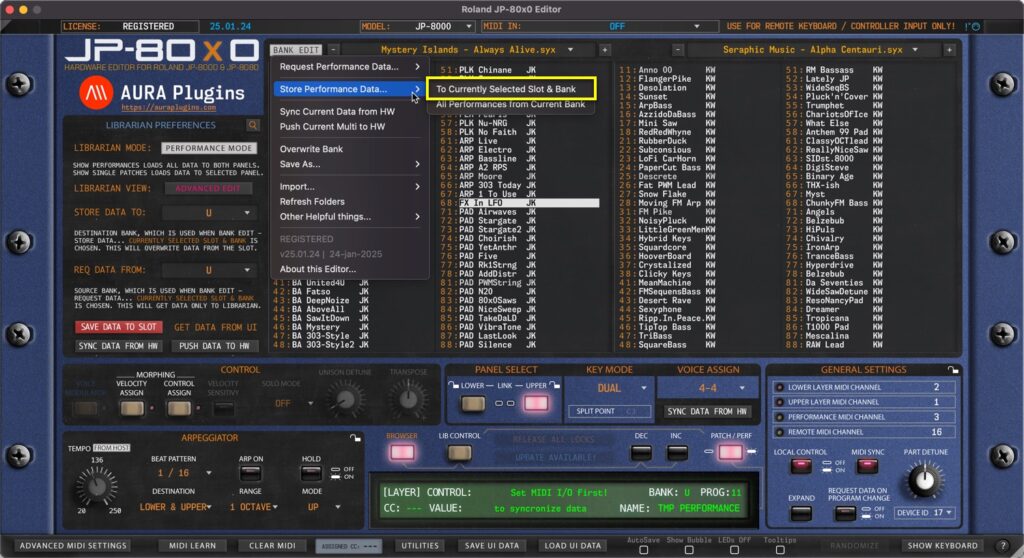
NOTE: Before you start data writing to hardware, make sure you know which slot you are overwriting and STOP all activities on your DAW in regards to the hardware to ensure data is written properly! To Currently Selected Slot & Bank Open the BANK EDIT menu and...
by Jani | AURA Plugins | Nov 18, 2025
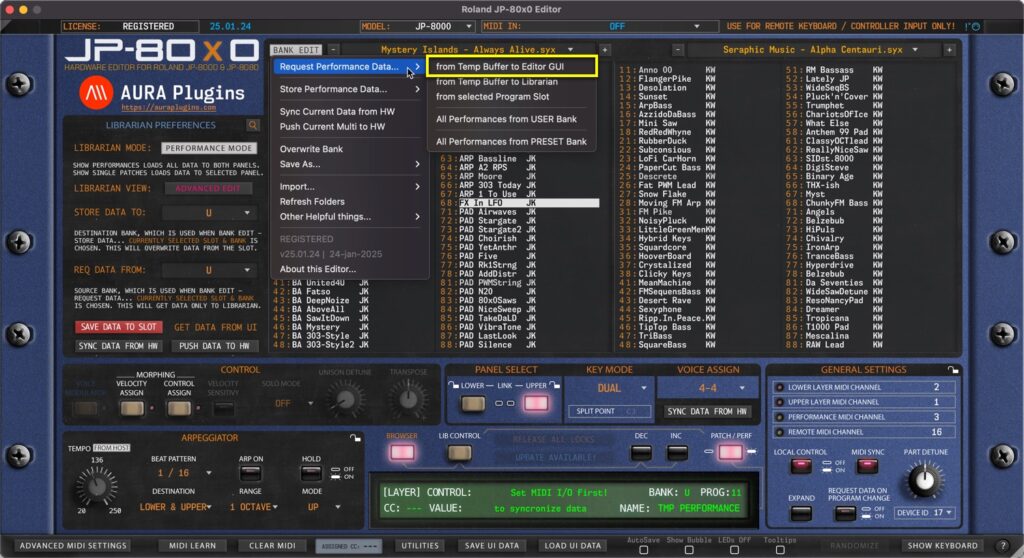
NOTE: To successfully request the multi data from the hardware, STOP all activities on your DAW so that the SysEx data is received as expected! from Temp Buffer to Editor GUI Open the BANK EDIT menu and choose Request Performance Data … -> from Temp Buffer to...