
Knowledge Base forAccess Virus Editor

Documentation
Resources
Access Virus Editor – Browsing Banks
Single Bank mode
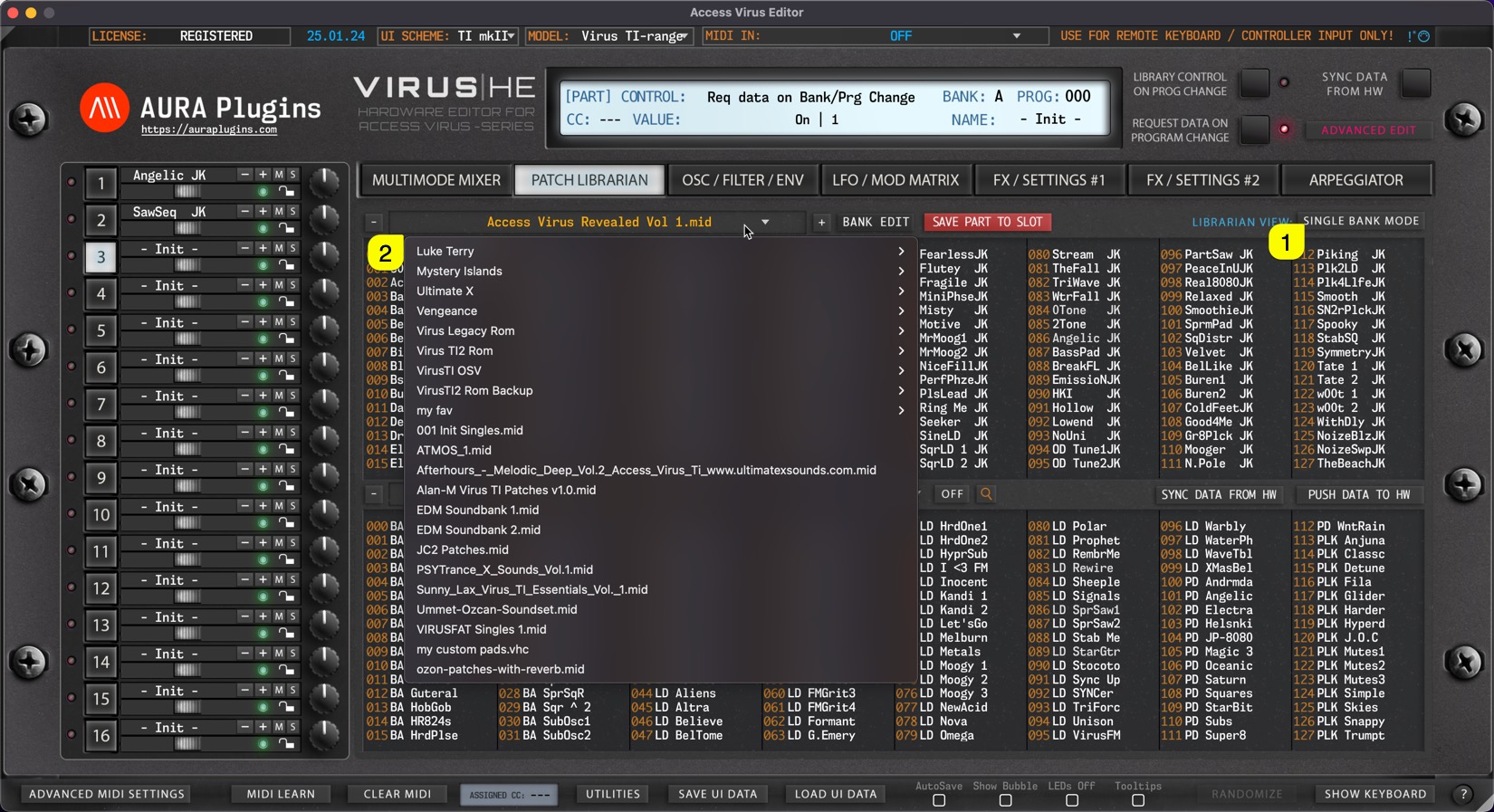
When SINGLE BANK MODE [1] is selected, users can open a drop down menu by clicking the bank name [2] area with mouse click. With this drop down list, users can see all of the available banks detected by the Editor.
Multi Bank mode
Same applies to Multi files when MULTI BANK MODE [1] is toggled on. Users can view all of the detected Multi Banks by clicking the bank name [2] area.
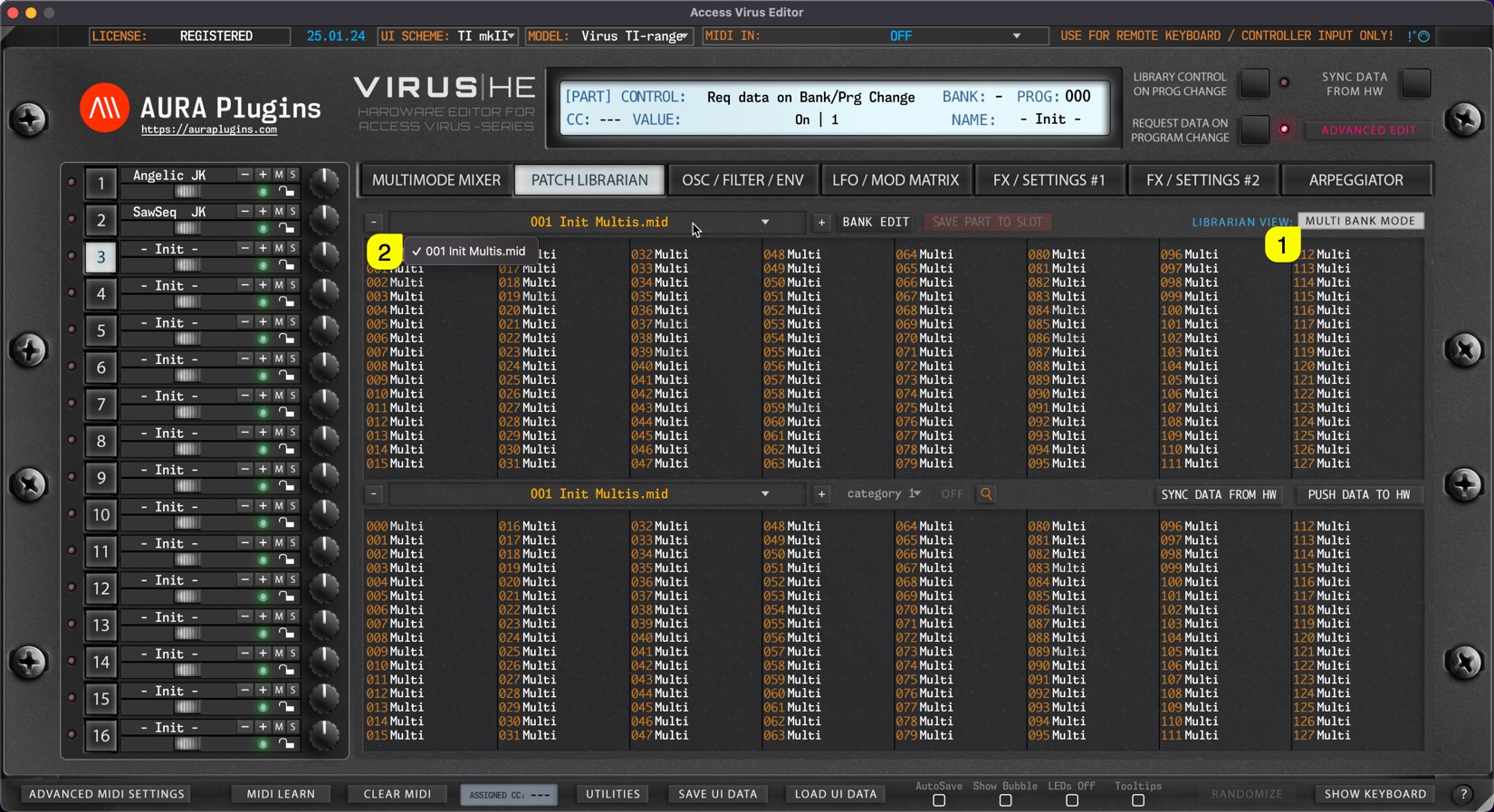
NOTE: When a bank is selected, slot names are updated in the list view with corresponding program names.
Share this with fellow producers



