
Knowledge Base forAccess Virus Editor

Documentation
Resources
Access Virus Editor – Request Multi Data from Hardware
NOTE: To successfully request the performance data from the hardware, STOP all activities on your DAW so that the SysEx data is received as expected!
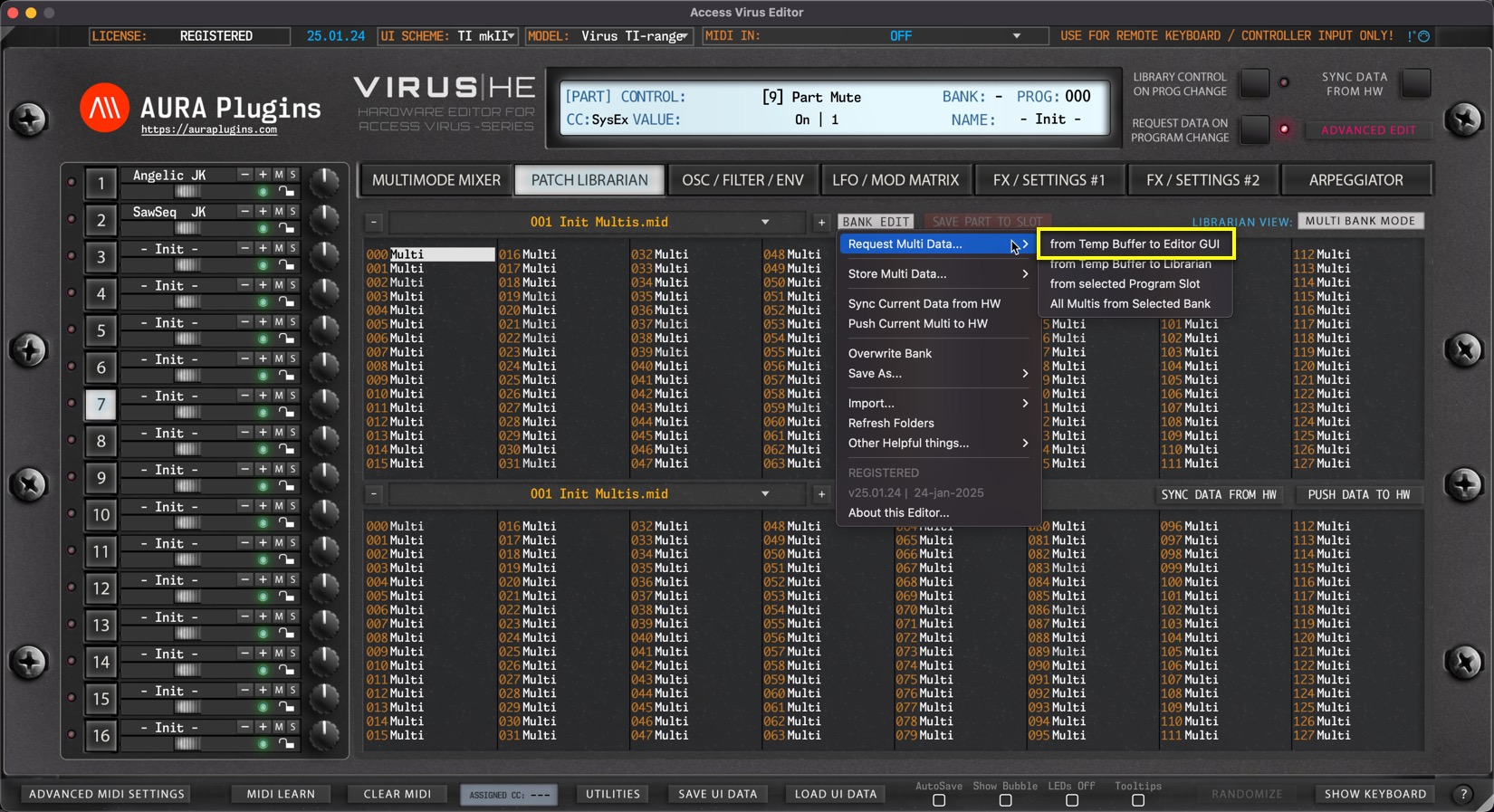
from Temp Buffer to Editor GUI
Open BANK EDIT menu and choose Request Multi Data … -> from Temp Buffer to Editor GUI to get the buffer data from the Hardware to the Editor User Interface. This action will request multi data and individual parts.
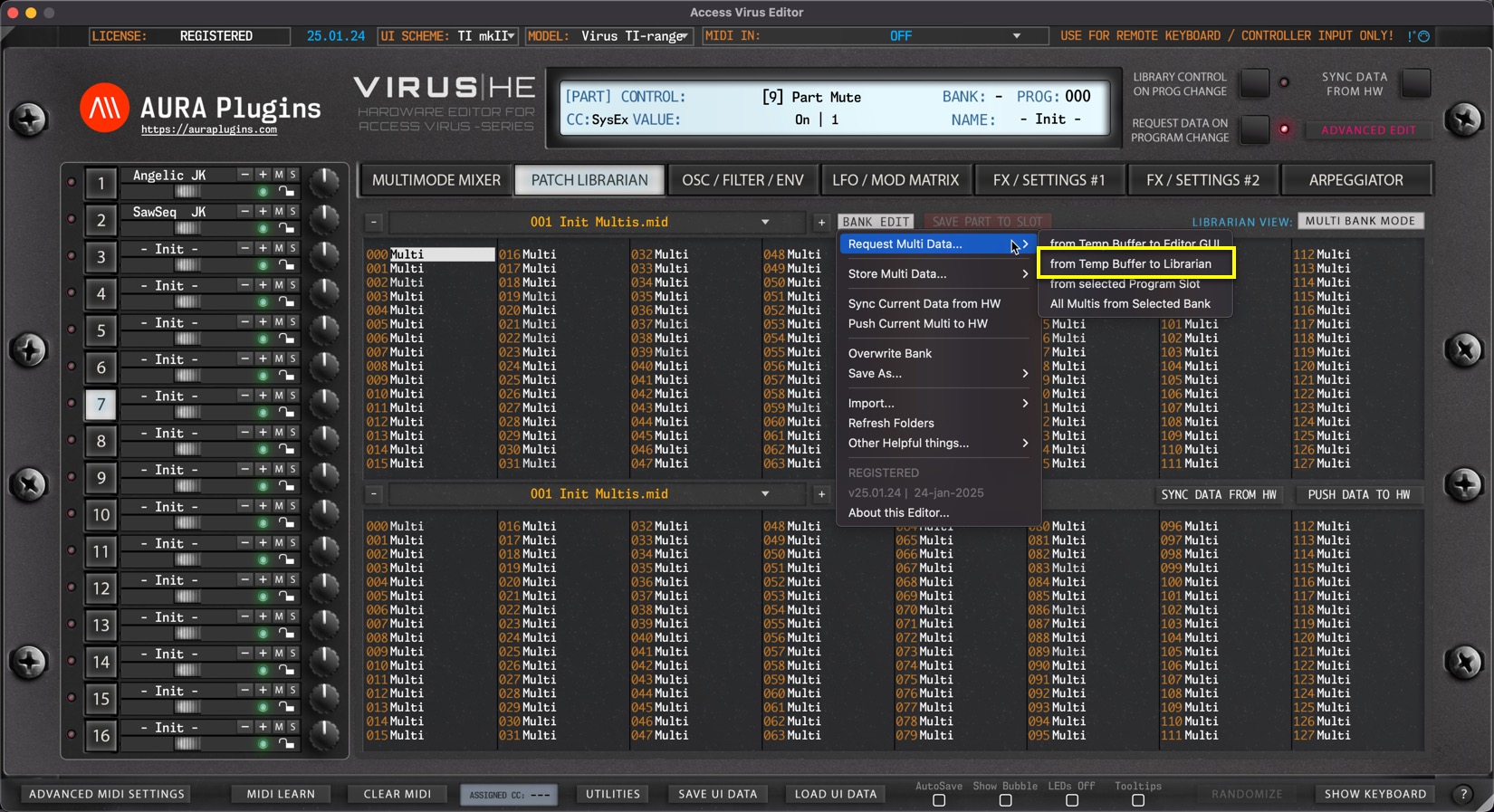
from Temp Buffer to Librarian
Open BANK EDIT menu and choose Request Multi Data … -> from Temp Buffer to Librarian to get the buffer data from the hardware to the Librarian.
Multi format only includes the Multi – not individual parts.
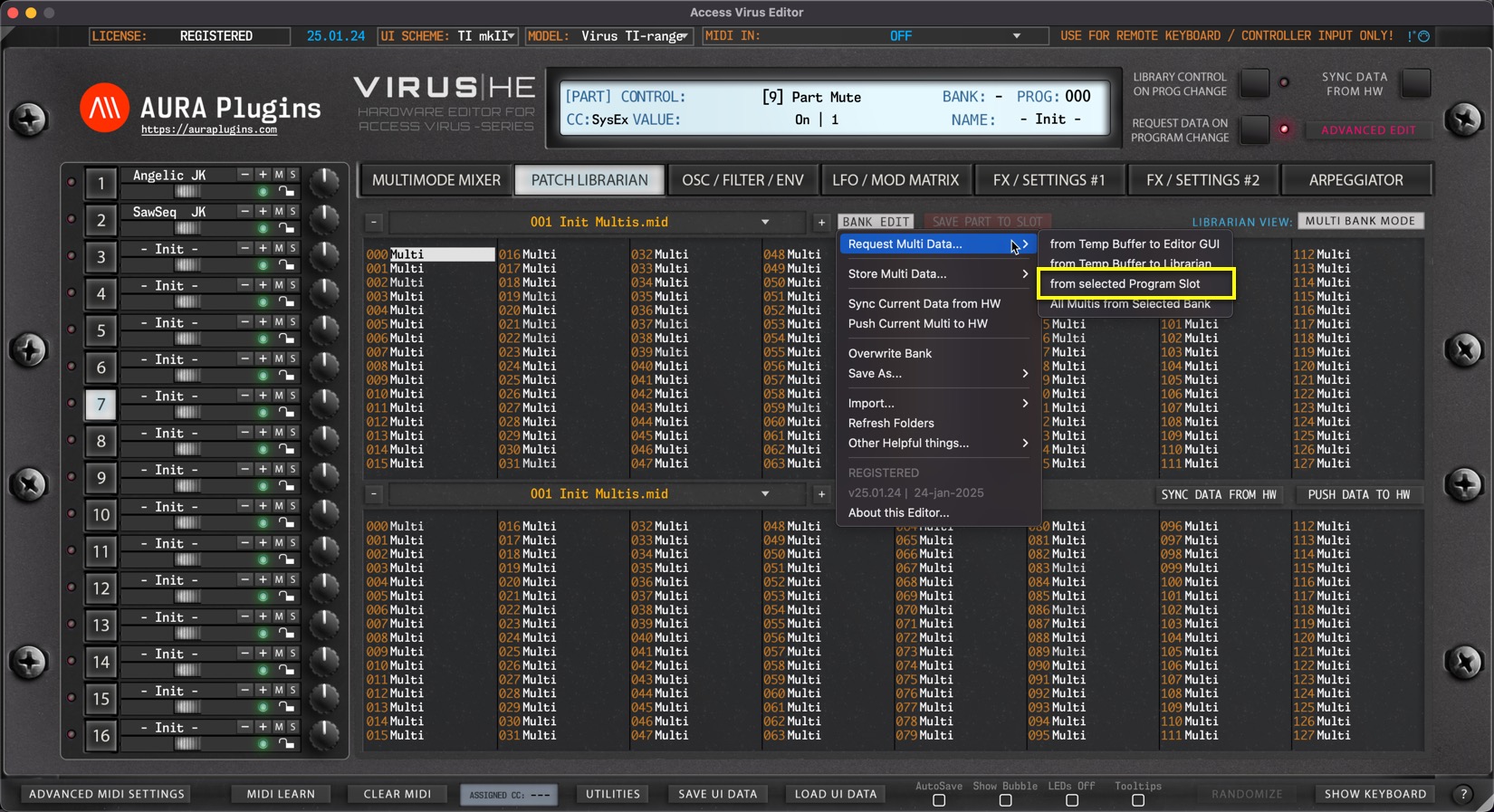
from Selected Program Slot
Open BANK EDIT menu and choose Request Multi Data … -> from Selected Program Slot to get Multi from slot 0.
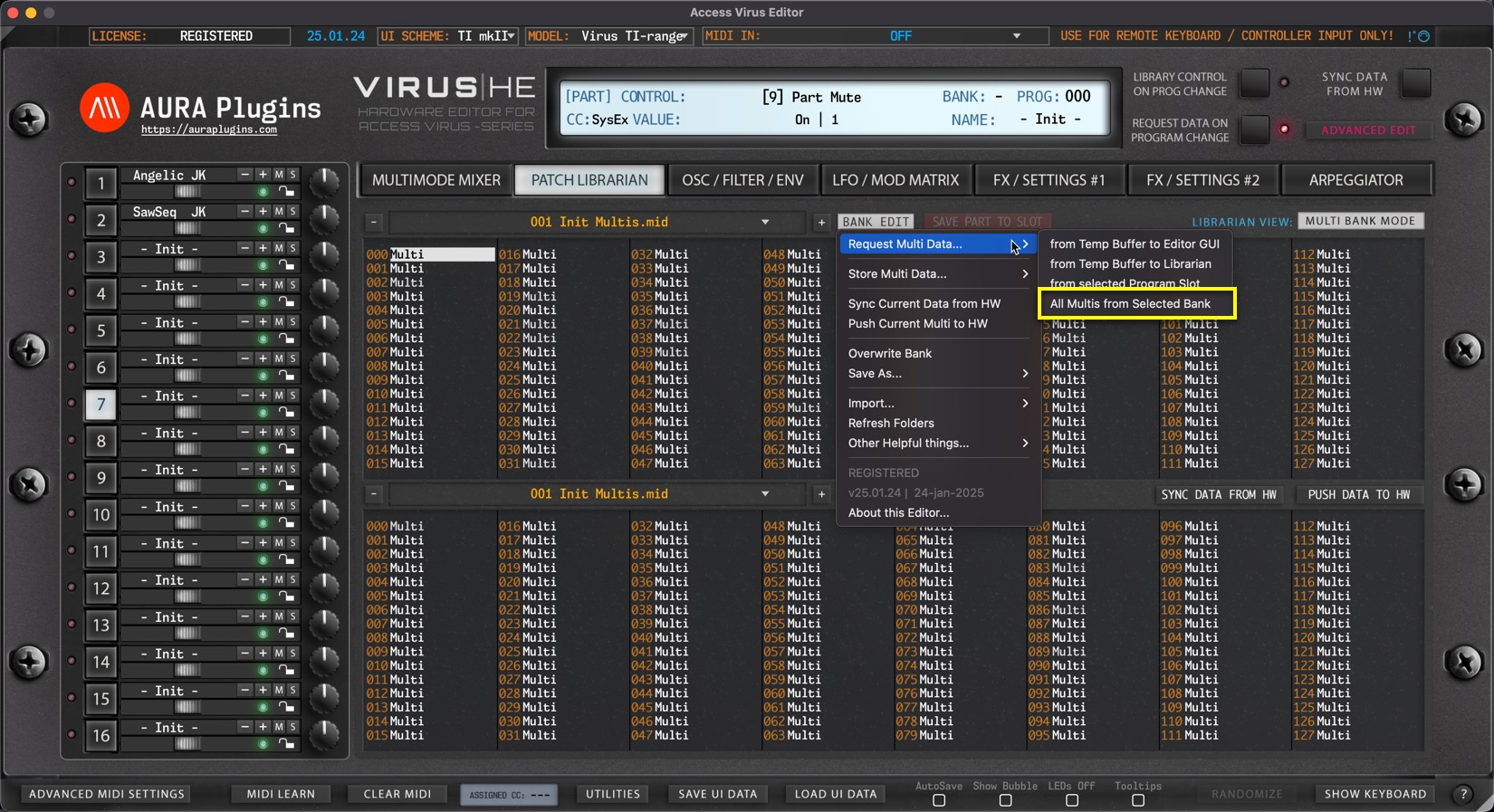
All Multis from Selected Bank
Open BANK EDIT menu and choose Request Multi Data … -> All Multis from Selected Bank.
This action will request all USER bank Multis to the Librarian from your hardware.
Share this with fellow producers



