
Knowledge Base forAccess Virus Editor

Documentation
Resources
Access Virus Editor – Save and Load MIDI CC Maps
Load MIDI CC Map
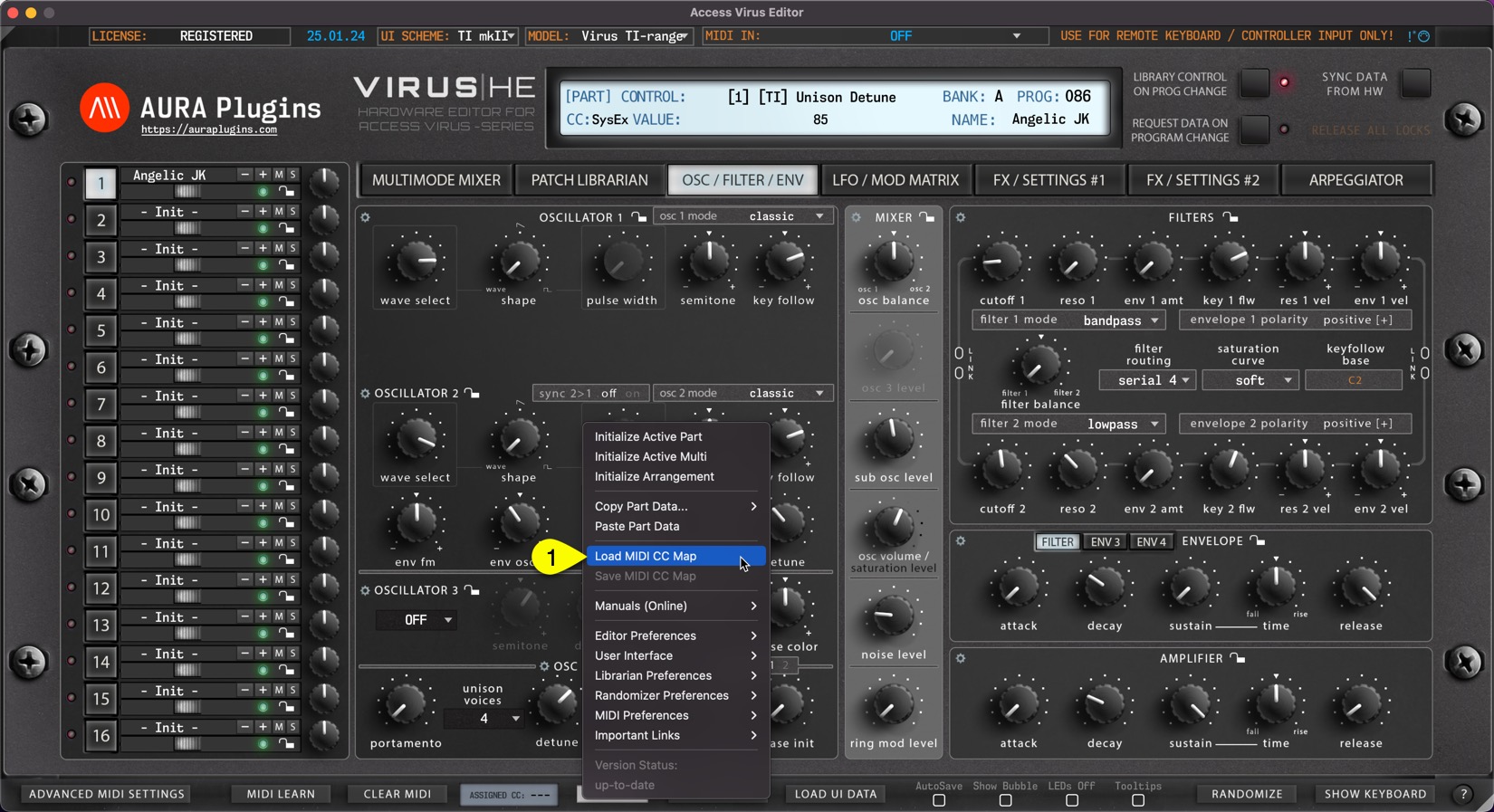
This function loads your custom CC mapping to the Editor and over-rides the default CC assignments.
Utilities Menu -> Load MIDI CC Map [1] to open the file load dialog.
Save MIDI CC Map
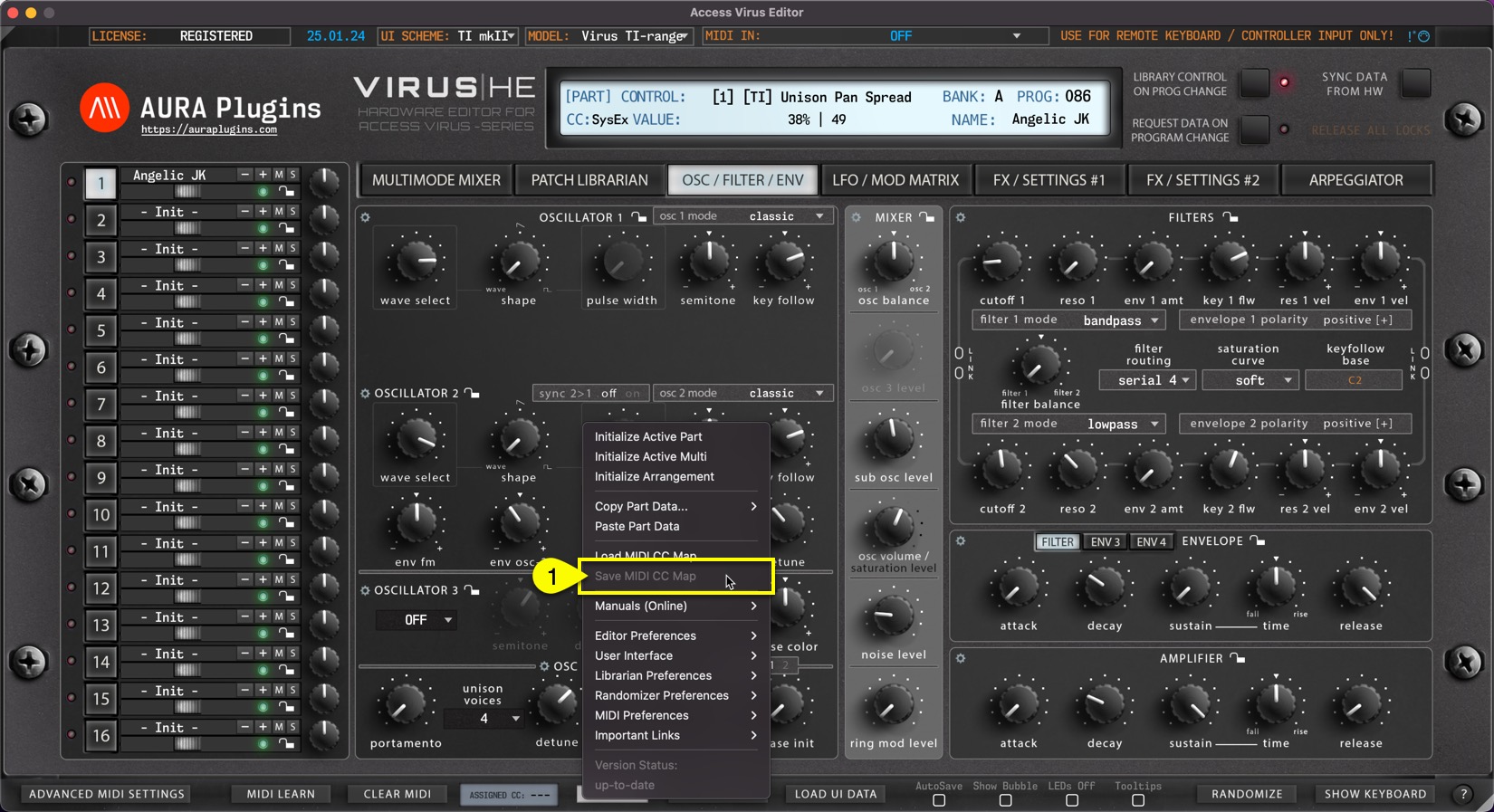
If you have learned MIDI CC controls from your master controller you can save the mapping to HDD. Say you have General MIDI controls cc #12 assigned to filter cutoff 1 (40) and #13 assigned to filter resonance (41), you can save the current mapping to a file and open it everytime you insert a new instance of the Editor.
Utilities Menu -> Save MIDI CC Map [1] to save the custom mappings. This option is grayed out if no assignments are present.
NOTE: Loading custom CC mappings does not over-ride hardware CC messages. ie. Cutoff 1 from hardware is still assigned to #40, while DAW (midi controller) CC is mapped to #12
Share this with fellow producers



