
Knowledge Base forRoland JP-80x0 Editor
Documentation
Resources
Roland JP-80×0 Editor – Installer Downloads
Downloads: https://auraplugins.com/downloads/roland-jp-80×0-editor/
Demo Version
Download the demo version of our product and test it out before committing to make the purchase. If you have any questions about the DEMO version, we are happy to answer your questions.
Full Version
You can access full installer downloads after you have logged in. If you have purchased a license through another website and you have issues regarding your account, contact us and our staff will attempt to reply within a few hours.
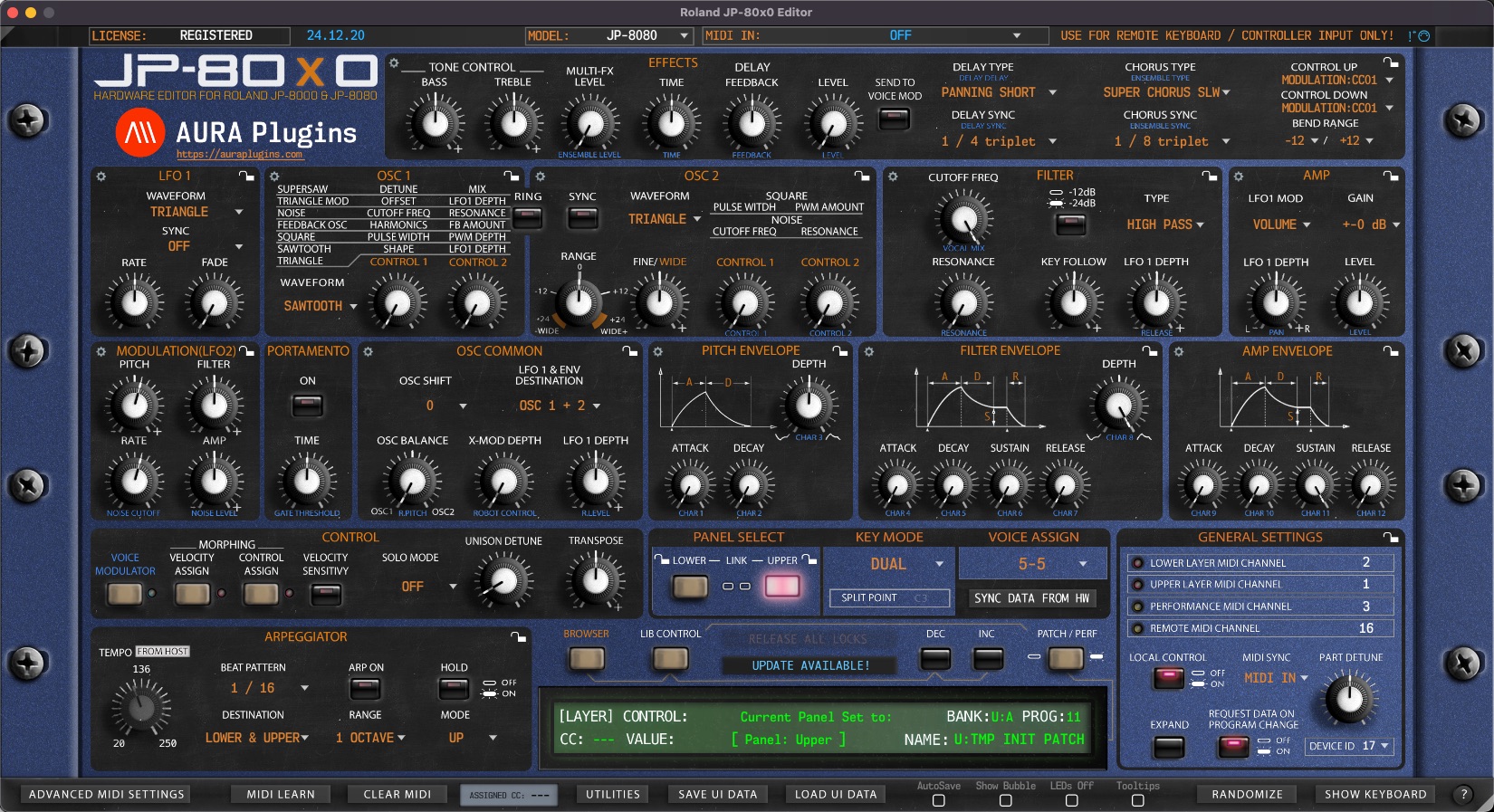
User interface will show your product status in the upper left corner:
- DEMO version will indicate ** DEMO VERSION **
- Unregistered FULL version will indicate RELOAD LICENSE
- Registered FULL version will indicate REGISTERED
You can find instructions for the Editor registration further down the documentation.
IMPORTANT: Always keep back-up of the downloaded installer at your own HDD. We are not storing old installers in our servers! If something goes wrong with the update, you have an installer in your personal storage to rescue your project if it really screws something up!
Backup your synthesizer memory!
Please make sure you make a proper backup of your JP-8000 / JP-8080 before you run the installer. We will not take any responsibility for your synth, and you have to agree to this when buying our product.
You can backup your JP easily with these simple steps:
- Open your DAW and insert an empty MIDI track.
- Make sure MIDI messages are allowed to come through from JP.
- Hit record from your DAW.
- From JP:
- Since both JP models have different approach to dump data, we cannot provide the information here. Instead:
You can read more about the SysEx dump from the Roland JP-8000 or JP-8080 user manual.
Share this with fellow producers



