
Knowledge Base forRoland JP-80x0 Editor
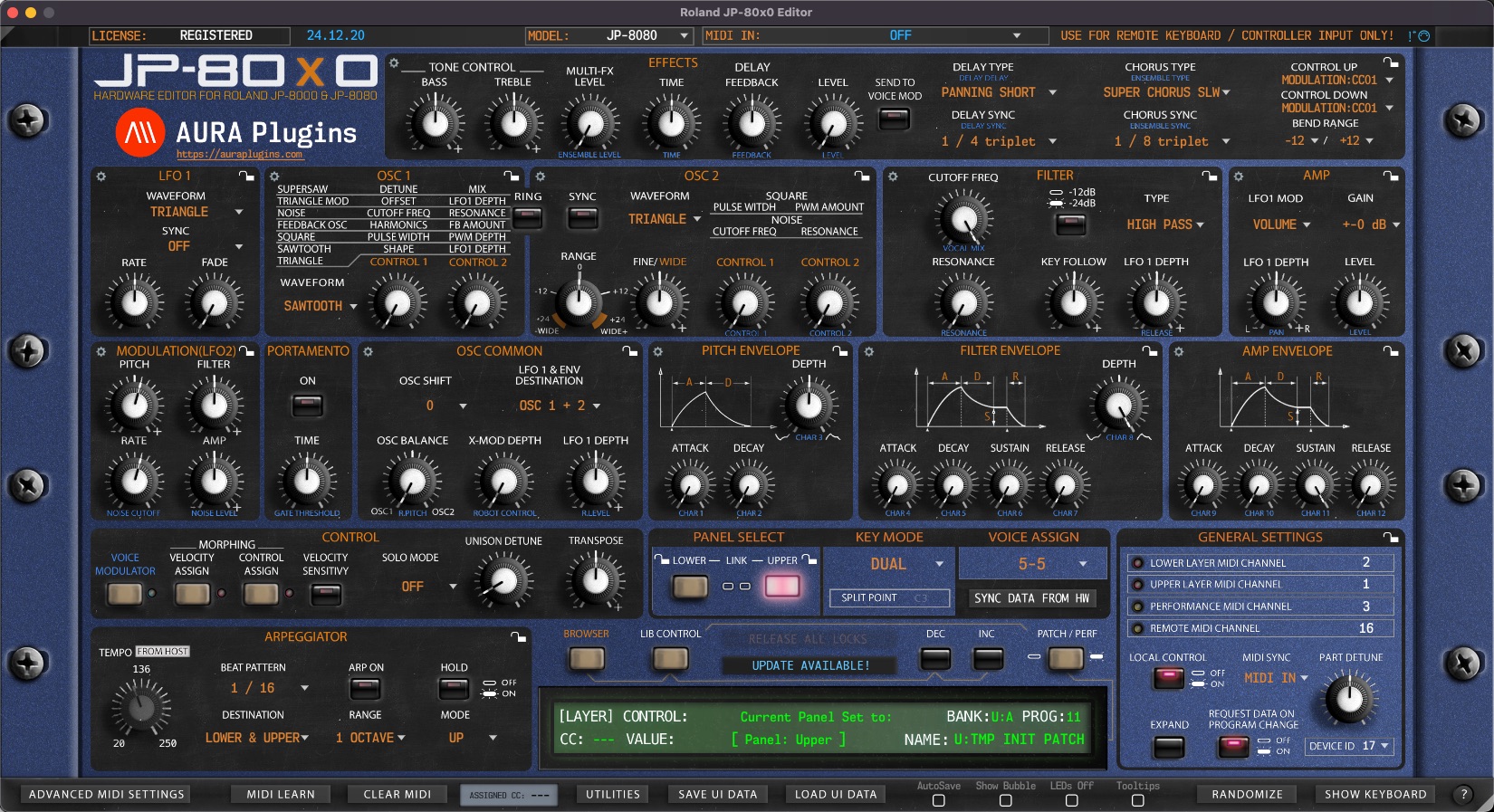
Documentation
Resources
Roland JP-80×0 Editor – Paste Layer Data
Paste Layer Data
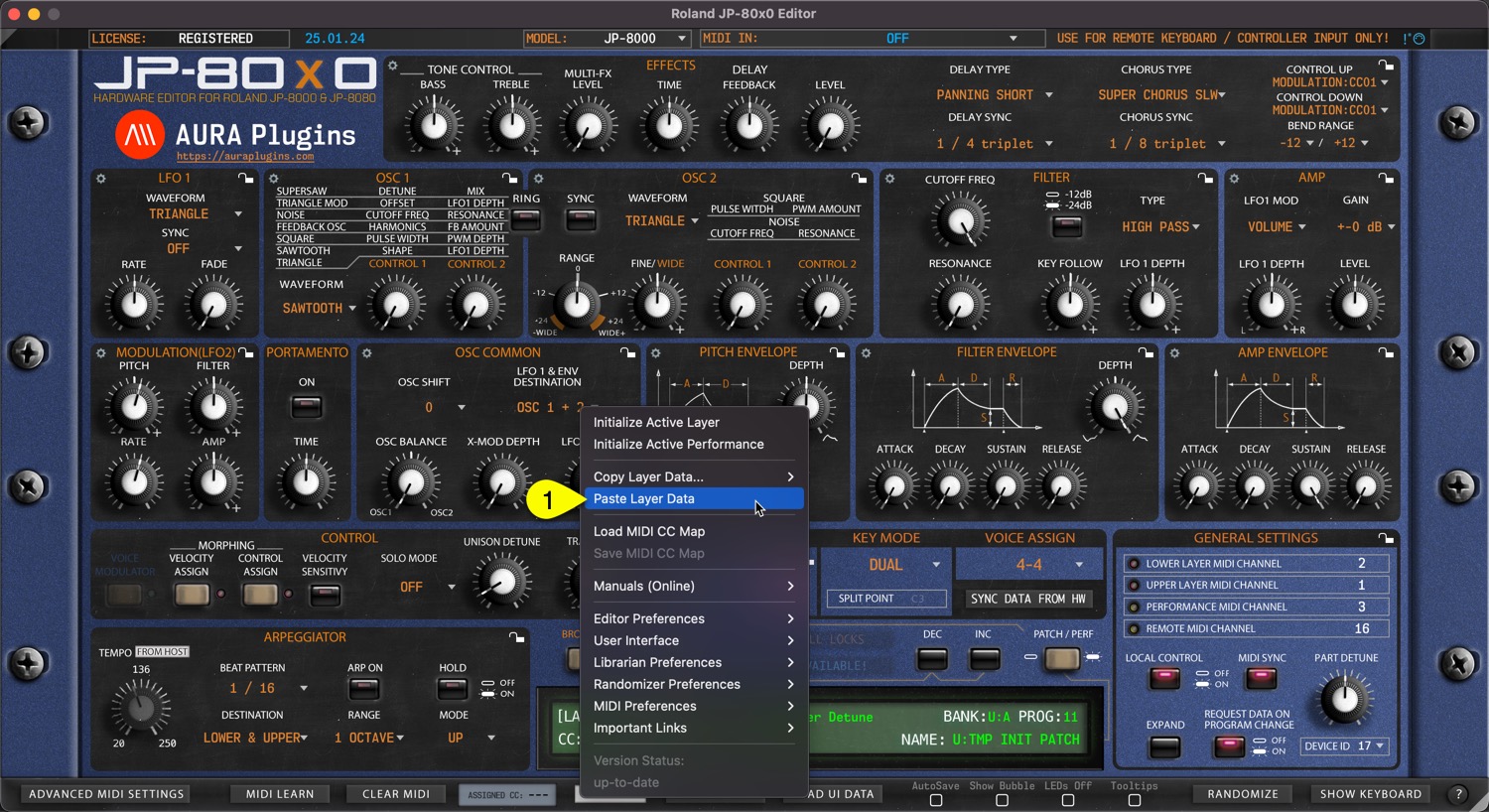
You can paste currently copied Layer data from the clipboard. Open Utilities Menu and select Paste Layer Data… [1].
If you have single Layer data copied, then this is only pasted. In the other hand, if you have Layer and Layer Performance data on clipboard, then this will be pasted.
See previous page for explanation for each copy function and what they include.
You can achieve this the same result if you right click on the currently selected layer toggle [1] and select Paste Layer [2] from the menu.

Share this with fellow producers



