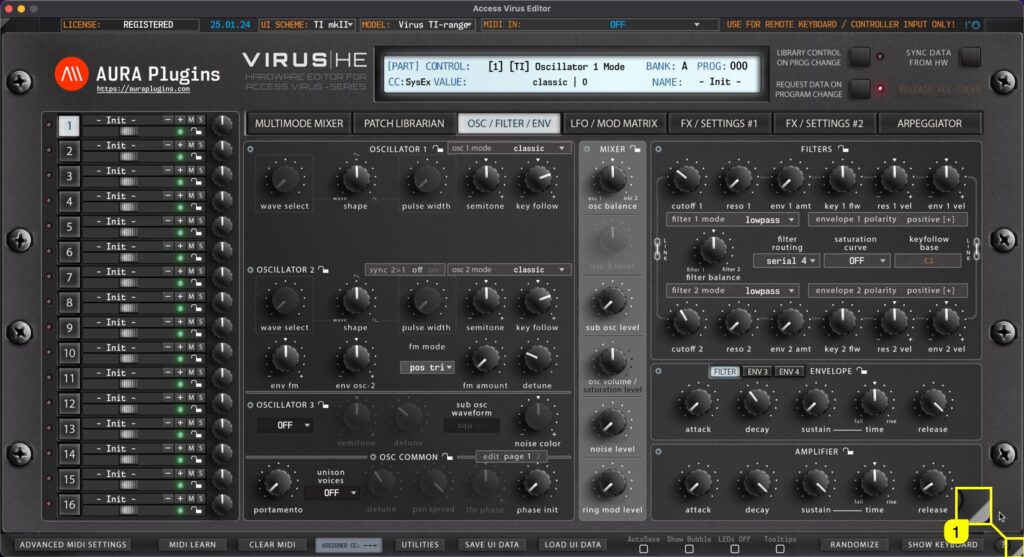
Real-time Resize You can resize the Editor user interface in real time by clicking and dragging the white triangle [1] in the bottom right corner. Double click will revert the scaling level back to 100%. This setting is saved with DAW project data, but Standalone...
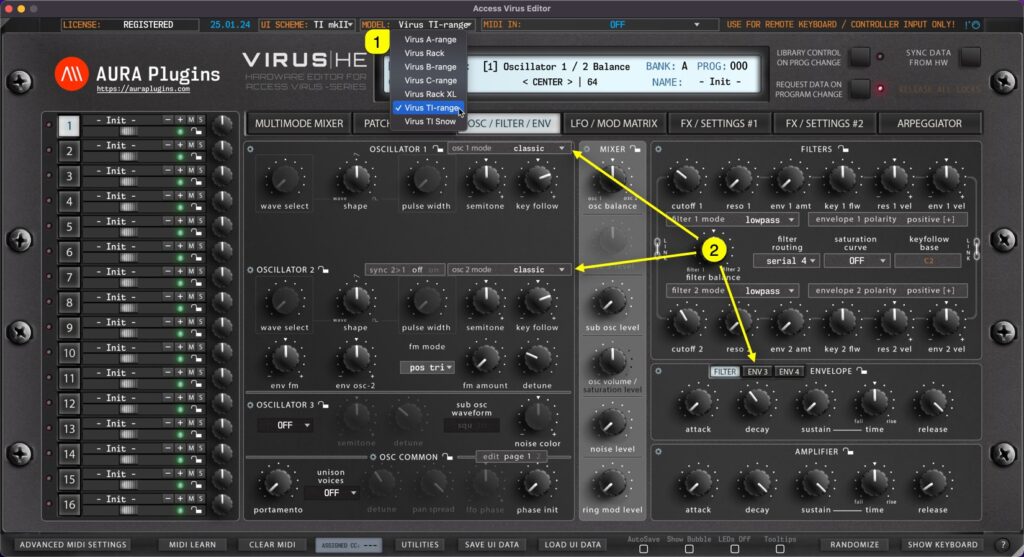
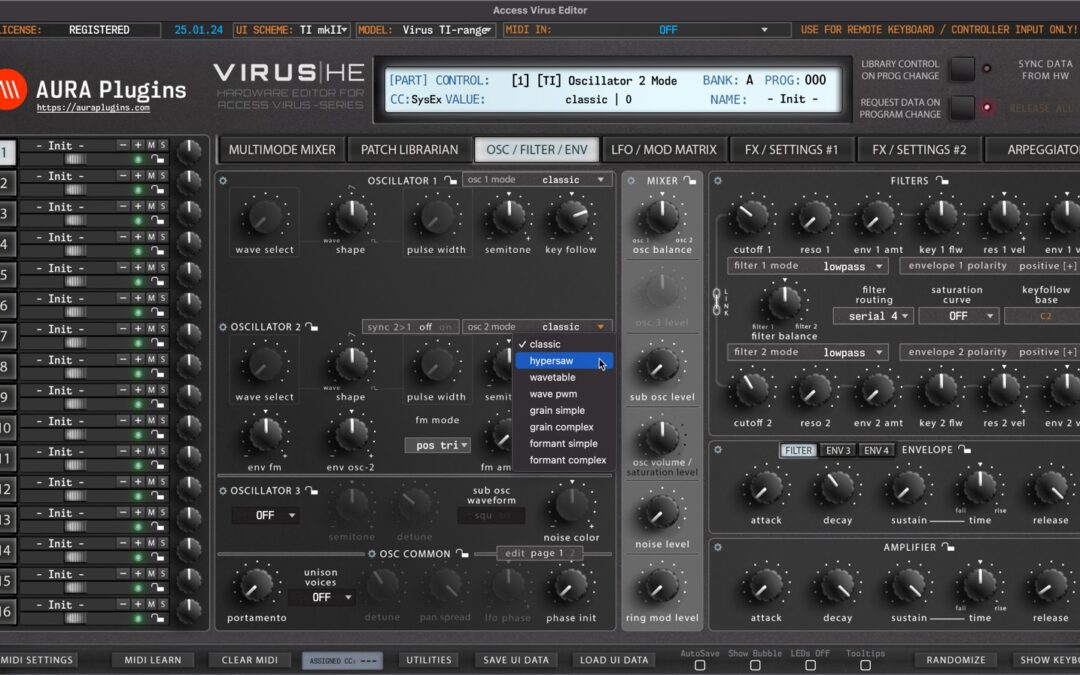
HARDWARE DIFFERENCES To understand how the menus work in Access Virus Editor, you need to understand the differences between the hardware models. Virus A – B/C – TI each have unique sound. Here are the key differences: Spec A B / KB / Indigo / Classic Rack...
Our Editor includes a lot of custom added functions as requested by our users. In this part we will walk you through each of the functions, explain how the work and maybe you can find a way they improve your workflow. If you are looking for a specific function, search...
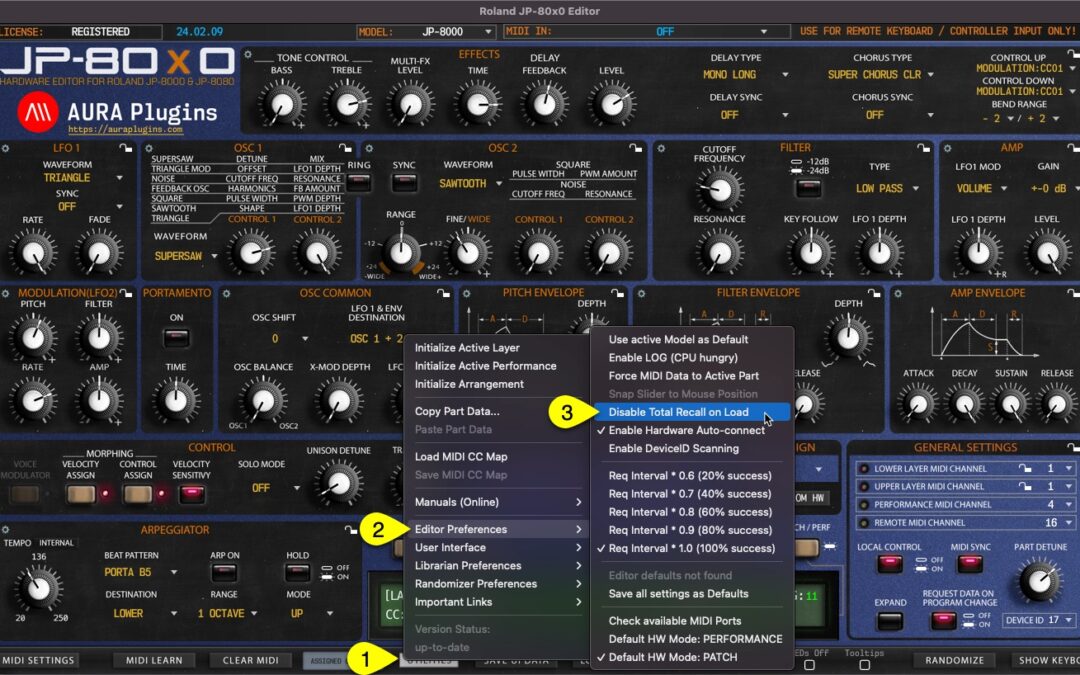
This is one of the best features we can think about our plug-in, total recall. It does what it says: recalls your saved session data from the plug-in user interface to your synthesizer, without the need of doing it manually! It is all automated, if you have the same...
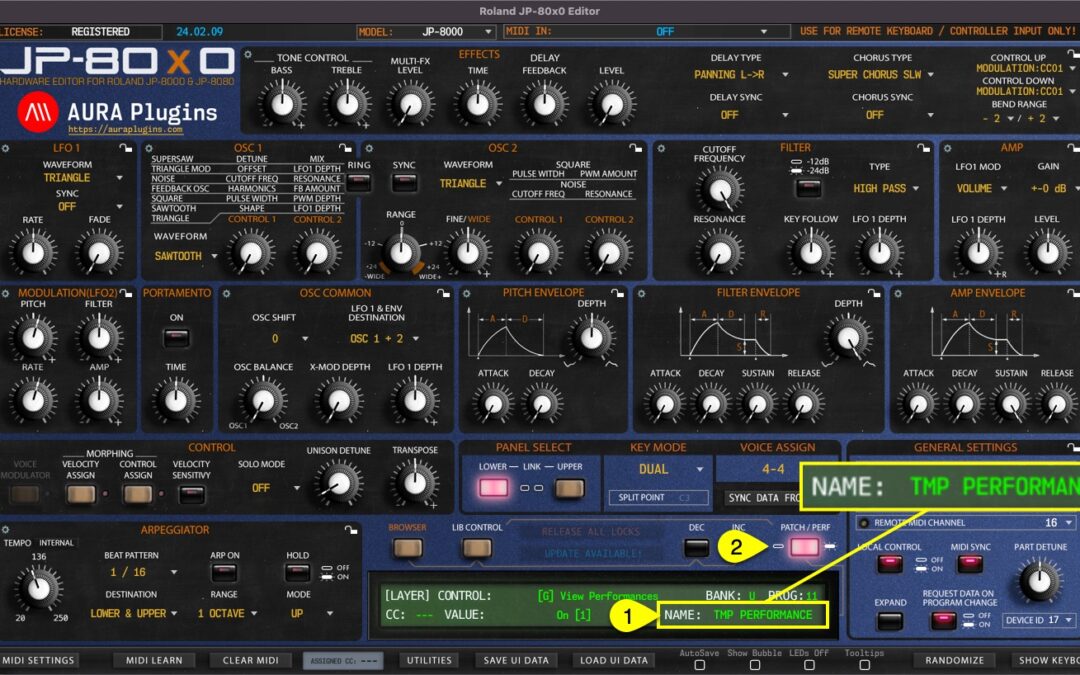
Performance Name [1] can be viewed and changed when the Editor is in Performance MODE [2]. NOTE: Renaming Performance from the “Control Display” window does not change the name in the librarian. If you want to rename librarian items, check Related Docs below. How...