by Jani | AURA Plugins | Nov 14, 2025
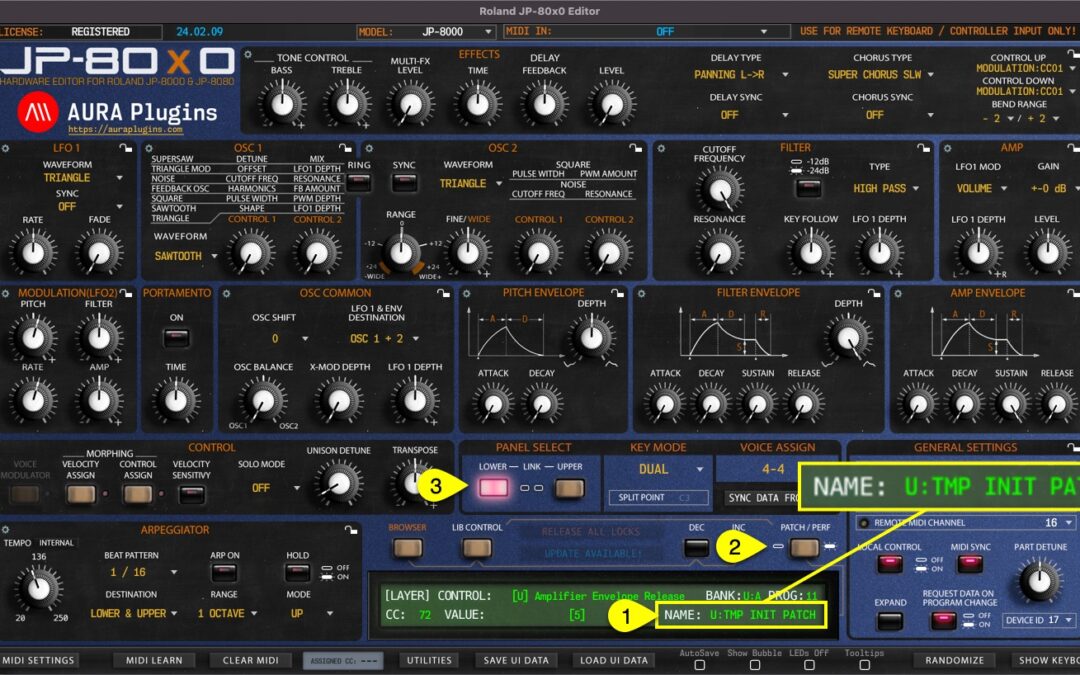
Patch Name [1] can be viewed and/or set when the Editor is in Patch MODE [2]. Patch name is individual per layer [3]. Rename layer by clicking the patch name. NOTE: Renaming a single patch from the “Control Display” does not change the name in the librarian. If you...
by Jani | AURA Plugins | Nov 14, 2025
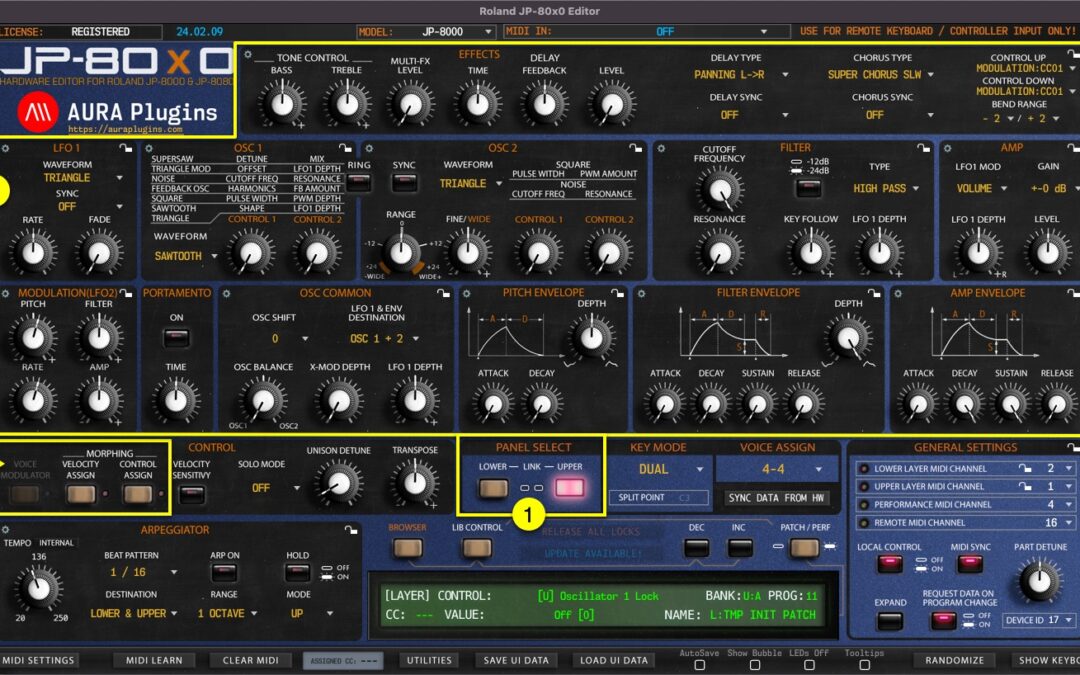
LAYER SELECT Layer Select [1] is a standard feature of the JP, which will change the current Performance Layer of the synthesizer. Data from the Editor user interface will be sent to the currently selected layer. i.e., if you move Filter Cutoff 1 from the UI while...
by Jani | AURA Plugins | Nov 14, 2025
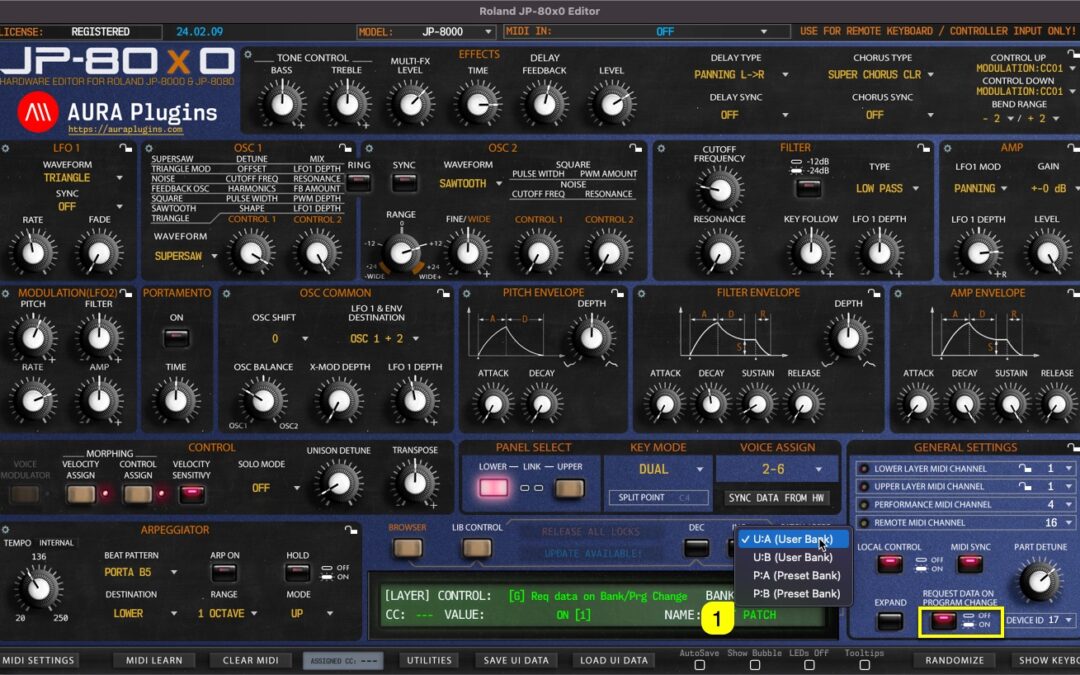
BANK Display [1] acts as a menu as well as a display to show the active Layer Patch bank number. You can navigate to different banks based on your selected JP model. If your model is set to JP-8000, the bank menu does not have as many options as when JP-8080 is set as...
by Jani | AURA Plugins | Nov 14, 2025
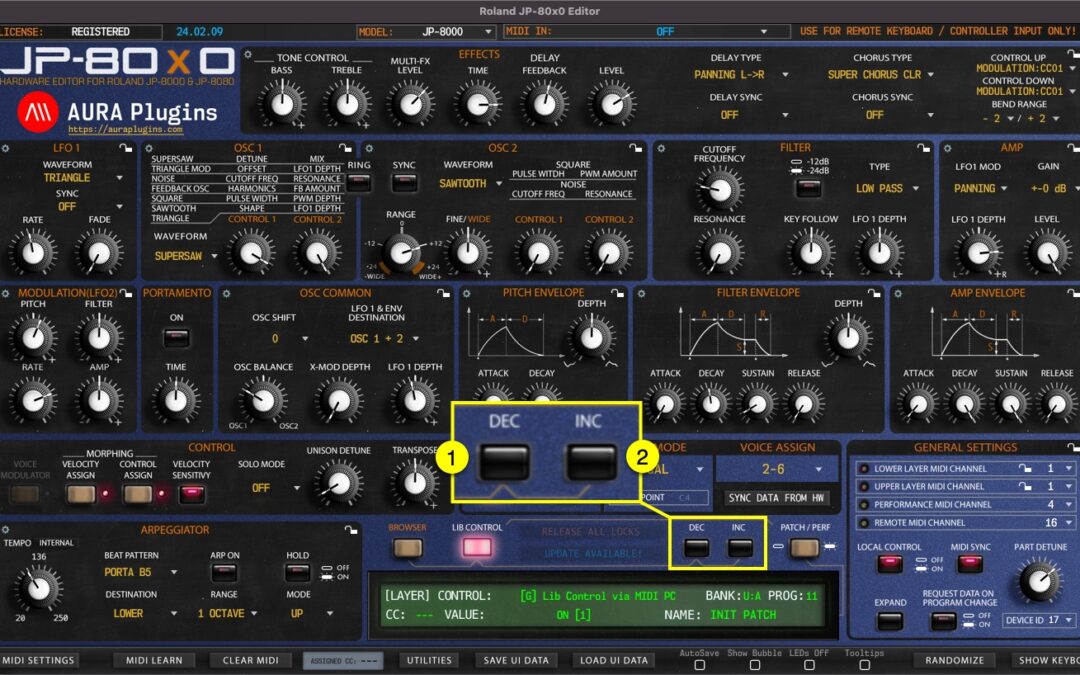
PROGRAM CHANGE BUTTONS DEC [1] button will change to previous program.INC [2] button will change to the next program. This will trigger a MIDI Out message with appropriate program number based on the PROG Display value. Each part has its own set of Program Change...
by Jani | AURA Plugins | Nov 14, 2025
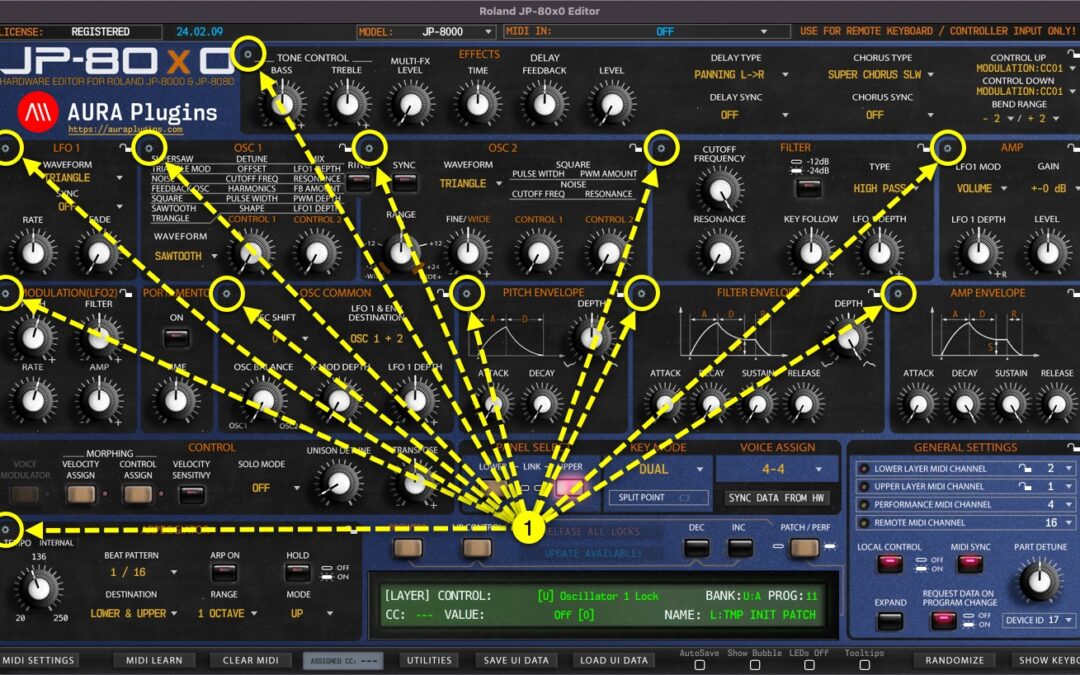
We added a Section Menu function to aid with creating sounds, recalling favorite section settings or saving your own as you go. You can even Randomize a single section to create exciting new textures! Section Menu opens when you click any of the “ gears ” [1] icon in...