
Knowledge Base forRoland JP-80x0 Editor
Documentation
Resources
Roland JP-80×0 Editor – How To Change Banks
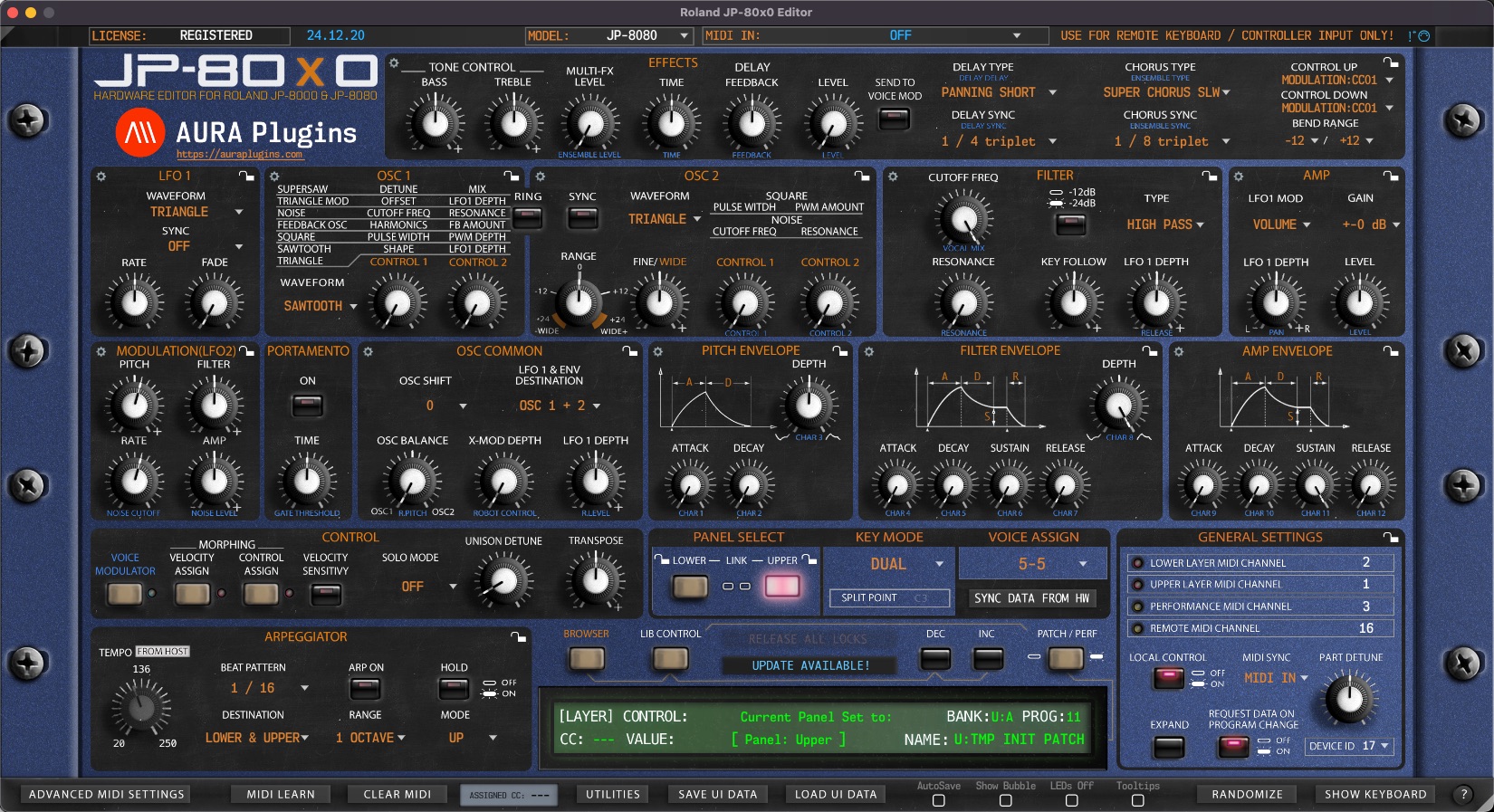
BANK Display [1] acts as a menu as well as a display to show the active Layer Patch bank number. You can navigate to different banks based on your selected JP model.
If your model is set to JP-8000, the bank menu does not have as many options as when JP-8080 is set as a current model. This is because JP-8080 has a bigger memory capacity. When REQUEST DATA ON PROGRAM CHANGE is toggled on, this popup menu will display bank numbers available to browse.

Like with PROG Display, BANK Display [1] will behave completely differently when LIB CONTROL [2] is toggled on. You can now view all available Patch Banks located in the Patches folder.

Share this with fellow producers



