In the guide series below, we are going to use Ableton Live in Windows to demonstrate how to configure your DAW audio ports, midi ports and how to insert the Editor into your project + apply all the settings needed. If you are not using Ableton Live, check the...
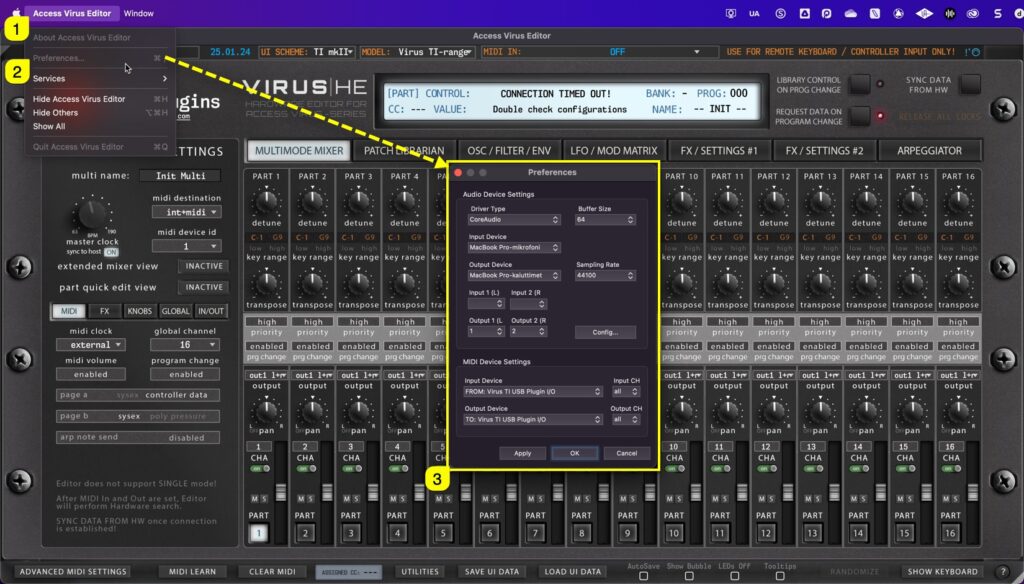
If DAW is not your thing and you just want to edit Virus right from your computer, you can use the standalone application. Below is a guide for to connect the Editor to the Virus and do all the fun stuff DAW users do (without automation). Select MIDI ports with...
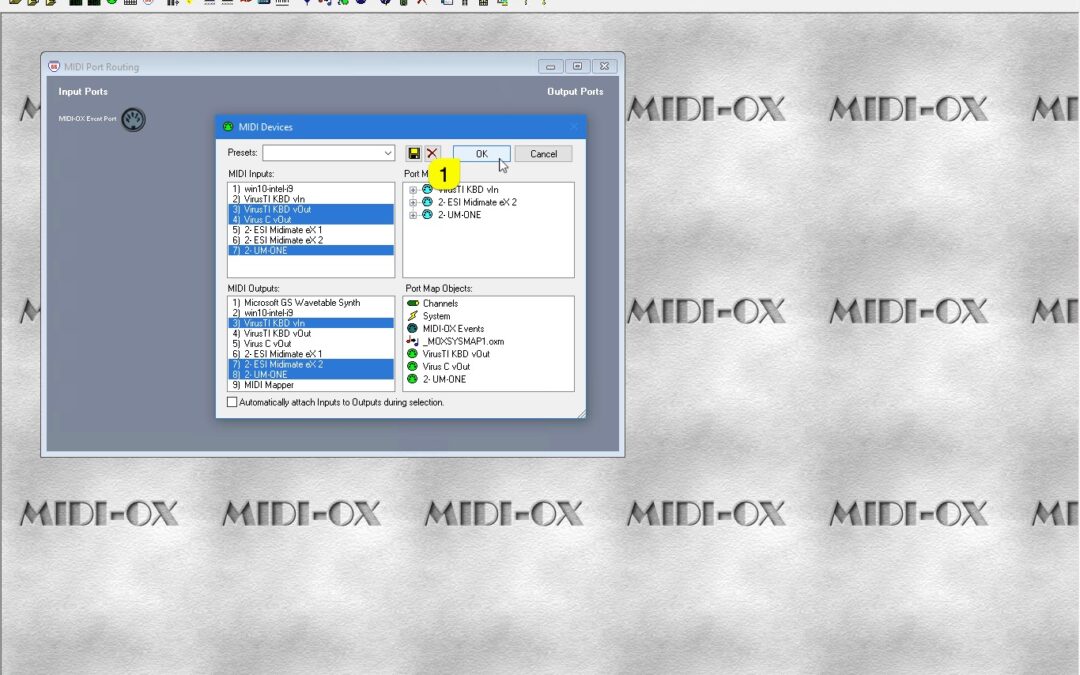
HEADS UP: Windows is preparing an update in the near future that will enable MIDI devices to be shared between applications. We will remove this guide once it comes available! If you plan to route MIDI messages from your DAW to the plug-in channel and send it to...
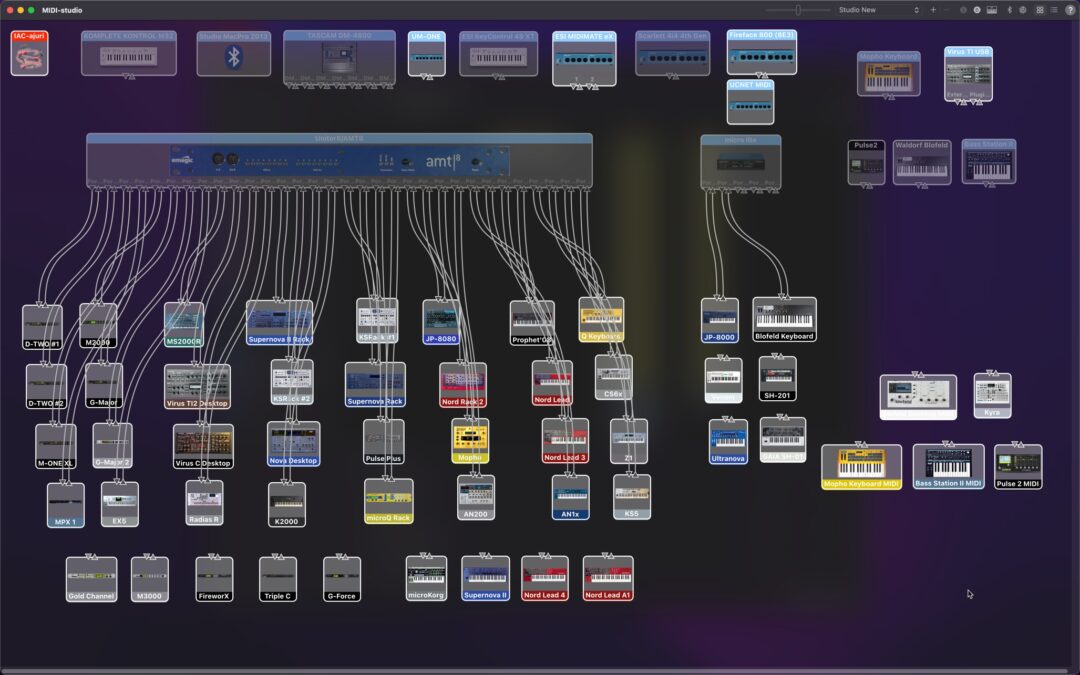
This setup is not mandatory if you remember all of your port numbers & routings out of your head. This guide will help you, if your setup is anything like ours: dozens and dozens of ports in use! Virus TI and USB on macOS If you are using USB with Virus TI, check...
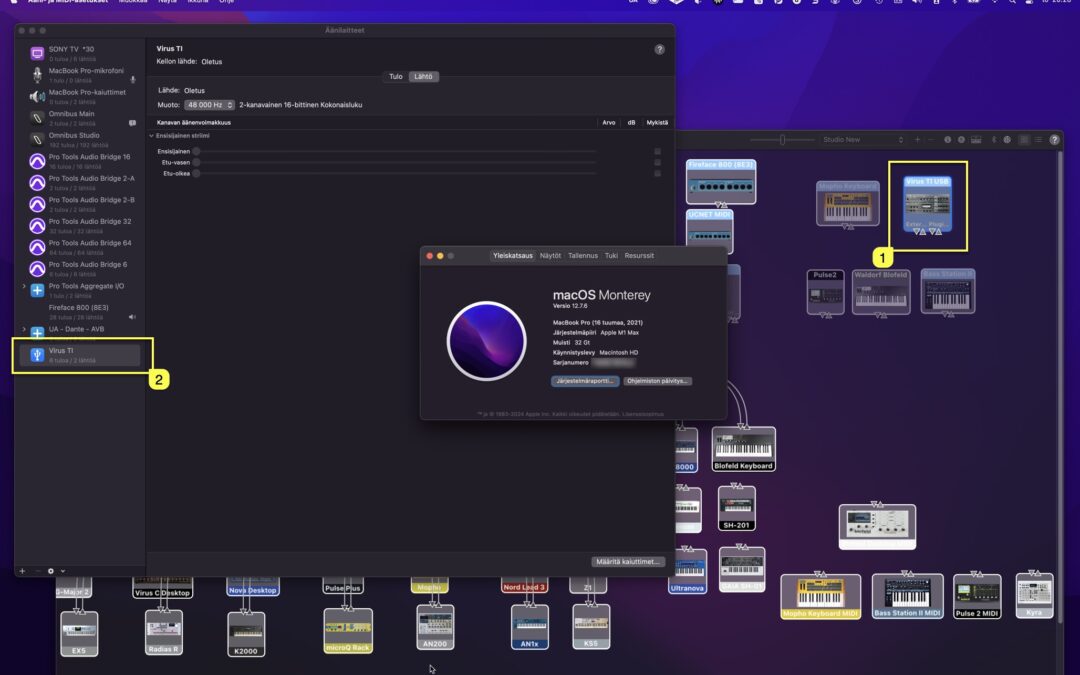
Access Virus TI USB Audio connection You’ll find links in this article for User Guides to connect your Virus TI USB Audio back into your DAW – macOS and Windows. First method is Native macOS way (yes, even on M-chip macs), then we will check how to connect...