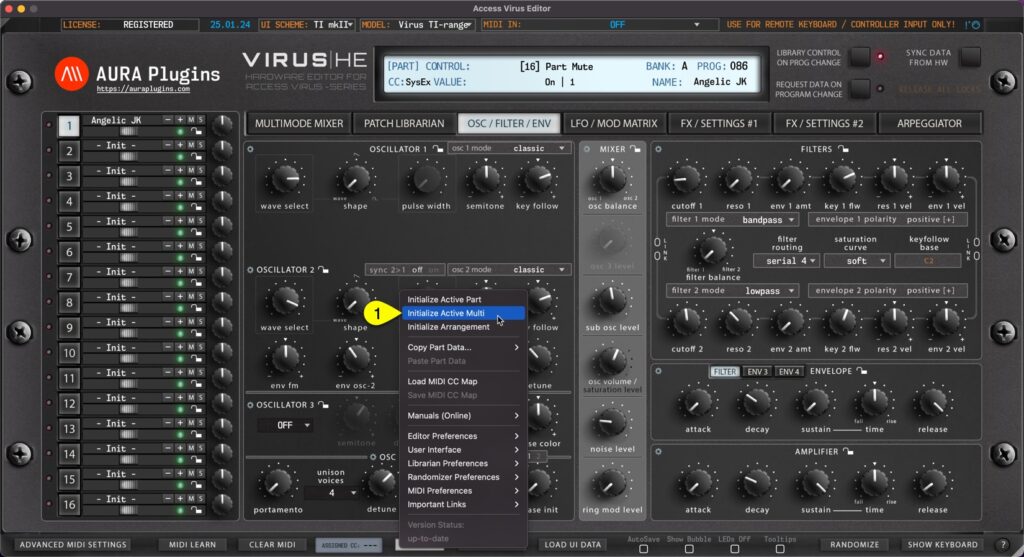
You can Initialize Active Multi by clicking Utilities Menu [1] and then Initialize Active Multi [2]. This function will initialize only the multi / sequencer parameters. All part key ranges, detune settings, output routings etc will be initialized as well as Multi /...
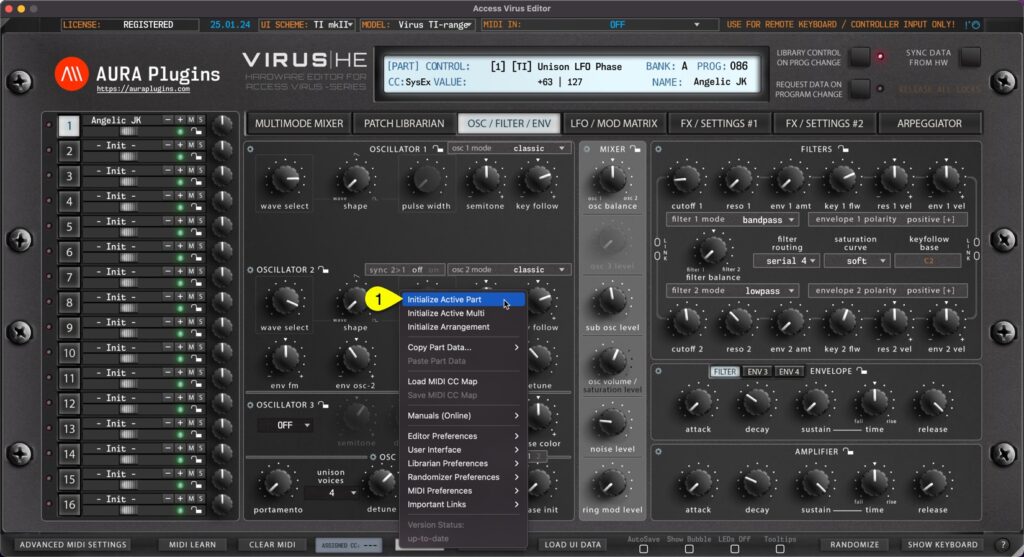
You can Initialize Active Part by clicking Utilities Menu [1] and then Initialize Active Part [2]. This function will initialize which ever Part you have active at the moment. All current part parameters will initialized to default “init” patch values....
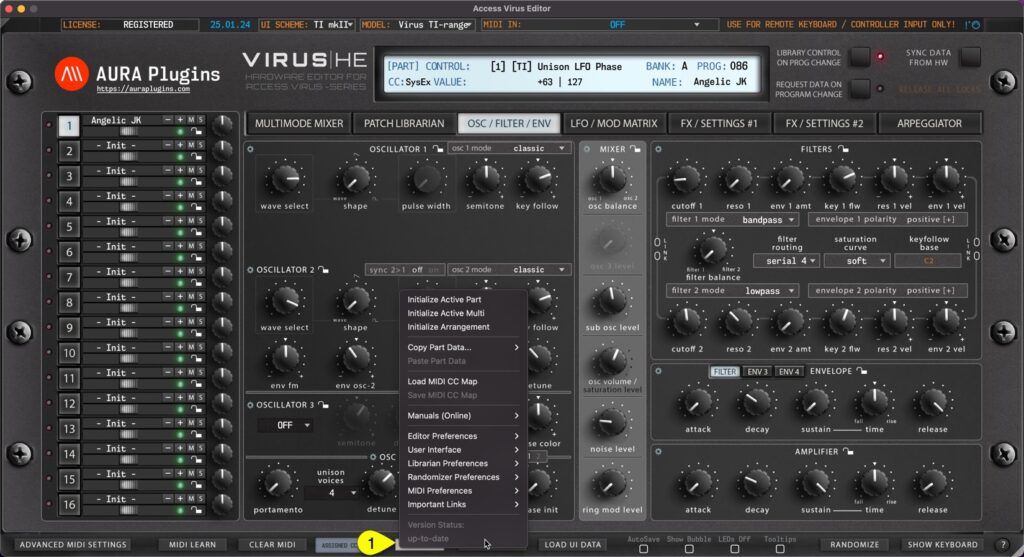
UTILITIES [1] menu can be found from the bottom bar of the Editor. Once you click the UTILITIES button, a popup menu will appear giving you a lot of different utilities. We will go through these one by one. Utilities menu items Initialize Active Part Initialize Active...
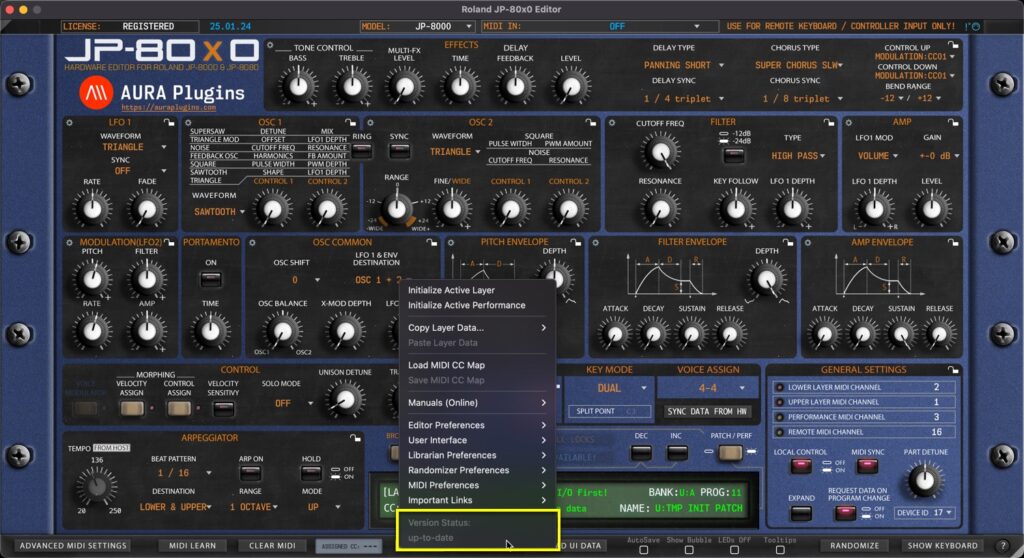
up-to-date Displays that the current version of the Editor is up-to-date. Update Available If the is an update available, you’ll see “Update Available” enabled here. Clicking it will reveal the most recent update changelog. Utilities: MIDI...
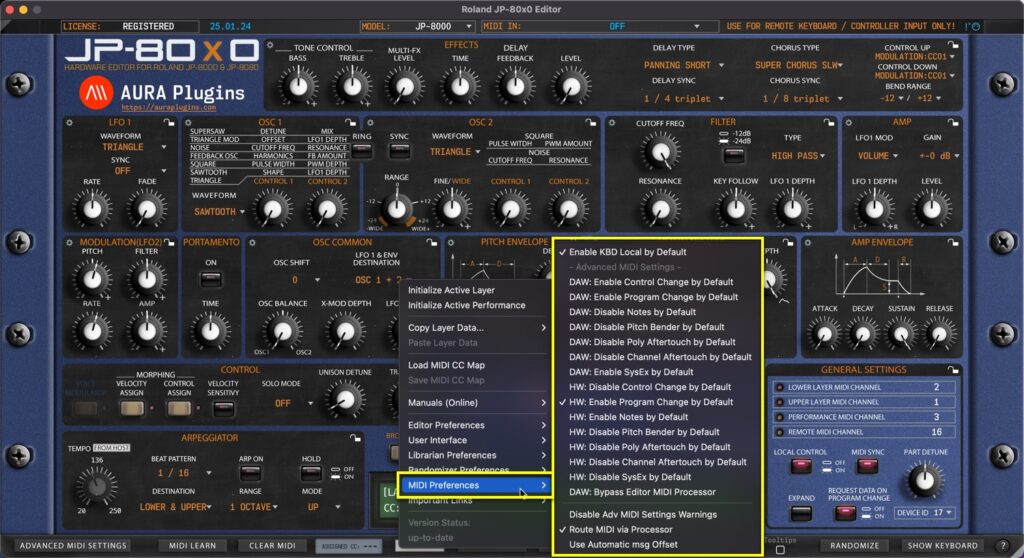
Utilities Menu – MIDI Preferences Breakdown Enable KBD Local by Default Set Local KBD control on by default on new Editor instances – Use case, if you have JP-8000 in your setup and it is NOT your default MIDI controller, you can keep the local control on...