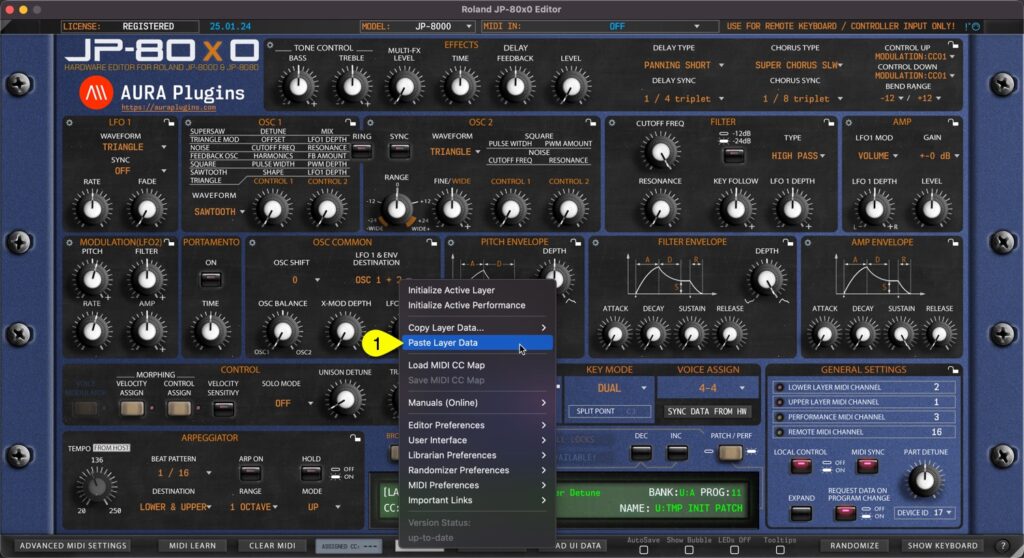
Paste Layer Data You can paste currently copied Layer data from the clipboard. Open Utilities Menu and select Paste Layer Data… [1]. If you have single Layer data copied, then this is only pasted. In the other hand, if you have Layer and Layer Performance data...
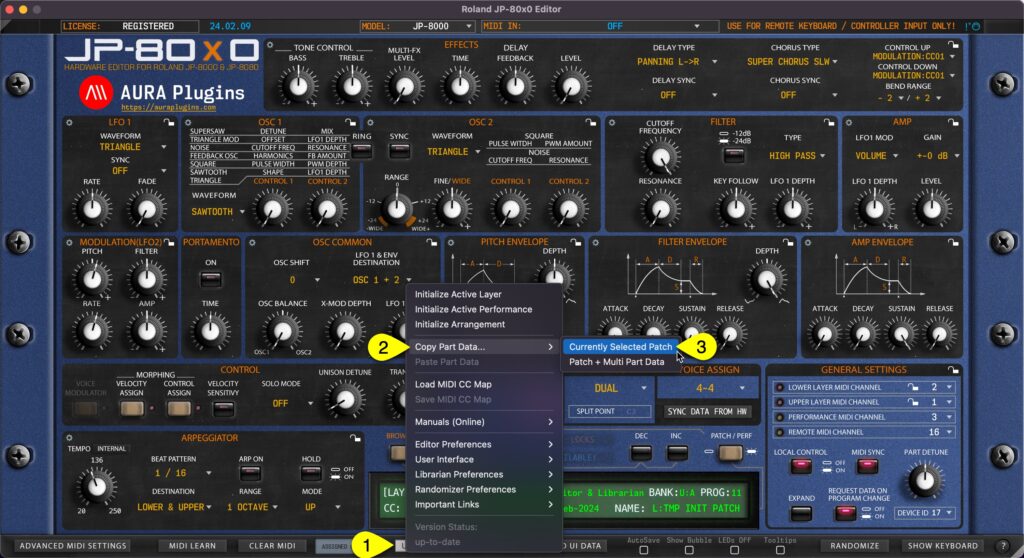
Currently Selected Layer You can copy currently selected Layer data to clipboard and paste the data to another Layer for further processing. Here is how you can do it: Open Utilities Menu [1], select Copy Layer Data… [2] and then select Currently Selected Layer...
You can Initialize Arrangement by clicking Utilities Menu [1] and then Initialize Arrangement [2]. This function will initialize the whole Editor to initial state. This will also Initialize the Global Settings to default values. Initialize Active Performance Copy...
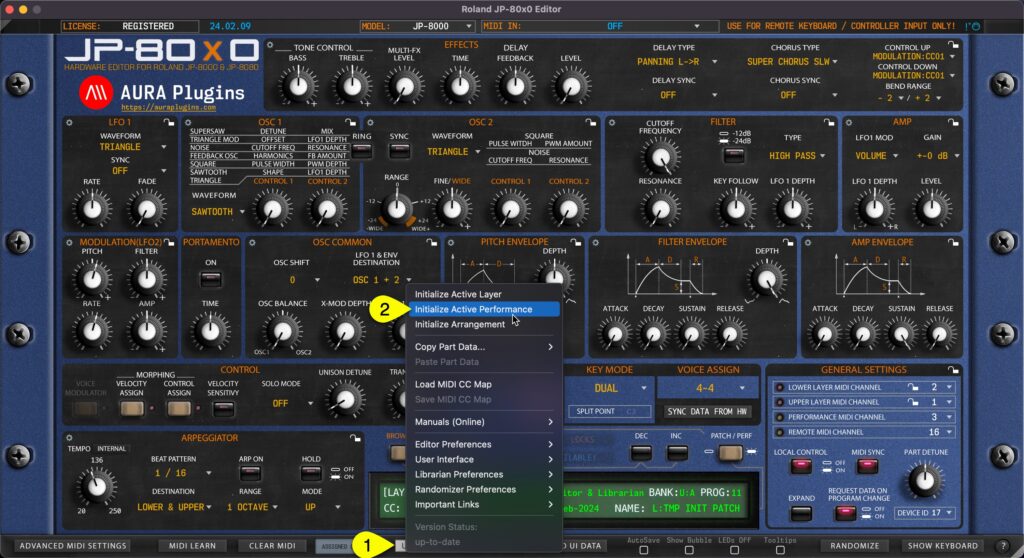
You can Initialize Active Performance by clicking Utilities Menu [1] and then Initialize Active Performance [2]. This function will initialize both Layers. Upper and Lower Layer Patch, Velocity and Control assign values will be initialized as well as Performance...
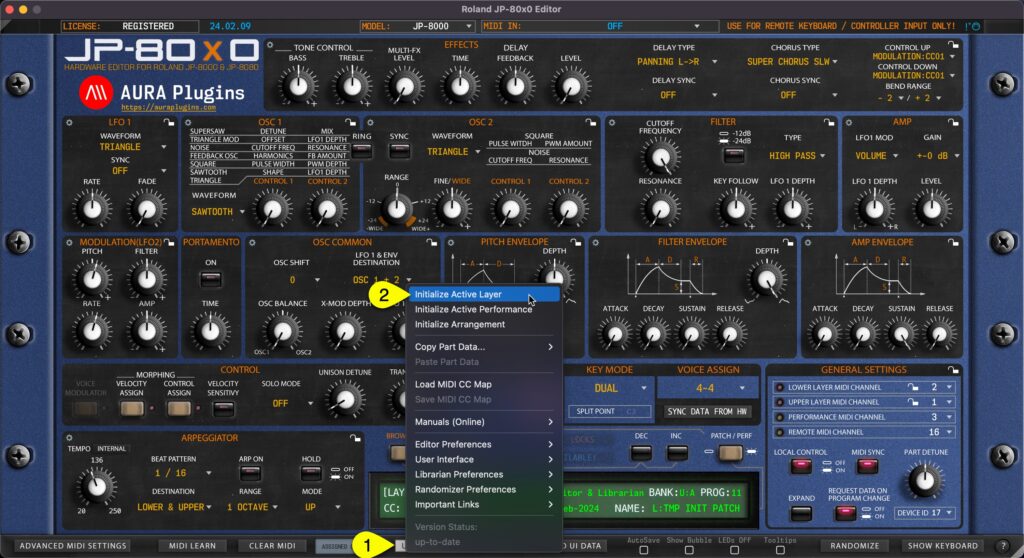
You can Initialize Active Layer by clicking Utilities Menu [1] and then Initialize Active Layer [2]. This function will initialize which ever Layer you have active at the moment. Upper or Lower Layer Patch, Velocity and Control assign values will be initialized. This...