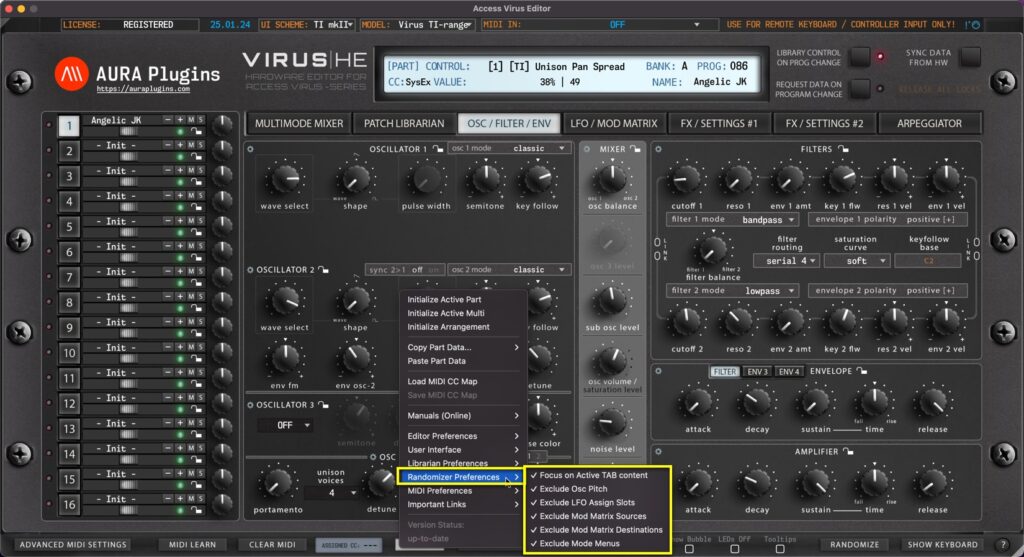
Utilities Menu – Randomizer Preferences Breakdown Focus on Active TAB content When toggled on, Randomizer focuses randomize actions towards the currently selected layer. Exclude Osc Pitch When toggled on, Randomizer will exclude all Pitch related functions such...
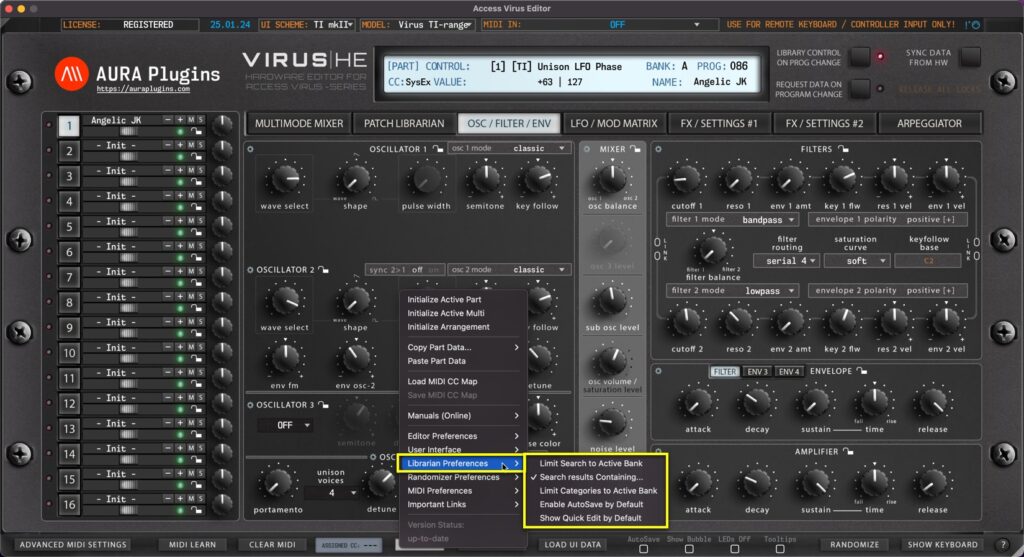
Utilities Menu – Librarian Preferences Breakdown Limit Search to Active Bank Excecute search function to currently active bank only. This narrows down double entries (if any) while keeping the search results contained Search results Containing… Excecutes...
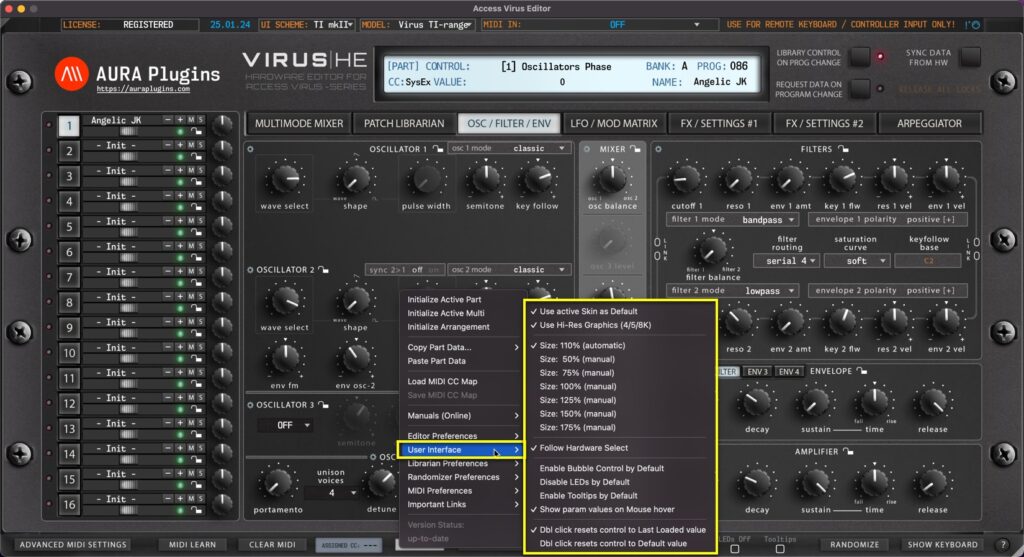
Utilities Menu – User Interface Breakdown Use active Skin as Default When you load a new instance and you set a specific UI SCHEME, you can now set this skin as a default for every new instance without having to set it up each time. This is great if you have...
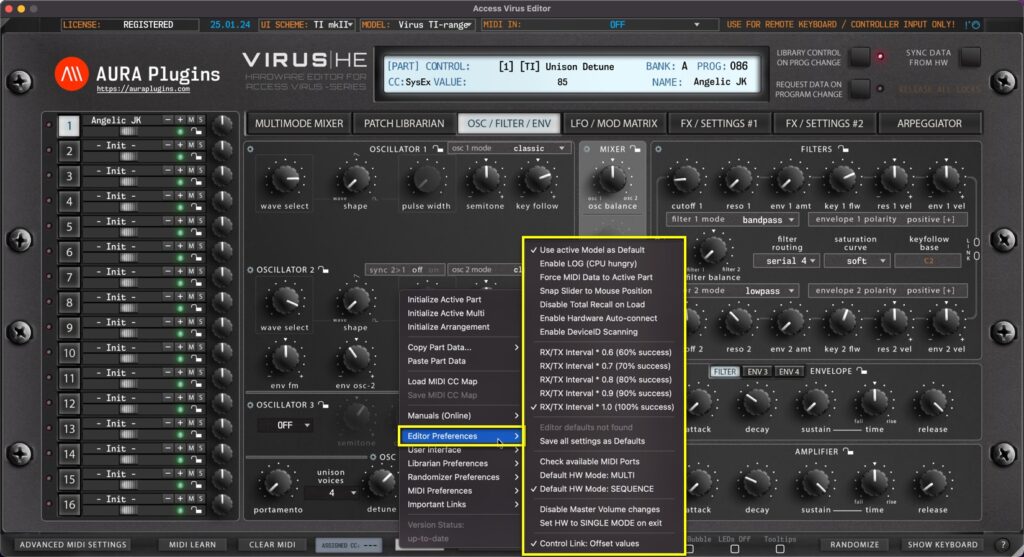
Utilities Menu – Editor Preferences Breakdown Use active Model as Default If you have only synth in your setup, you can toggle on “Use active Model as Default” AFTER you have chosen your model from the top row dropdown list. This way each new...
Load MIDI CC Map This function loads your custom CC mapping to the Editor and over-rides the default CC assignments. Utilities Menu -> Load MIDI CC Map [1] to open the file load dialog. Save MIDI CC Map If you have learned MIDI CC controls from your master...