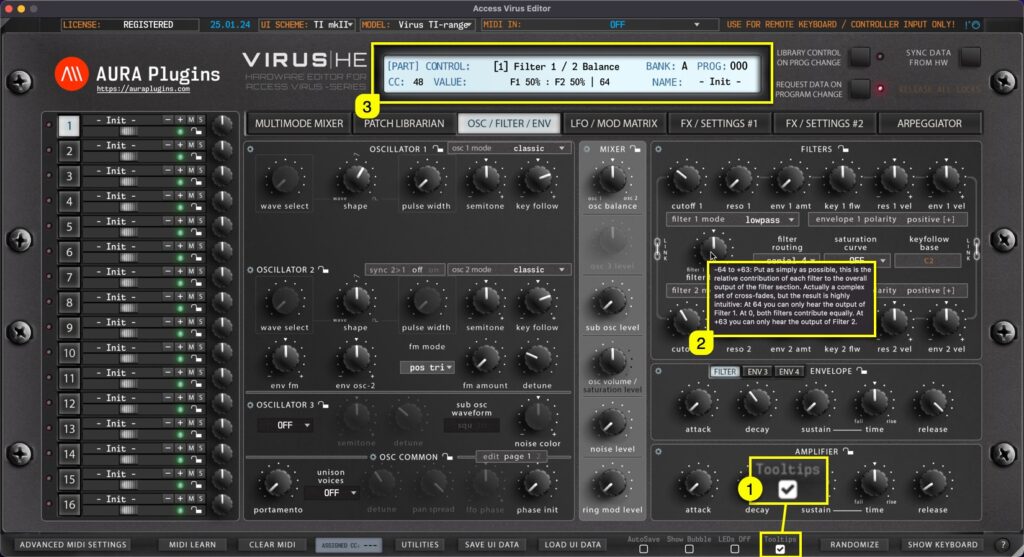
When Tooltips [1] is toggled on, tooltip text [2] will appear if you hold your mouse cursor steadily over the parameter. You also get parameter info displayed in the Editor control display [3] while hovering over parameters, like CC number assigned by default,...
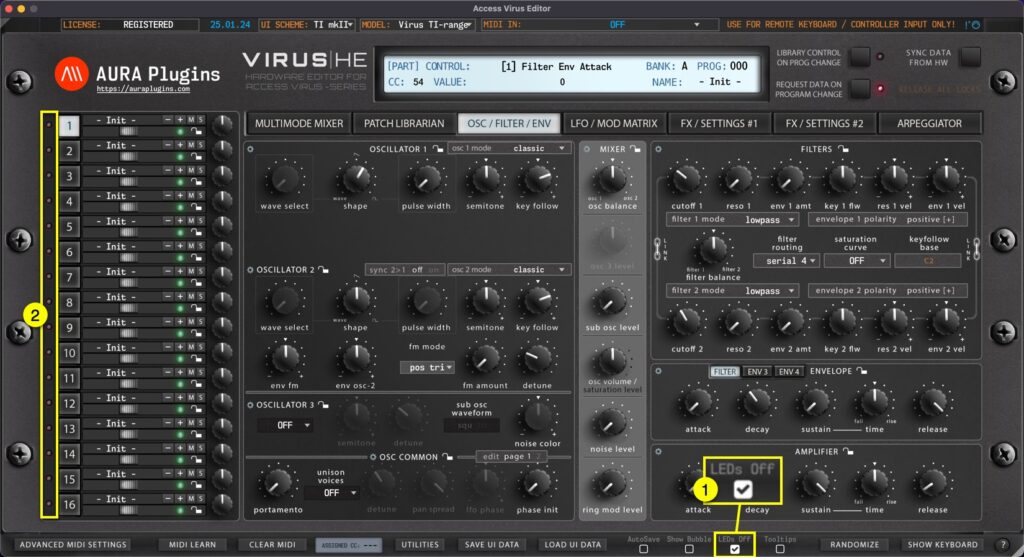
If you don’t like or need to see the LEDs [2] blinking, you can toggle LEDs Off [1] with once click. TIP: Open ADVANCED MIDI SETTINGS page you can define if LEDs will blink when MIDI is being received or when it is being transmitted. Default value is set to follow...
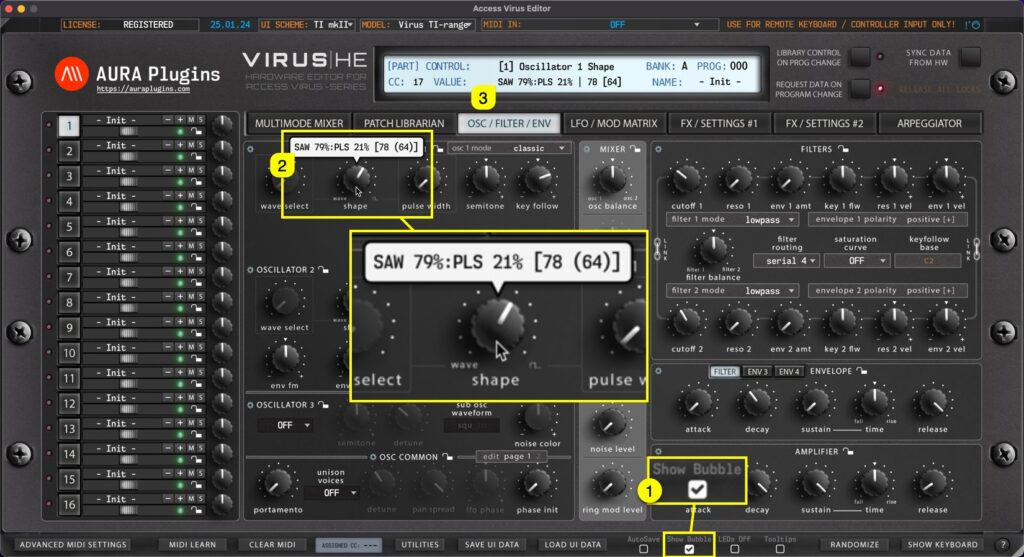
Show Bubble [1] does what it says, when parameter is adjusted with mouse, a bubble [2] will pop up above the parameter displaying the parameter value as you change it. You can also see the parameter name and value in the Editor control display [3]. How To AutoSave...
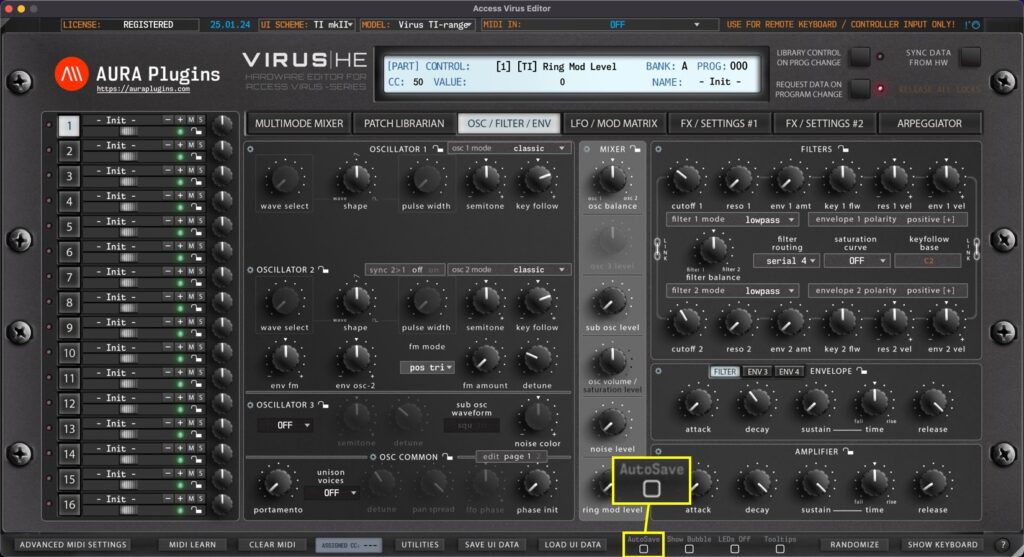
When AutoSave is toggled on, any changes made in the librarian left bank view will be automatically saved. This is a dangerous function, but as per request, we included this feature. NOTE: Be aware that there is NO UNDO function, so you cannot revert to the previous...
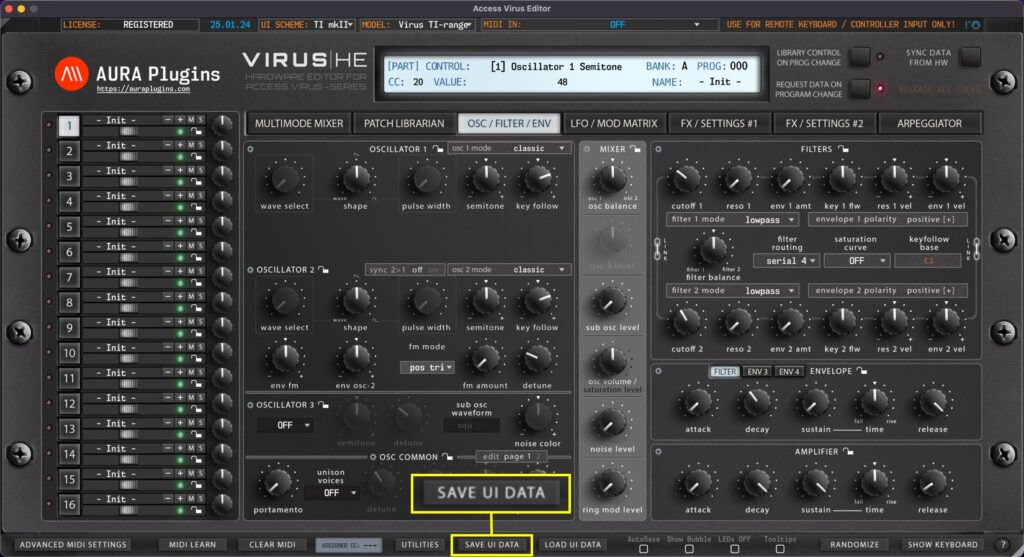
Save UI Data saves all the Editor settings in single file, including global, multi and individual part settings. This is the best option to back up your favorite settings per project and it gives you portability to share your settings with someone else, or use the...