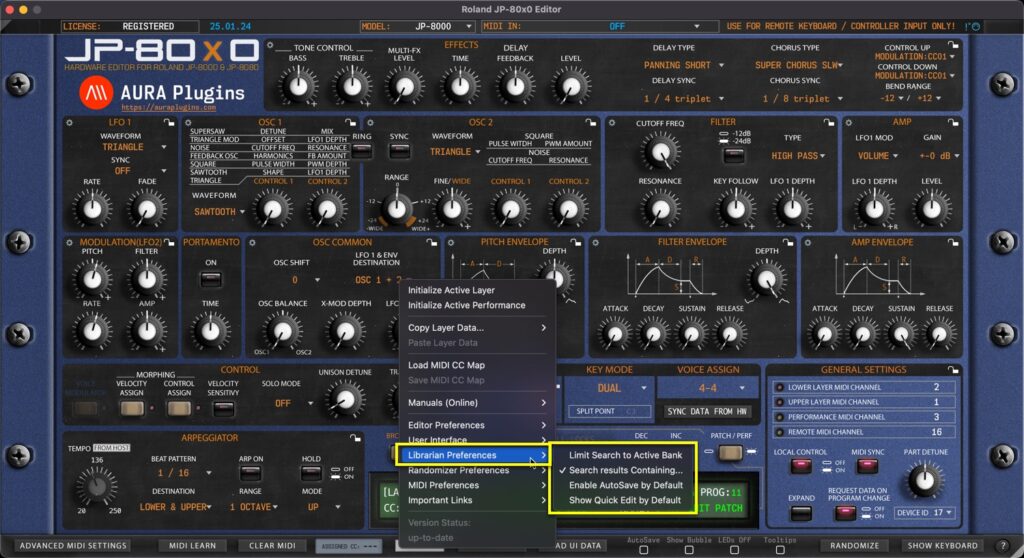
Utilities Menu – Librarian Preferences Breakdown Limit Search to Active Bank Excecute search function to currently active bank only. This narrows down double entries (if any) while keeping the search results contained Search results Containing… Excecutes...
Utilities Menu – User Interface Breakdown Use Hi-Res Graphics (4/5/8K) Loads a bit better graphics for the end user – recommended if you have a proper display to show more pixels. Sharp graphics! Adjust Interface Size Automatic or manually adjusted User...
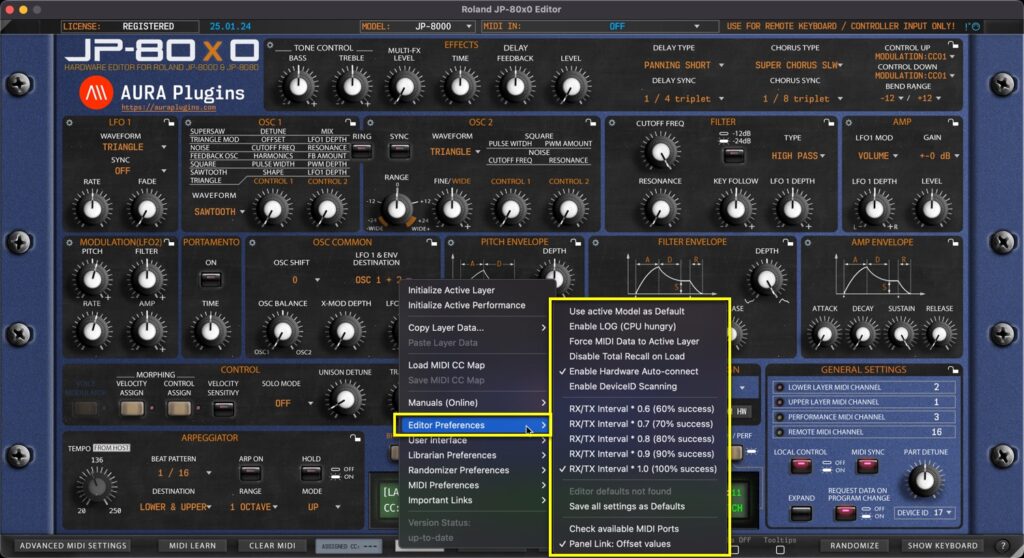
Utilities Menu – Editor Preferences Breakdown Use active Model as Default If you have only synth in your setup, you can toggle on “Use active Model as Default” AFTER you have chosen your model from the top row dropdown list. This way each new...
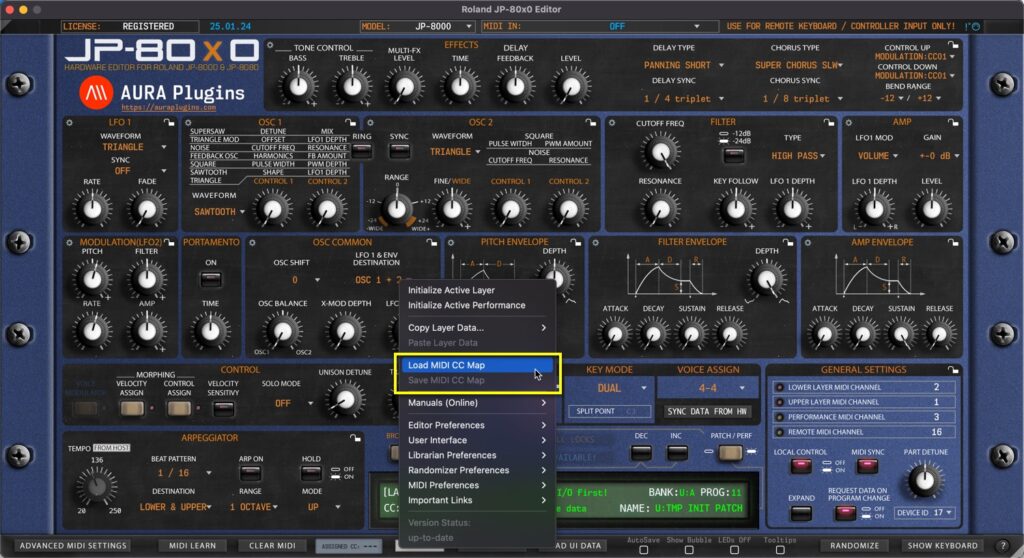
Save MIDI CC Map If you have learned MIDI CC controls from your master controller you can save the mapping to HDD. Say you have General MIDI controls cc #12 assigned to filter cutoff (74) and #13 assigned to filter resonance (71), you can save the current mapping to a...
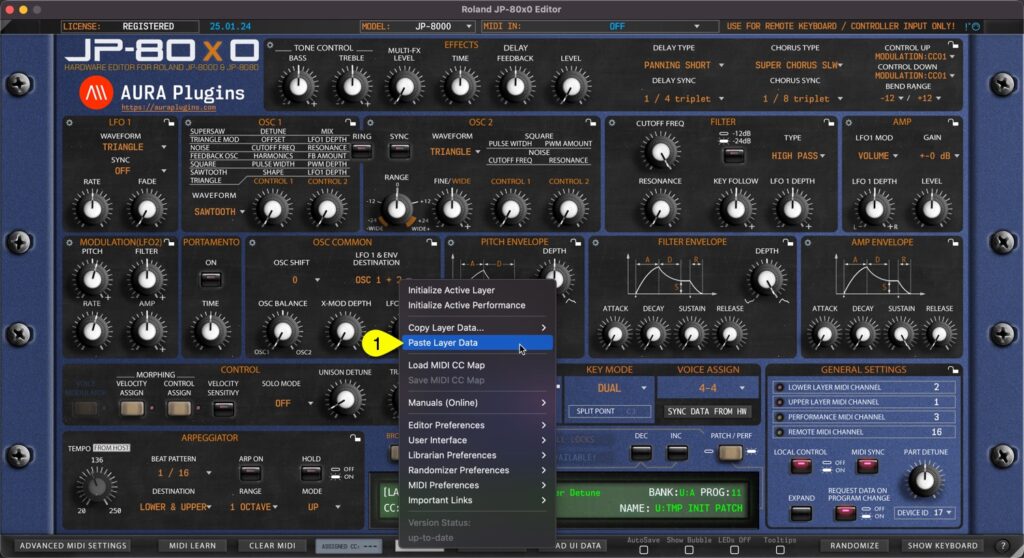
Paste Layer Data You can paste currently copied Layer data from the clipboard. Open Utilities Menu and select Paste Layer Data… [1]. If you have single Layer data copied, then this is only pasted. In the other hand, if you have Layer and Layer Performance data...