
Knowledge Base forAccess Virus Editor

Documentation
Resources
Access Virus Editor – Configure Virus TI and TI Snow series
After Virus is powered up, enter System settings and apply following settings.
Note: Menu and Button examples from Virus TI Desktop user manual.
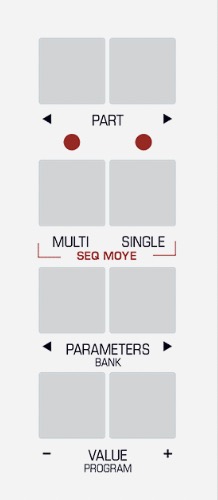
Enter MULTI mode
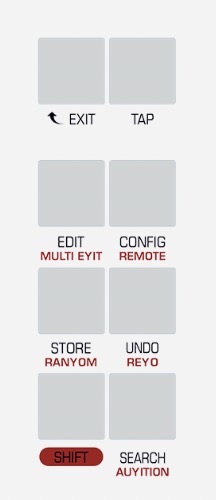
Enter GLOBAL settings
Use PARAMETER buttons to navigate settings pages and VALUE buttons or VALUE knob to adjust following parameters
If parameter is not mentioned, you can skip it and navigate forward.
All set! We are now ready to open our plug-in in DAW or Standalone Application!
To get more information about how to adjust your synth, read the Access Virus User Manual.
External Clock Note: Arpeggiator will not play unless your DAW is able to provide a MIDI Clock. Windows: Check our method of using MIDI OX and LoopBe together to provide MIDI clock from DAW to your synth.
Share this with fellow producers



