
Knowledge Base forAccess Virus Editor

Documentation
Resources
Access Virus Editor – How To Resize User Interface
Real-time Resize
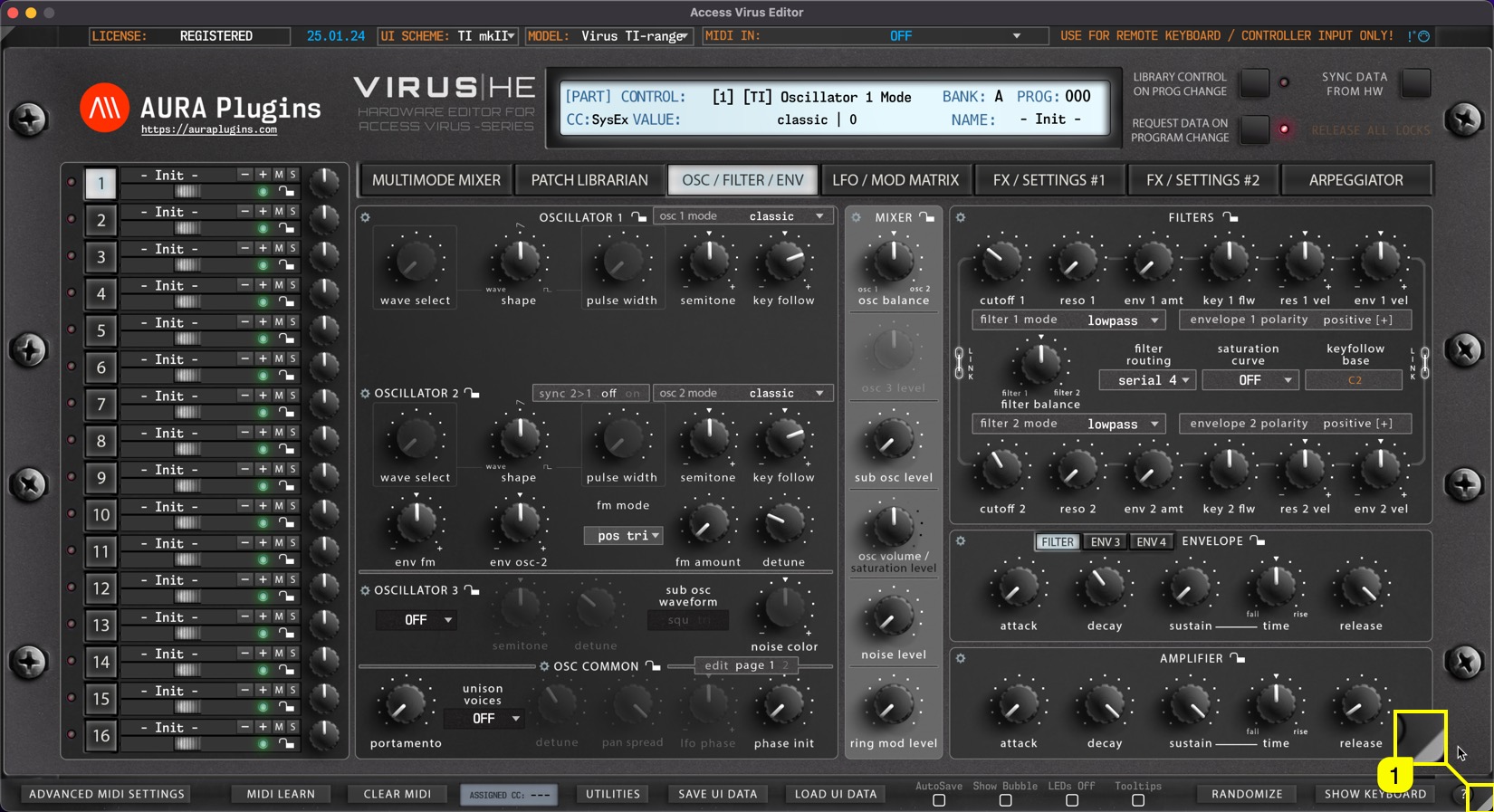
You can resize the Editor user interface in real time by clicking and dragging the white triangle [1] in the bottom right corner. Double click will revert the scaling level back to 100%. This setting is saved with DAW project data, but Standalone Application always reverts to “zero” resize stage when Application is launched again.
Minimize View
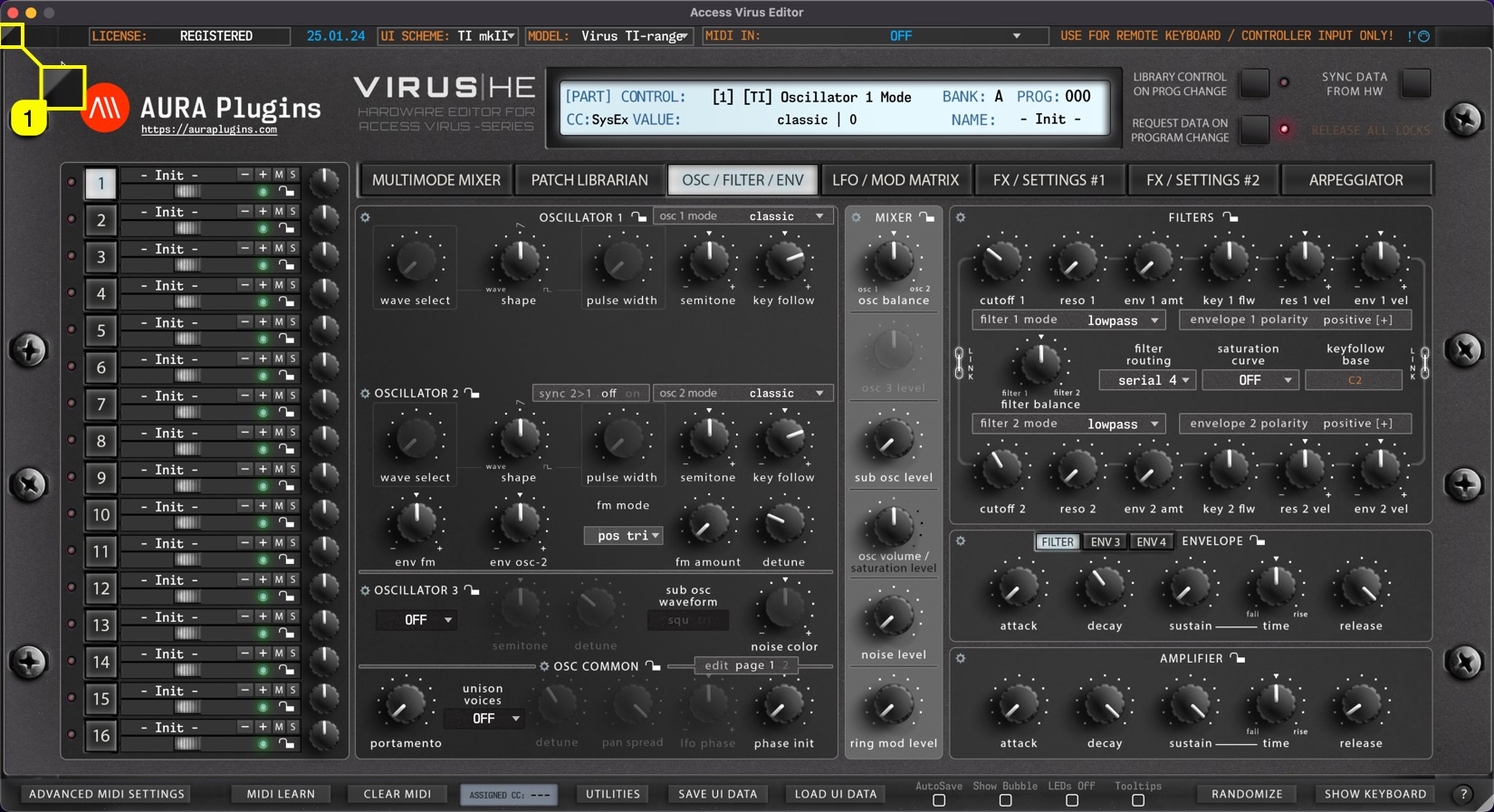
If the user interface is too big for your screen for some reason, single clicking gray triangle [1] in the top left corner resizes the user interface to 50% of its size. Double click sets the view back to 100%.
Setting Default Scaling Level
You can also set “default” scaling level by opening Utilities [1] menu -> User Interface [2] and selecting the size [3] that fits your setup the best.
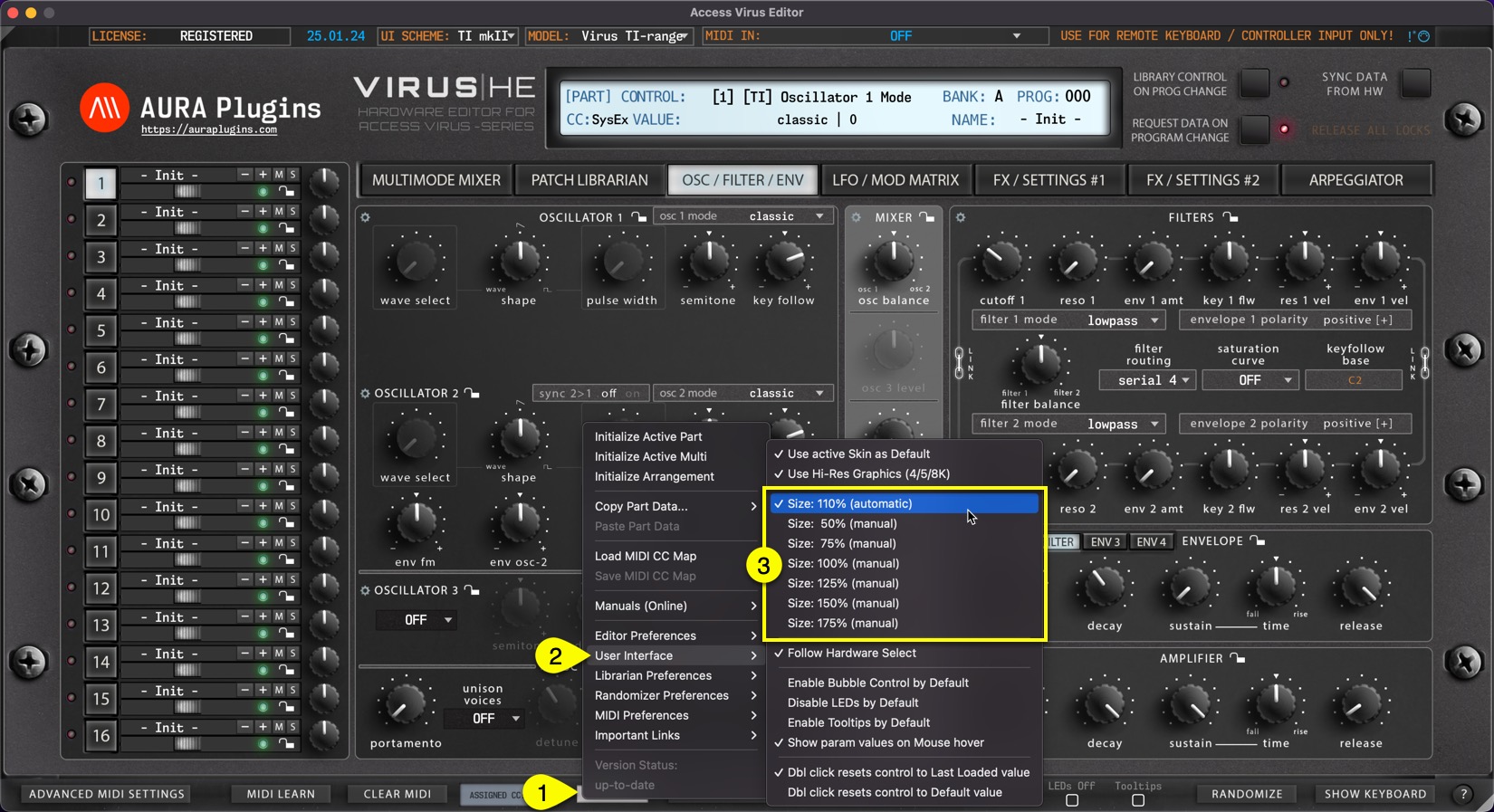
NOTE: If your display cannot handle HD graphics and / or you have not enabled use of hi-res graphics, scaling results might look unpleasant. Adjust settings to your likings. Loading hi-res graphics takes longer for the Editor view to open.
Share this with fellow producers



