
Knowledge Base forAccess Virus Editor

Documentation
Resources
Access Virus Editor – How To Use Section Menus
We added Section Menu function to aid with creating sounds, recalling favorite section setting or saving your own as you go. You can even Randomize single section to create exciting new textures! Section Menu opens when you click any of the “gears” [1] icon in the user interface.
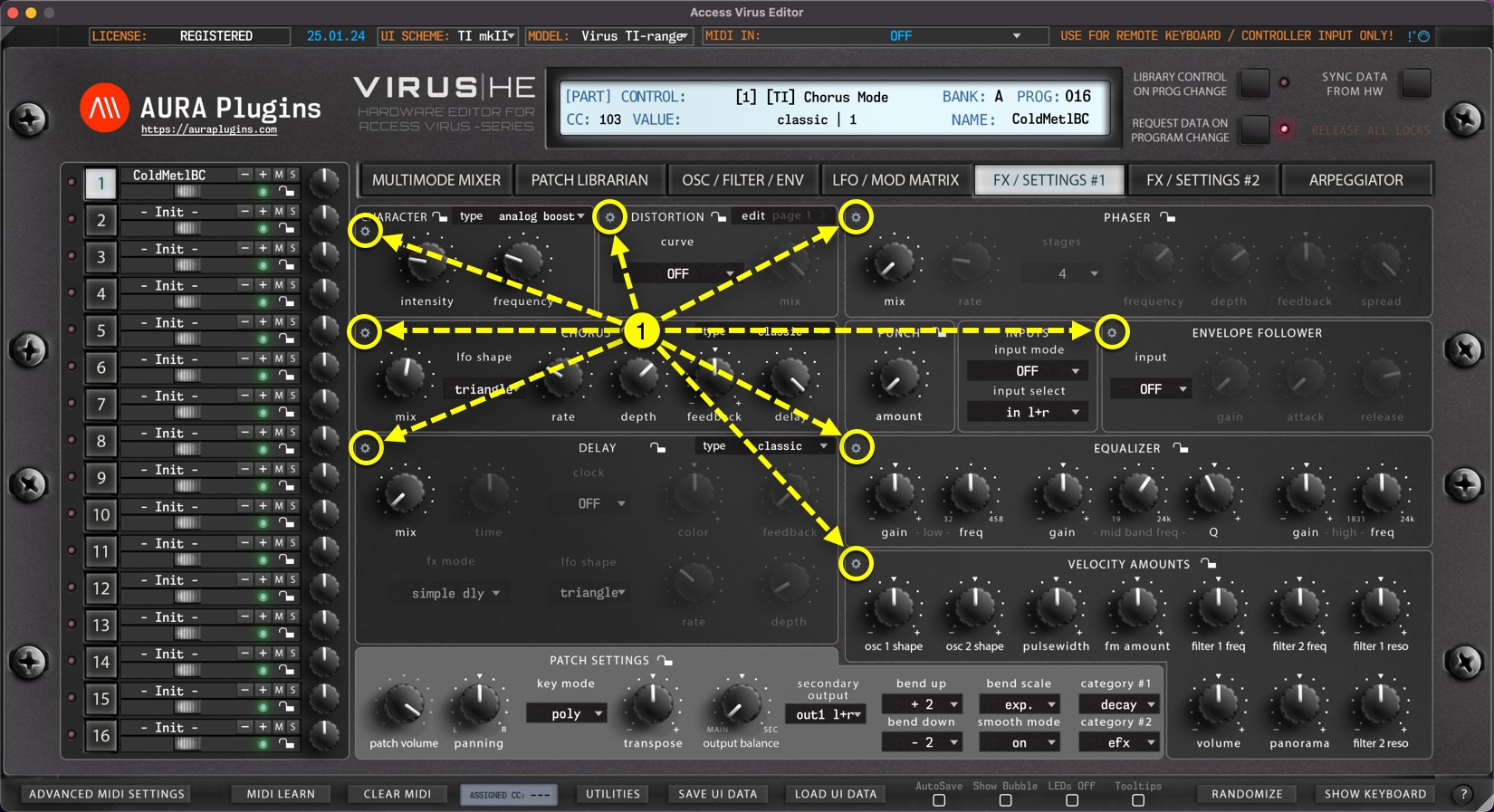
Section Menu Items
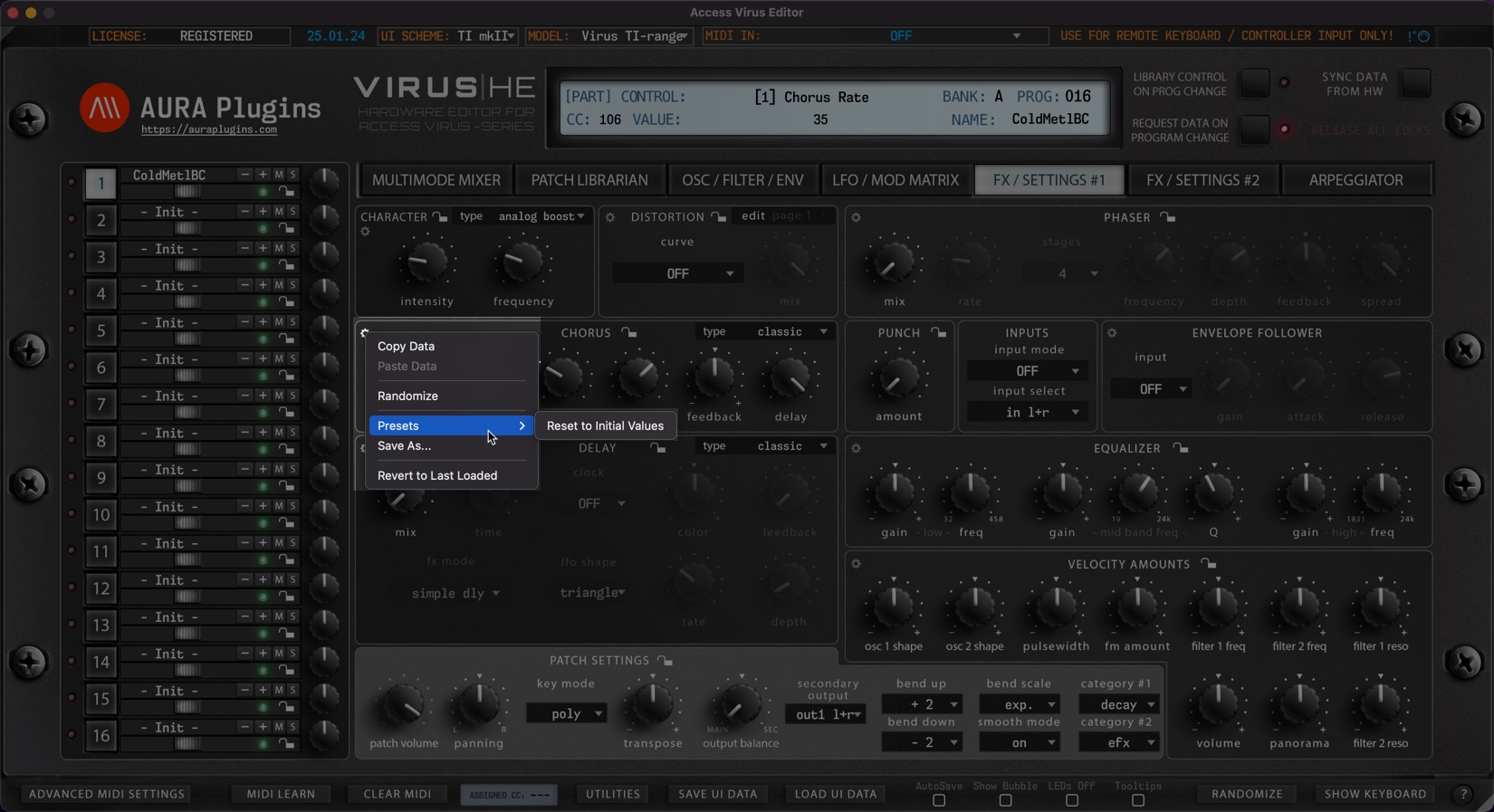
- Copy Data
Copy Section Data to clipboard. - Paste Data
Paste Section Data from clipboard. - Randomize
Randomize Section Data with Randomizer settings applied from Utilities Menu & Advance MIDI Settings page. - Presets
Load a preset saved for set Section. First item on the list is always “Set to Initial Values” which loads Section default settings. - Save As…
You have a great Filter setup you want to use in later sound design? No problem, just save your Filter or any other section data to HDD for later use.
Data is stored in /Music/AURA Plugins/Access Virus Editor/UI DATA/Section Presets/(section name)
Share this with fellow producers



