
Knowledge Base forAccess Virus Editor

Documentation
Resources
Access Virus Editor – Librarian Data Views
Our Librarian has two views: primary is “Edit Buffer” view and secondary is “Source” view.
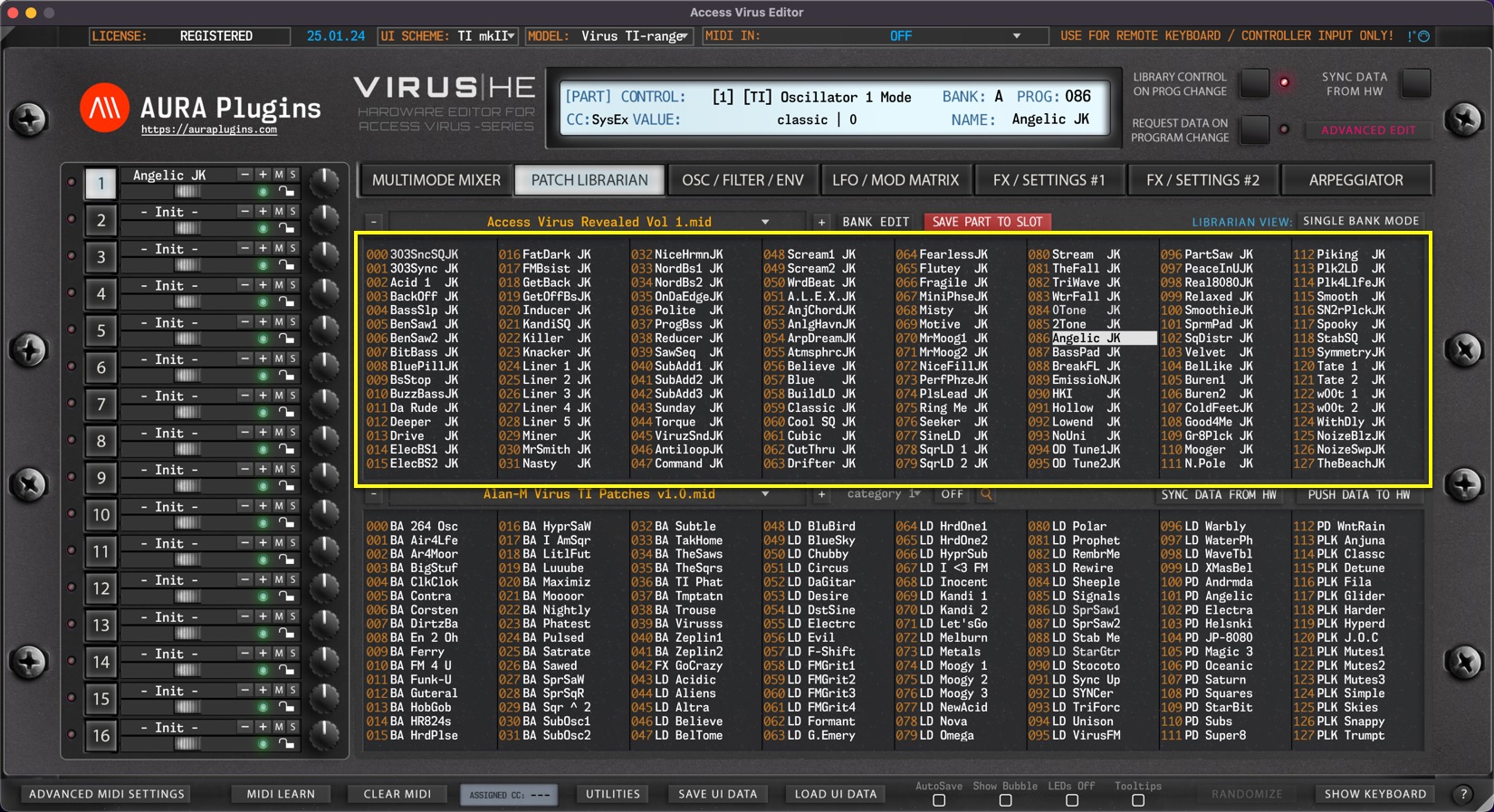
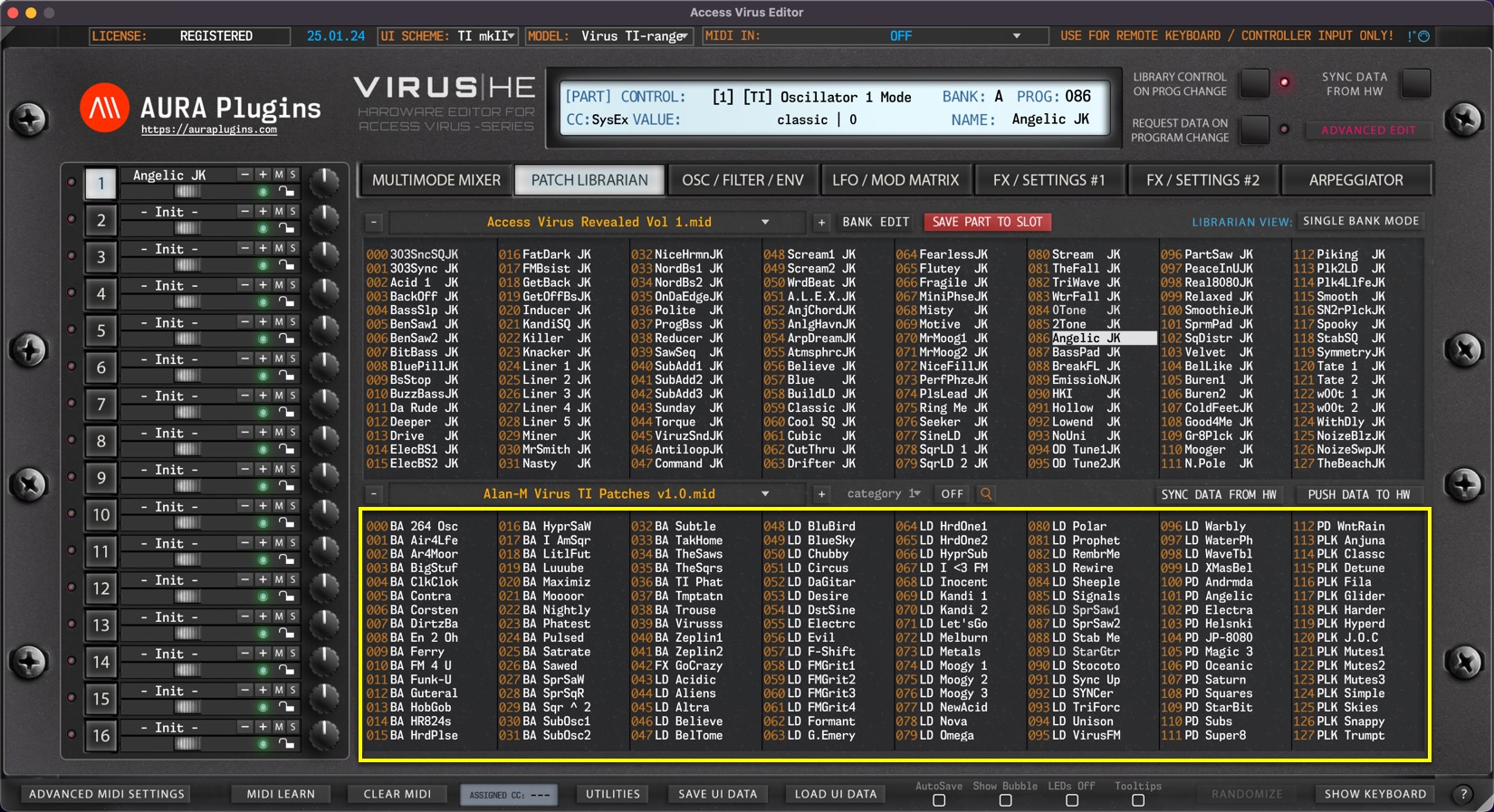
This is really straight forward, upper is your Edit Buffer, where you can request, rename, move and paste data. Lower view is your Source of copy / search results view which can be changed once Edit Buffer is locked due to unsaved changes.
Lets breakdown how they perform below..
Upper Data View
Like mentioned earlier, UPPER view is your “BUFFER” view. All bank requests are fetched into this view, where you can store them in your HDD. You can drag’n’drop and paste data to upper view, rename items in upper view etc.
Lower Data View
This is our “SOURCE” view. Going further: Any data from source view can be copied & pasted or dragged over to “BUFFER” view.
If search is triggered, search results will be shown in this view.
You can change the banks in the SOURCE view while the BUFFER view is locked due to unsaved changes.
This is helpful when you want to make a bank of your own from different patches / multis / search results and what not.
Data can not be pasted to any of the slots in this view.
Share this with fellow producers



