
Knowledge Base forAccess Virus Editor

Documentation
Resources
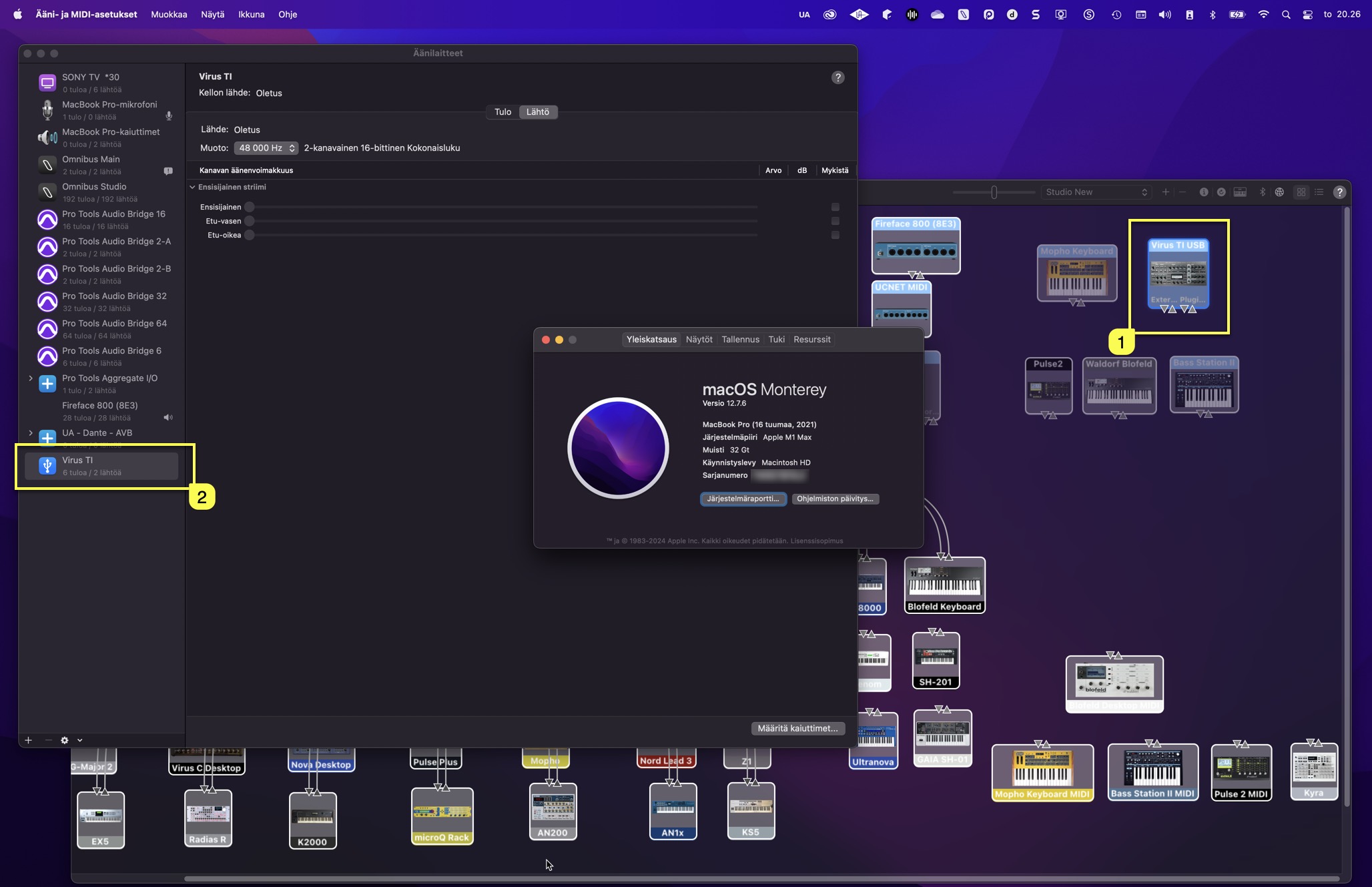
Access Virus Editor – Virus TI USB Audio connection
Access Virus TI USB Audio connection
You’ll find links in this article for User Guides to connect your Virus TI USB Audio back into your DAW – macOS and Windows.
First method is Native macOS way (yes, even on M-chip macs), then we will check how to connect the Virus TI USB Audio with 3rd party Apps & Plugins (paid software).
OK, let’s get into it. What do you need? Natively on macOS:
- Access Virus TI and/or Access Virus TI Snow (obviously)….
- USB cable.
- USB-C to USB 2 or USB 3 Hub.
- Access Virus Editor.
With 3rd party Applications we are using Audiomovers Omnibus and Inject, both macOS and Windows compatible software we use daily in our operations!
And the big question: Why?
Since macOS Catalina (10.15) came out, Apple did change up their OS quite a bit. It is a struggle with developers trying to keep up the pace with Apple and their recent changes. Now with Apple Silicon (m-chip) machines things took another turn. But luckily this fairly simple method will solve the issue. But only partially, since this method brings the audio to your DAW instead the plugin itself.
Enough of talking technical stuff, let’s connect the Virus TI to your DAW!
NOTE: These articles are mainly written to work with our Access Virus Editor!
Install our Access Virus Editor from the downloads page. Demo works too, but you are missing a lot features with it ($69.95 is a very small fee for a fully working editor)!
Share this with fellow producers



