
Knowledge Base forRoland JP-80x0 Editor
Documentation
Resources
Roland JP-80×0 Editor – Librarian Data Types
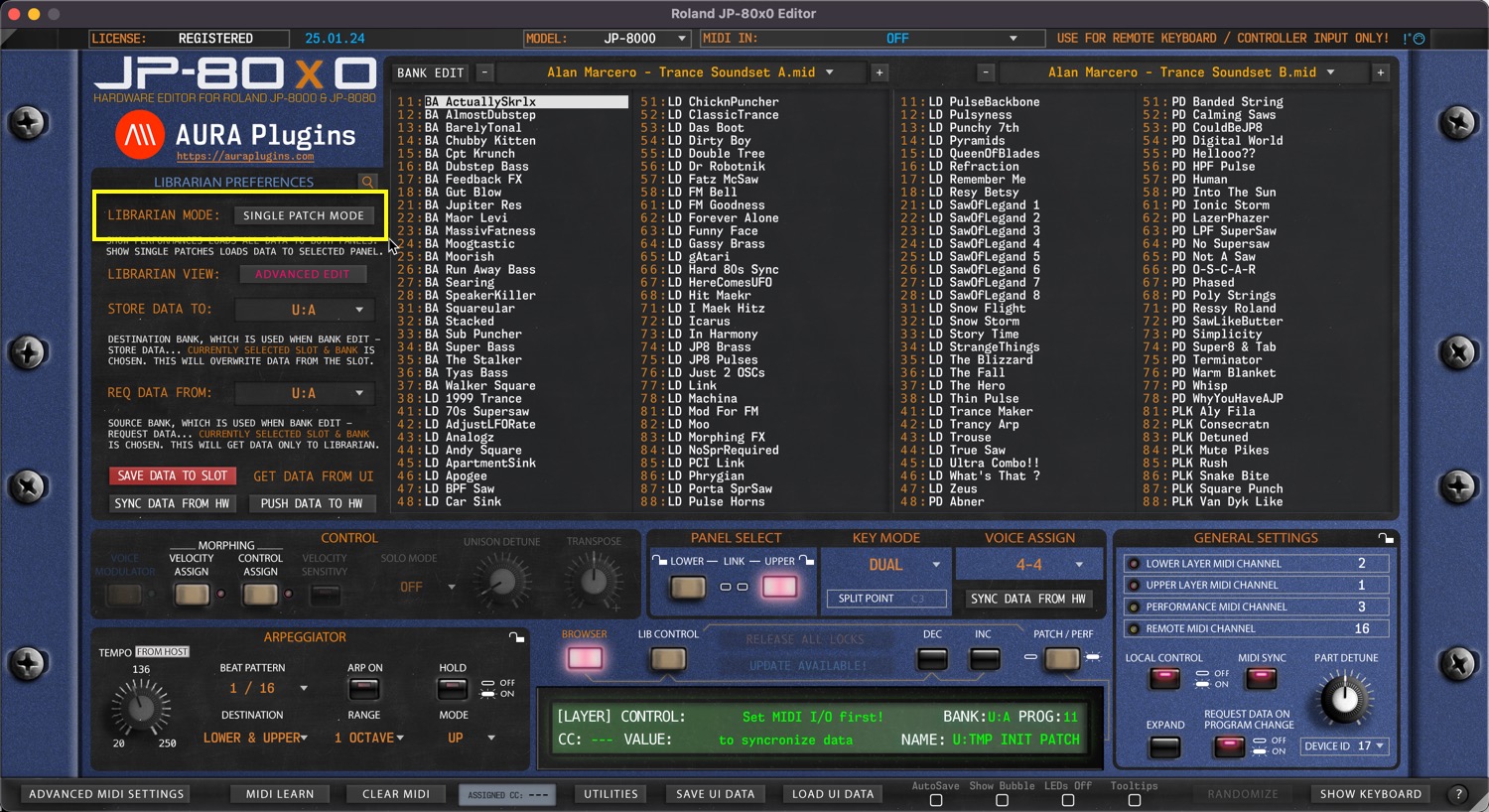
Single Patch Mode
Editor defaults to SINGLE PATCH MODE on new instances. Singles from the Librarian can be loaded to UPPER or LOWER panel of your choice. If UPPER panel button is lit, then data will be sent to UPPER panel in the hardware.
You can load two individual SINGLES in the JP, giving you two different “parts”. ie, load a PAD on LOWER panel and a LEAD on UPPER panel. Panels can be linked to same MIDI channel or they can have individual channels too.
Performance Mode
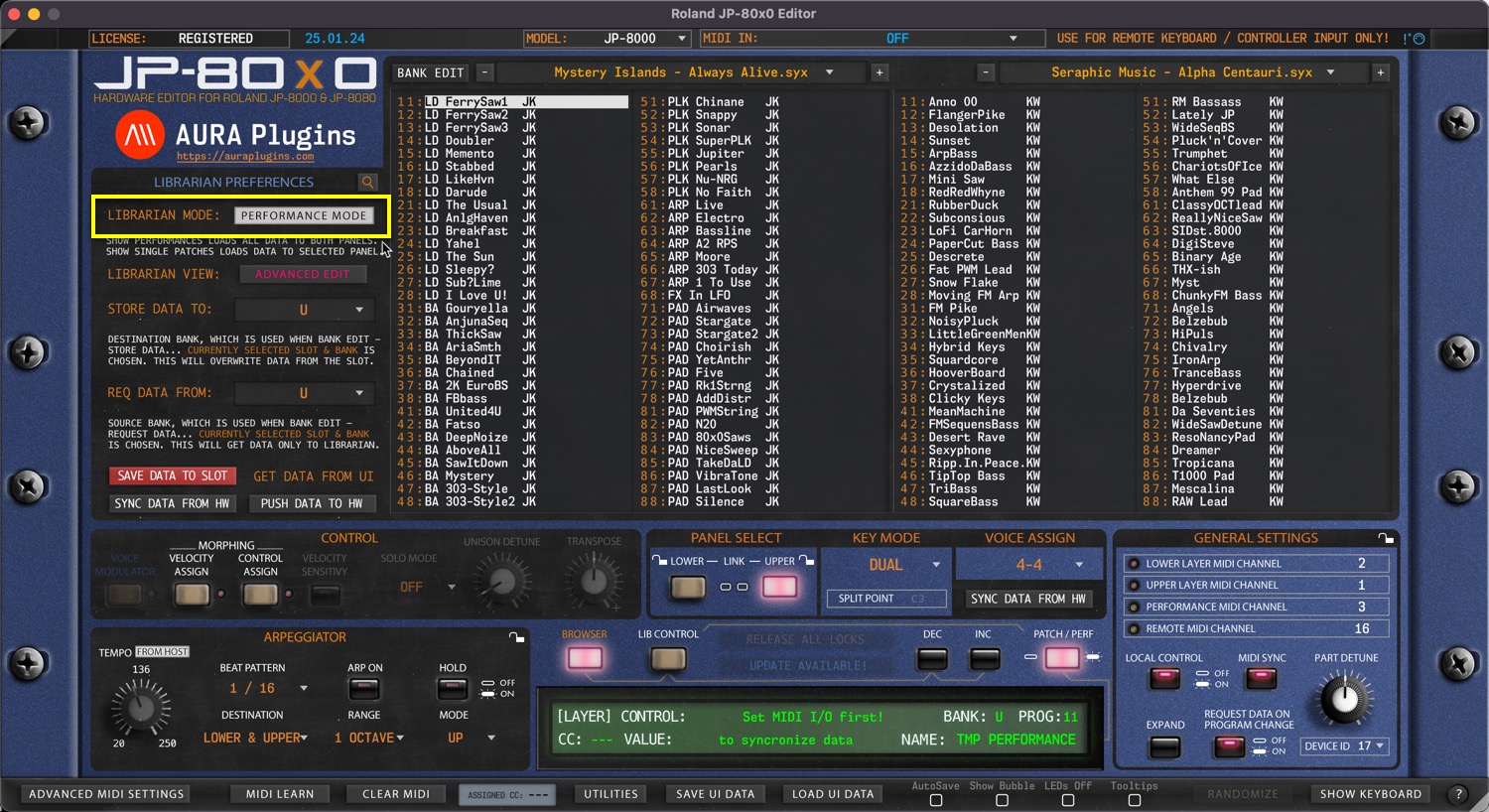
When PERFORMANCE MODE is toggled on, Editor will show the PERFORMANCE banks in the Librarian View. Each PERFORMANCE is built containing data from BOTH layers.
When PERFORMANCE is loaded, it will overwrite both panels on the hardware temp memory.
NOTE: With Section Locks, you can lock a specific section from Performance Changes. ie, if UPPER PANEL is locked, then changing Performance only affects LOWER PANEL.
Share this with fellow producers



