
Knowledge Base forRoland JP-80x0 Editor
Documentation
Resources
Roland JP-80×0 Editor – Librarian Drag and Drop
Librarian Drag’n’Drop
You can drag’n’drop data from:
- [1] SOURCE -> BUFFER list
- [2] BUFFER -> BUFFER list
BUT you can NOT drag’n’drop data from [3] SOURCE -> SOURCE list. BUFFER -> SOURCE list is also disabled. This is by design explained in previous article.

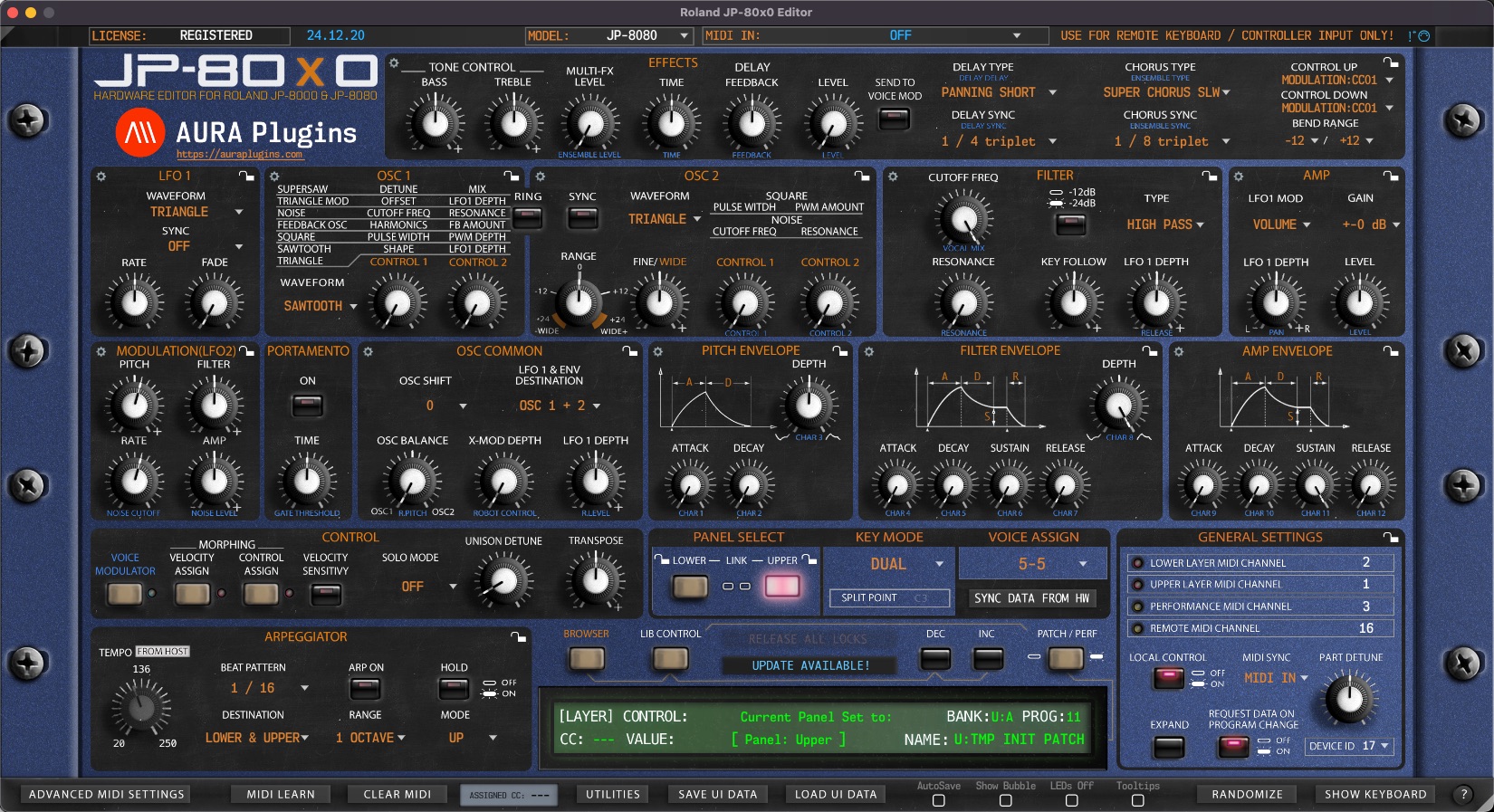
NOTE: You can also drag’n’drop data from Librarian slots to PANEL SELECT buttons (UPPER / LOWER), which will load the PATCH data to slot you drop it on!
Drag’n’Drop to PANEL
As note above states, you can drag’n’drop data from any Librarian Slot [1] to UPPER or LOWER [2] panel toggles and data is then sent to hardware on that specific layer.

Share this with fellow producers



