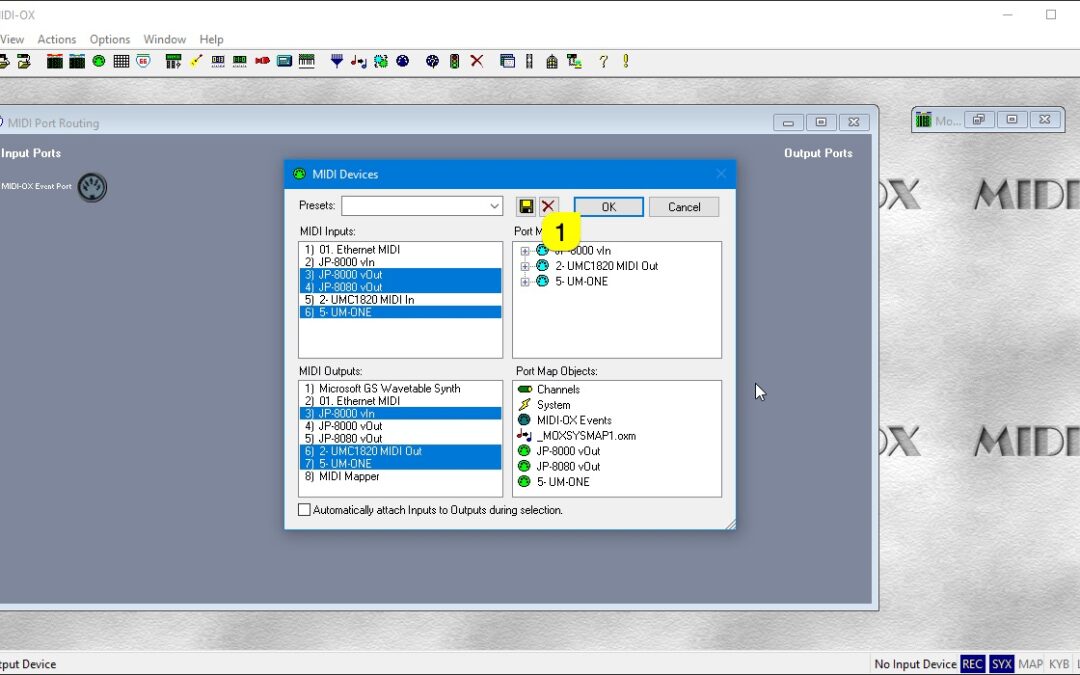
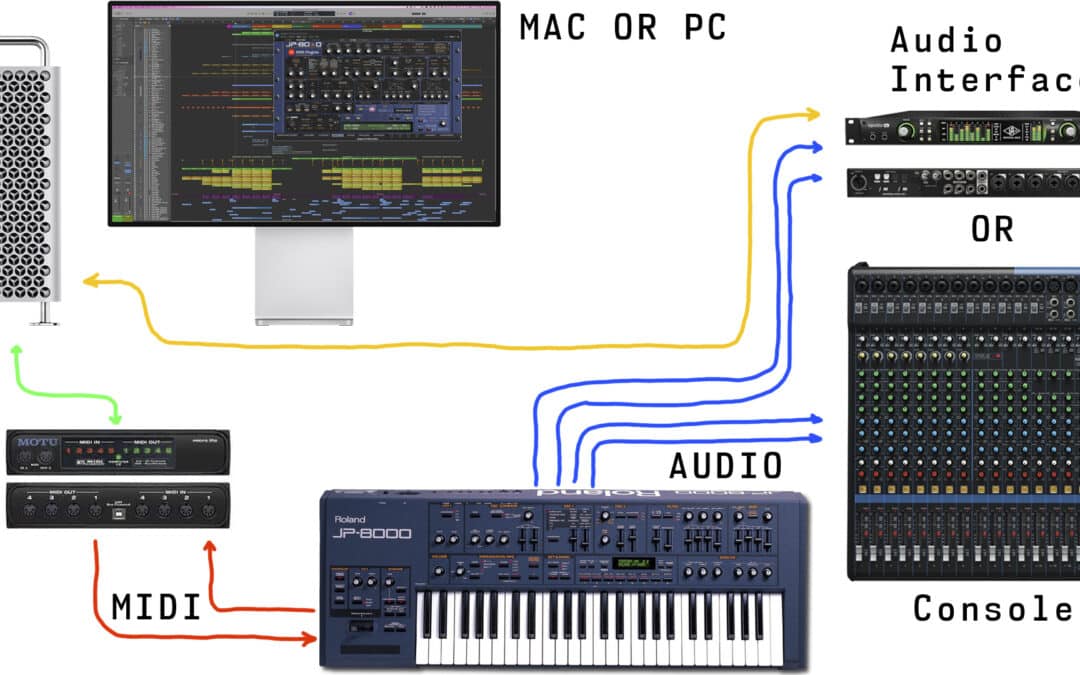
If you plan to route MIDI messages from your DAW to the plug-in channel and send it to synthesizer from there, then you don’t need to read this, and you can proceed with the DAW guide that is relevant to you. However, if you use the synth as a master keyboard in your...
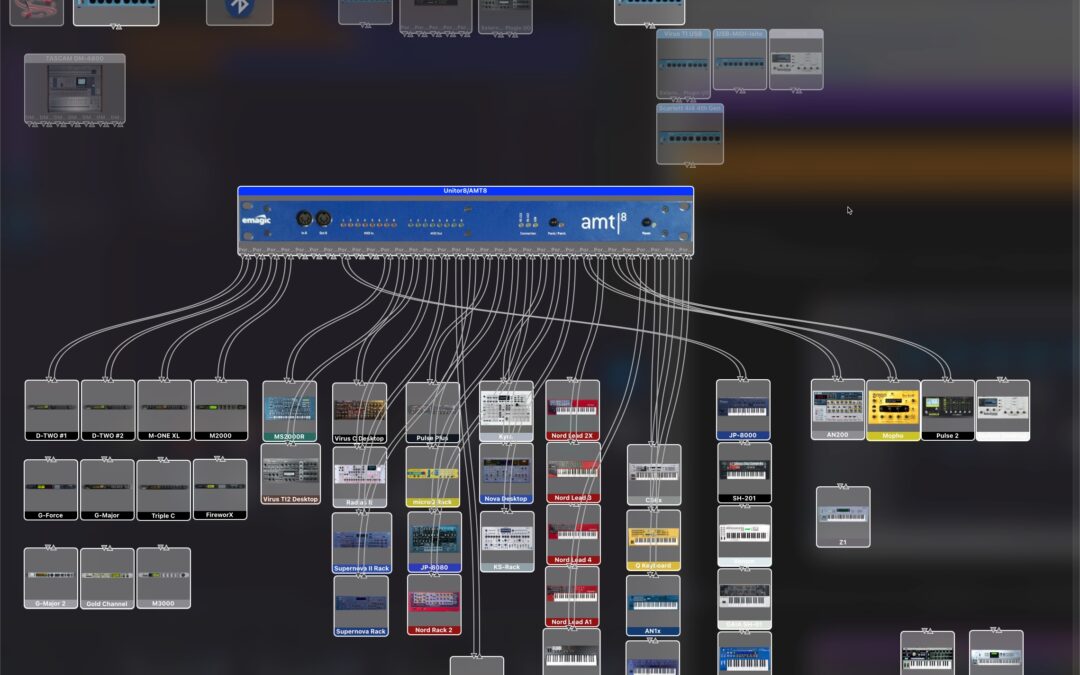
This setup is not mandatory if you remember all of your port numbers & routings out of your head. This guide will help you, if your setup is anything like ours: dozens and dozens of ports in use! HEADS UP: This is usually the step which is skipped and then you get...
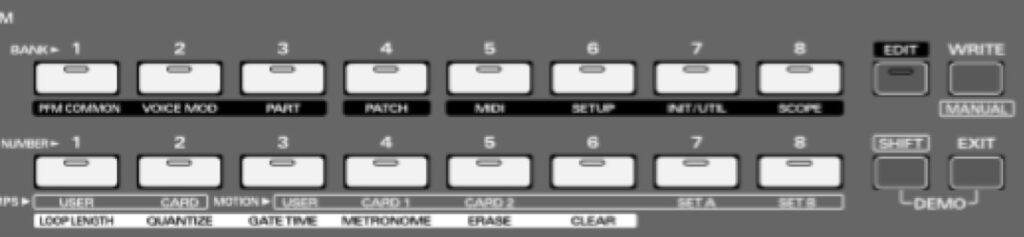
Click EDIT and choose MIDI (button 5) and apply these settings: Tx/Rx Edit SW = ON Tx/Rx Edit Mode = MODE1 Tx/Rx ProgChg SW = BANK SEL + PC Local Switch = Up to your desire. OFF means extra MIDI traffic back to JP! MIDI Sync = If on, hardware will sync to MIDI clock...
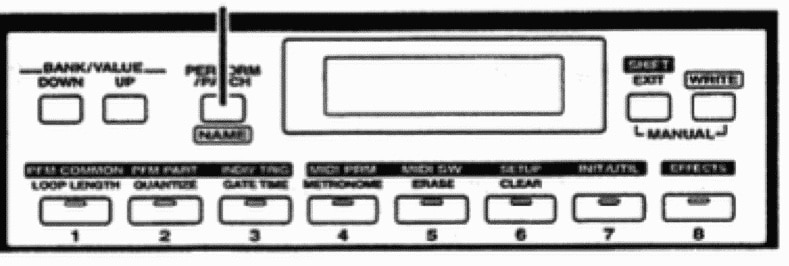
Click and hold SHIFT + MIDI SW (button 5) and apply these settings: Tx/Rx Edit SW = ON Rx Exclusive SW = ON Tx/Rx ProgChg SW = BANK SEL + PC Local Switch = If JP-8000 would be my master keyboard, I would turn it off. MIDI Clock = External syncs to MIDI input clock....
Connect the MIDI cables from your synthesizer to the MIDI interface and Audio Jacks to your console / sound card. MIDI out from synth to MIDI interface IN and vice versa. MIDI thru connections will not work. MIDI Out from MIDI interface to JP-8000 / JP-8080 MIDI In...