
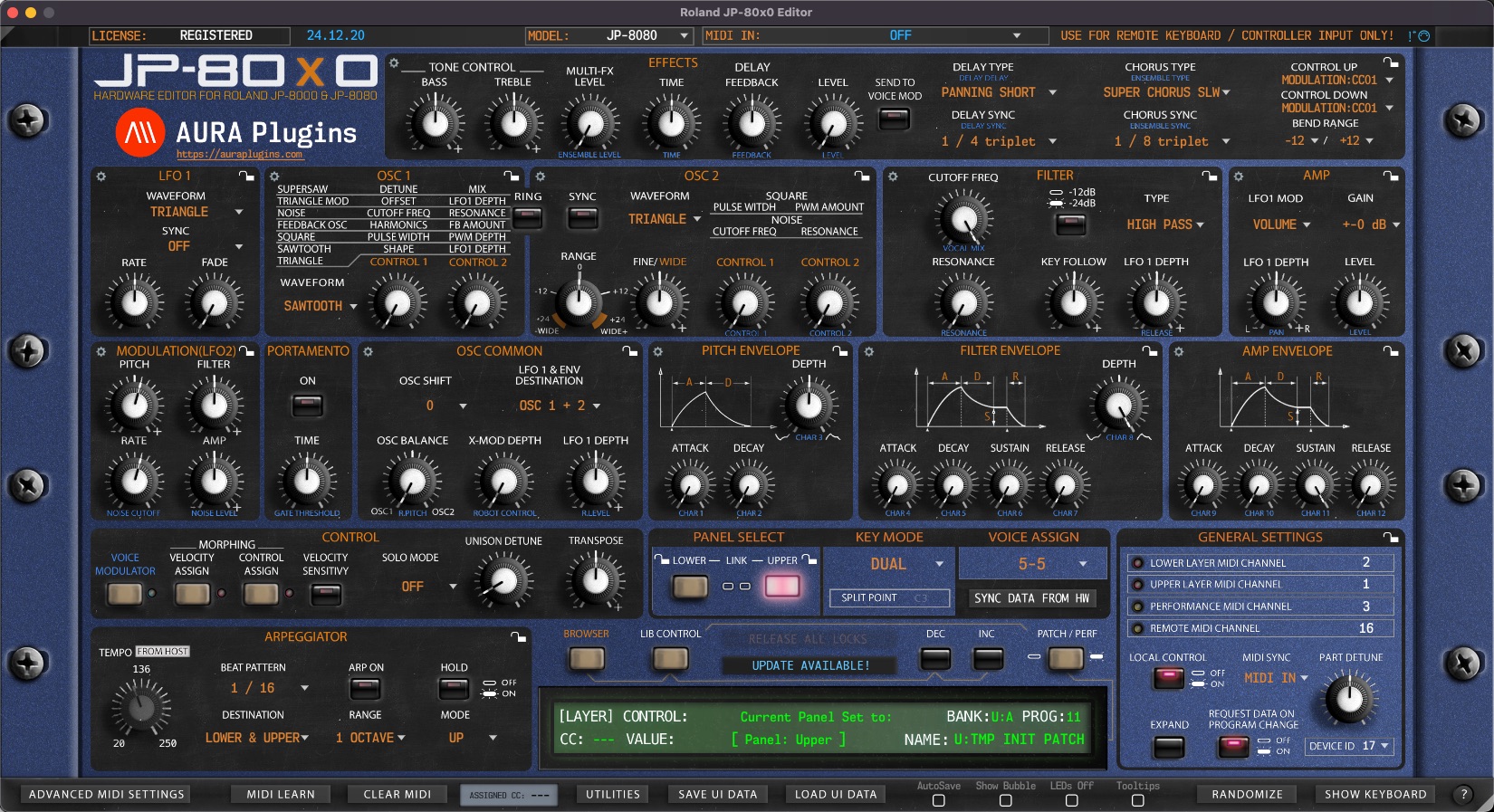
Why Editor displays DEMO version after purchasing the license?
You need to download and install the FULL version of our Editor in order to register it.
Head down to https://auraplugins.com/my-account/ (login if prompted) – Navigate to the downloads page and select the product you want.
- Download the full installer and license.
- Install full version.
- Check license instructions and install license.
- Re-open the Editor to validate the license.
- When validation succeeds, the Editor says “Registered” in the top left corner.



